Any device that is physically connected to your computer.
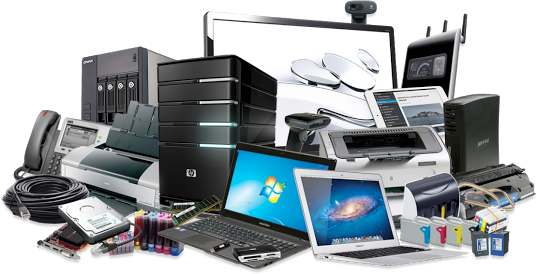
Any device that is physically connected to your computer.
It is the most important program that runs in a computer. It controls the way the computer works and makes it possible for other programs to function.
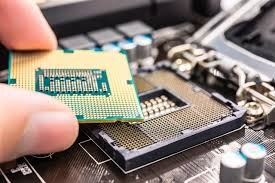
The main device which does the main calculations of your computer and allows you to actually run programs.
Programs or a set of electronic instructions that tell a computer what to do.
Any device that is physically connected to your computer.
The area of a display screen where images, windows, icons and other graphical items appear.
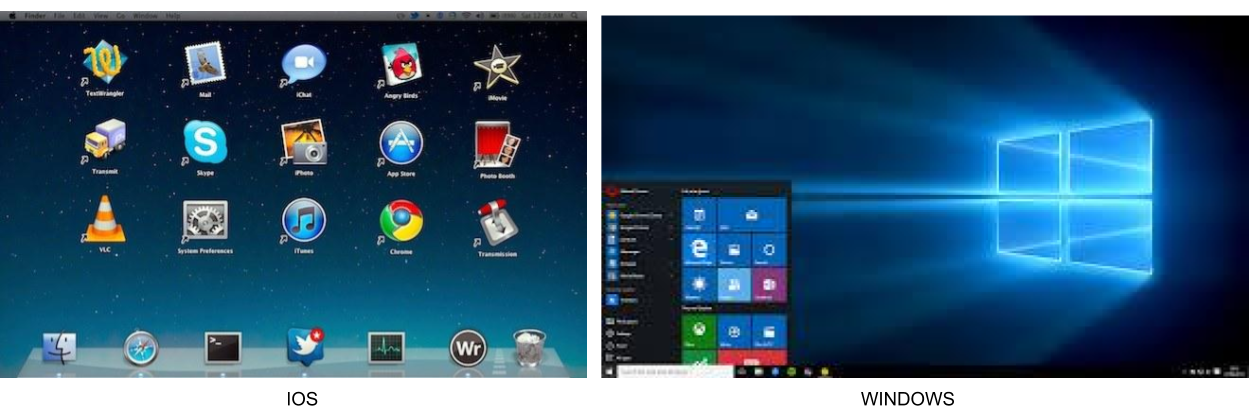
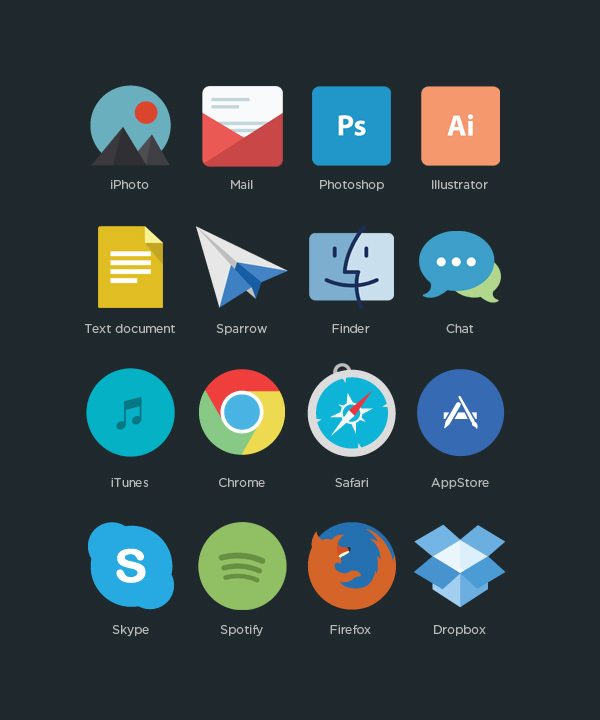
Small images that represent computer programs or files
The bar at the top of a window containing a lists of related commands, tools and options that allow you to interact with the program.

The bar with a series of icons used to perform certain functions. It is usually located immediately below the menu bar.

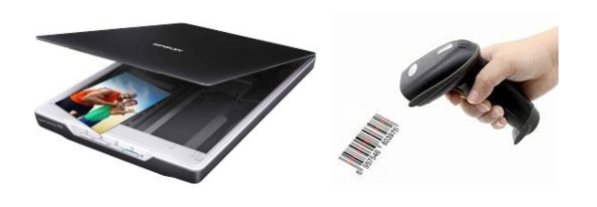
An input device used to read text and bar codes or a device to input pictures into a computer.
An optical instrument that display data that came from the computer onto a screen or wall.

The primary device that a computer uses to store information
Which one is the device that is the “brain” of a computer system where most calculations take place?
Devices that allow you to put information into the computer:
Which of the following items is an INPUT device?
Which of these group of devices are all OUTPUT devices?
Devices that allow you to put information into the computer:
An output device that lets you see what the computer is doing.
Which one is a STORAGE device?
The position of fingers on the keyboard asdf jkl;
After highlighting the text below, where would you click on the toolbar to double-space it? Choose the number that points the icon which complete the task.
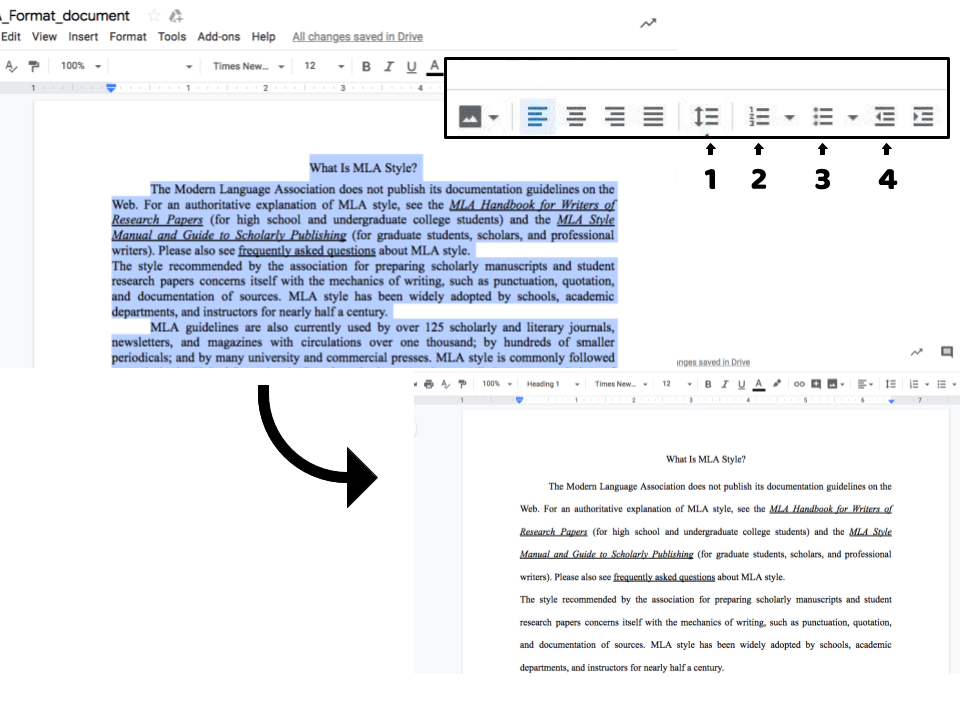
The type of alignment which is spaced so the left and right sides of the text both have a straight edge isi called:

The different styles of letters in a word processing program
Which option you should use to position an image around the text?

Modifying orientation, margins, or columns are examples of :
Editing a file means to:
You are giving a presentation using a projection device and computer. What are most important to consider when creating the presentation
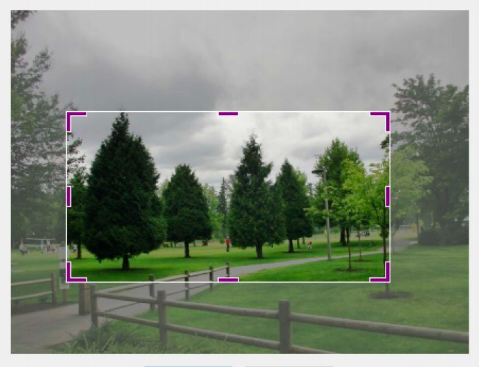
Jimena wants to remove some section from her picture. Which option does she needs to choose?
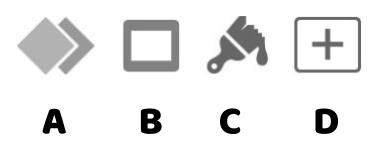
Which icon allows a user to add visual effects (animations) applied to individual items on a slide in Keynote? Choose an option:
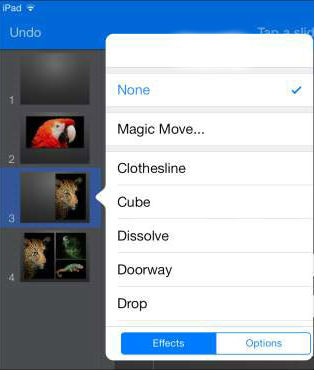
It is a visual effect that plays over a period of time that changes one slide to another:
A spreadsheet is a tool that allows you to:
Which of the following is a spreadsheet addition formula?
Each box in a spreadsheet is called a:
If you receive an email from someone you don't know, what should you do?
If you receive a message from a cyberbully, what would you do?
What is another word for “Rules of proper behavior on the Internet”?
What does a BROWSER do?
To save the address of a web site you should add it to your...
Two or more computers connected to each other that share all information to include programs and data
A search engine is:
A webpage is:
It means storing, accessing data and programs over the Internet instead of your computer's hard drive.
If you use a network, you must log onto the same computer each time.
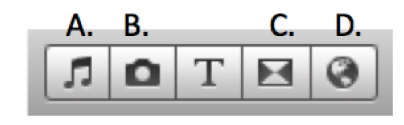
Which of the following below is the choice you would click on to see the TRANSITION choices in a video editor program?
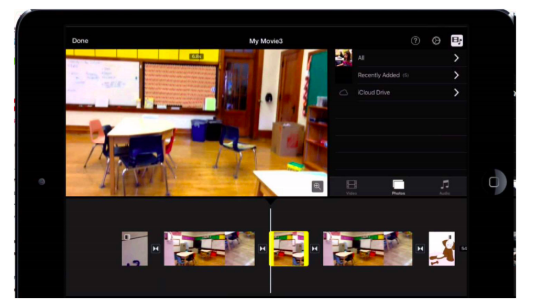
What modification is taking place in this image in iMovie?
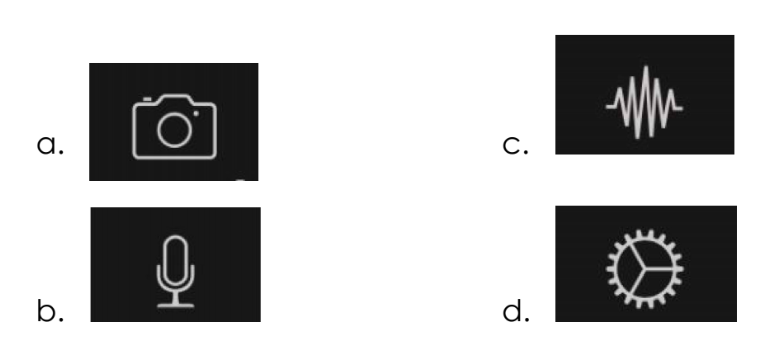
Which option can be used to add a voiceover track to your iMovie project?
You have finished your first project in iMovie and you want to share it to your teacher. Which of the following Share menu options will allow you to save the project as a movie?
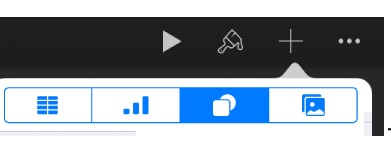
The highlighted option in the picture below, let the user to insert a:
The step-by-step instructions that a computer follows.
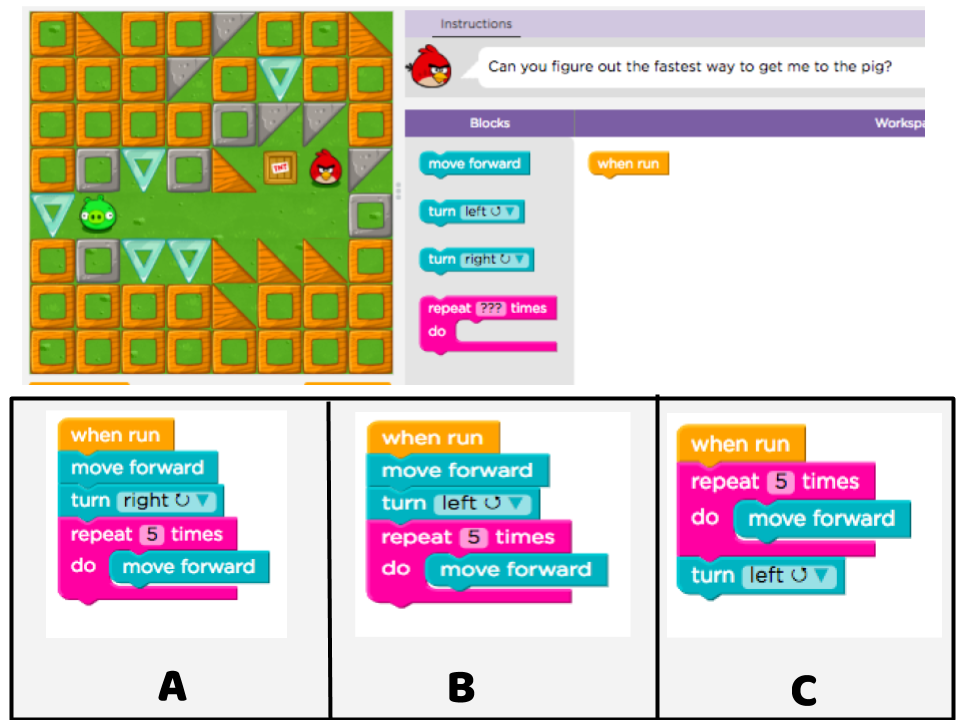
Choose the correct option to solve the challenge: