You Can view this on Actively Learn in order to annotate, receive text to speech or get translations.
Puede ver esto en Actively Learn para anotar, recibir texto a voz u obtener traducciones.
https://www.activelylearn.com/
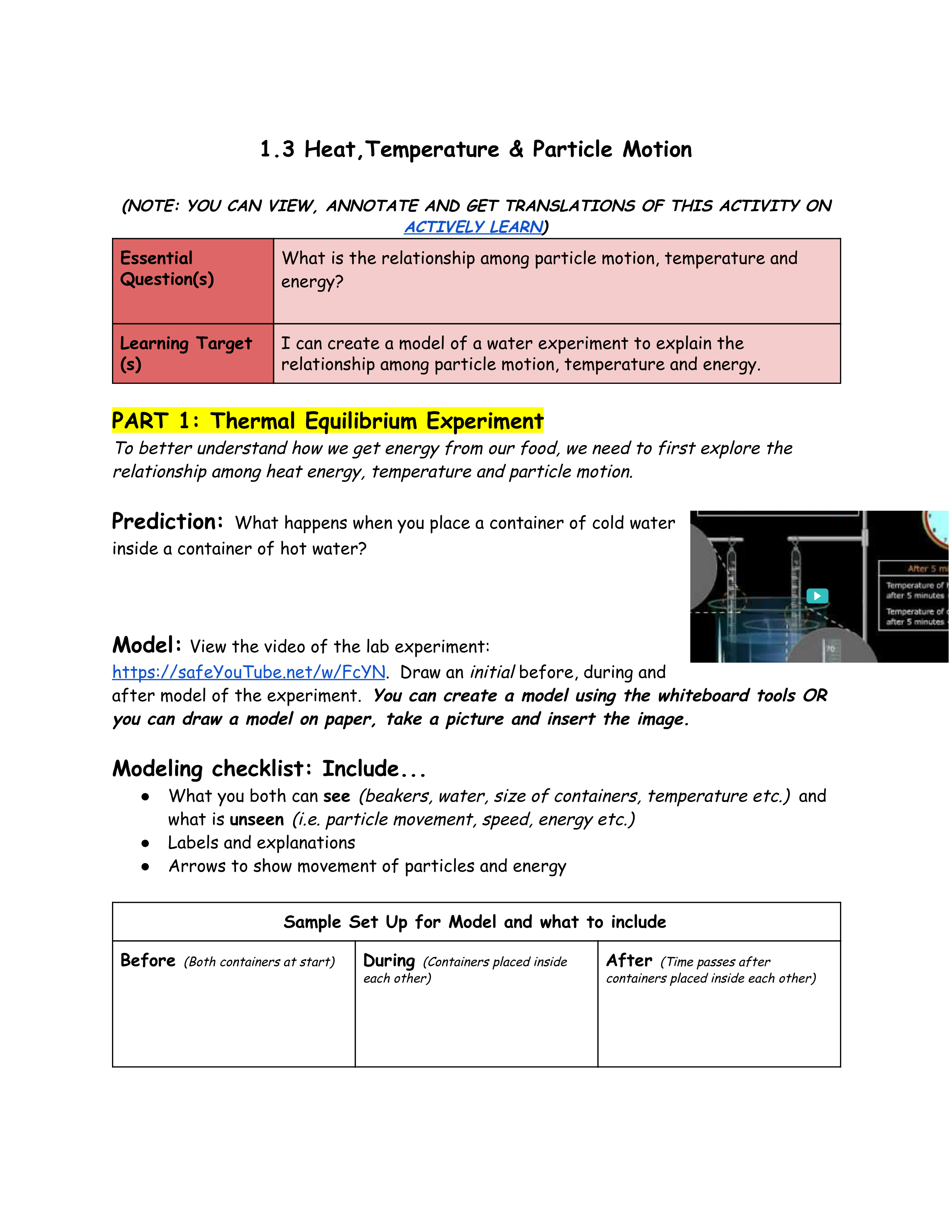
Click below to access the thermal equilbrium video:
https://safeYouTube.net/w/FcYN
1
Question 1
1.
Prediction
1
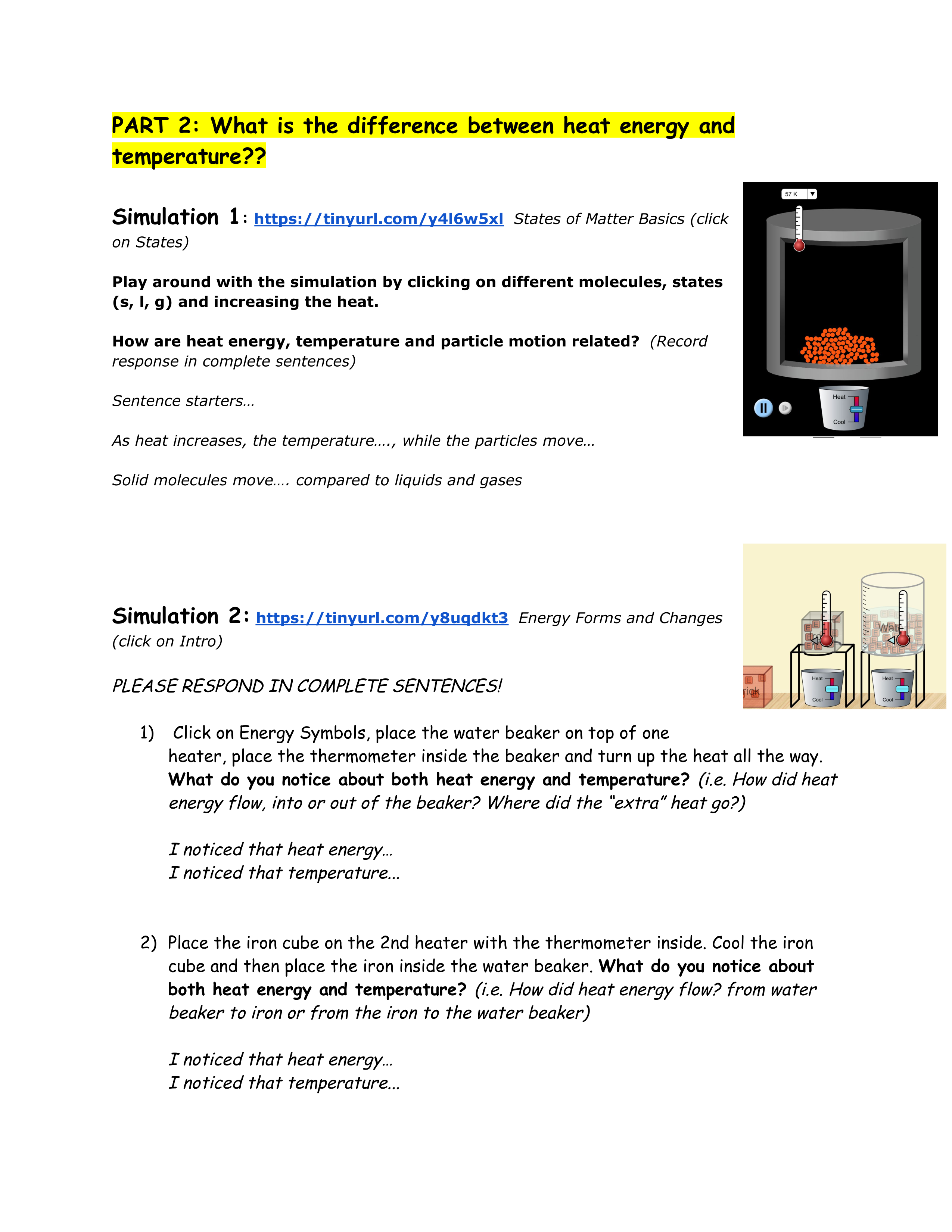
Simulation 1: https://tinyurl.com/y4l6w5xl
Simulation 2: https://tinyurl.com/y8uqdkt3
1
Question 3
3.
Simulation 1 question
1
Question 4
4.
Simulation 2 Question 1
1
Click here for Part 3 Video:
https://safeyoutube.net/w/ztaO
Click here for the optional video explaining what happened in simulation.
https://safeYouTube.net/w/dqaO
1
Question 6
6.
Simulation 2 Question 3
1
Question 7
7.
Video Question 1
1
Question 8
8.
Video Question 2
1
Question 9
9.
Video Question 3
1
Question 10
10.
Video Question 4
Question 2
2.
Create a BEFORE, DURING, AFTER MODEL: You can create a digital model by using the tools given. You can also draw a model on your paper, take a picture and upload it using the image upload icon on the drawing tool.