U1M2S2
star
star
star
star
star
Last updated about 6 years ago
2 Nsɛmmisa
1
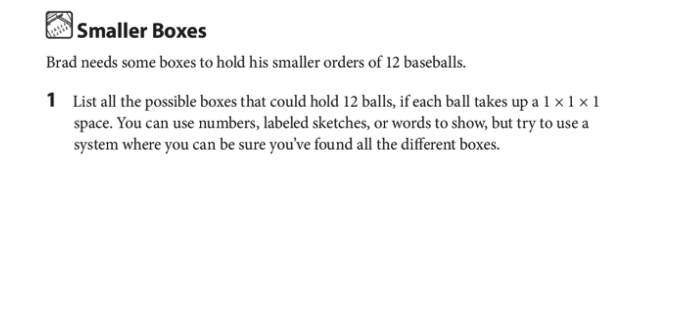
List the dimensions of all the boxes that could hold 12 balls. Include labeled sketches and words. You can use the virtual manipulative to create models.
For an extra challenge, post partial screen shots of your models and use the text tool to write the dimensions of your prism next to it.
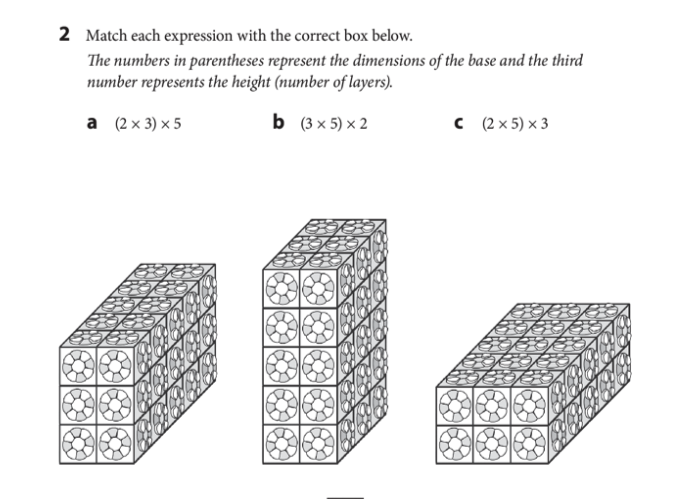
Use the line tool to conect the dimensions to the corresponding rectangular prism.