Geo 1.1 Notation and Image Practice Intro
star
star
star
star
star
Last updated almost 6 years ago
1 Asɛmmisa
17
Drag the item to the category it belongs to. You can also click the navigation arrows to the left of the image then the plus sign into the category(s) it belongs in. There is only one item that I put into multiple catecories.
Hint: If you hover over an image a magnifying glass will appear and you can make the image larger.


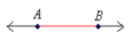




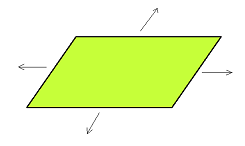

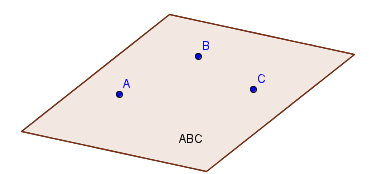


Point
Line
Segment
Ray
Angle
Plane