Log in
Sign up for FREE
arrow_back
Library

6.1 Task 2 Pre-Assessment

star
star
star
star
star
Last updated over 5 years ago
10 questions
1
1
1
Question 1
1.

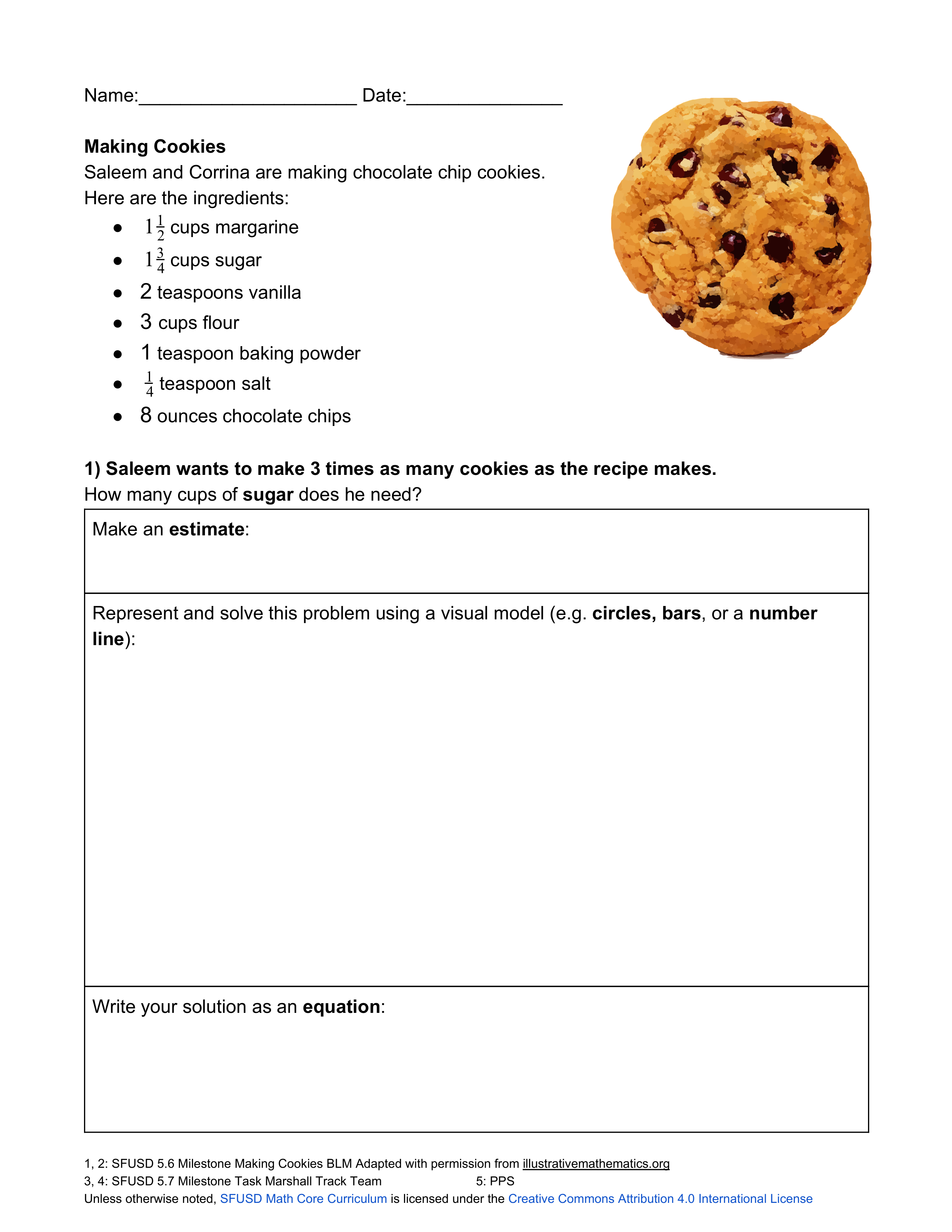
Make an estimate.

Question 2
2.

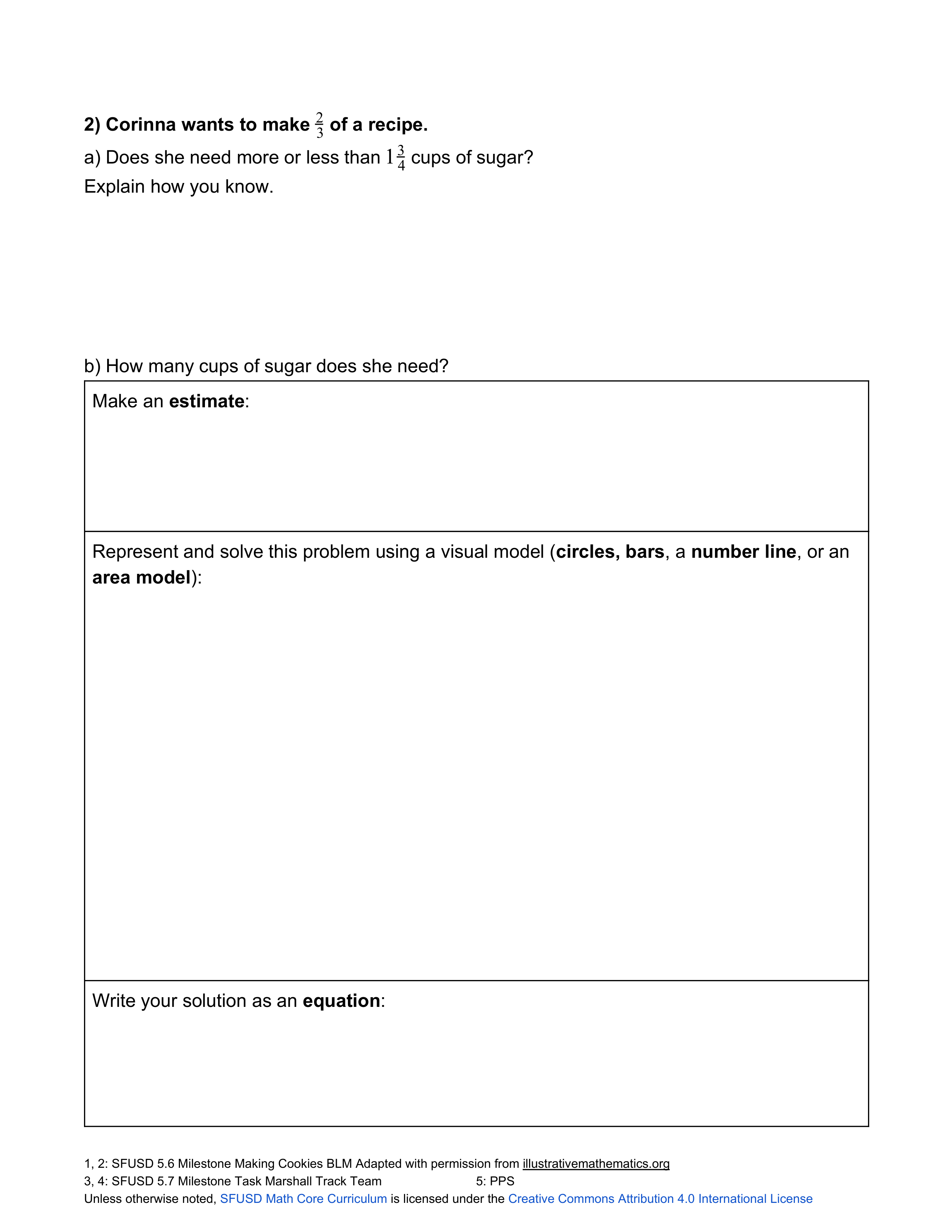
Click in the "edit background" section to use tools in digital whiteboard to show your work.

Question 3
3.

Write your solution as an equation.

1
Question 4
4.
1
Question 5
5.

Click in the "edit background" section to use tools in digital whiteboard to show your work.

1
Question 6
6.

Write your solution as an equation.

1
Question 7
7.

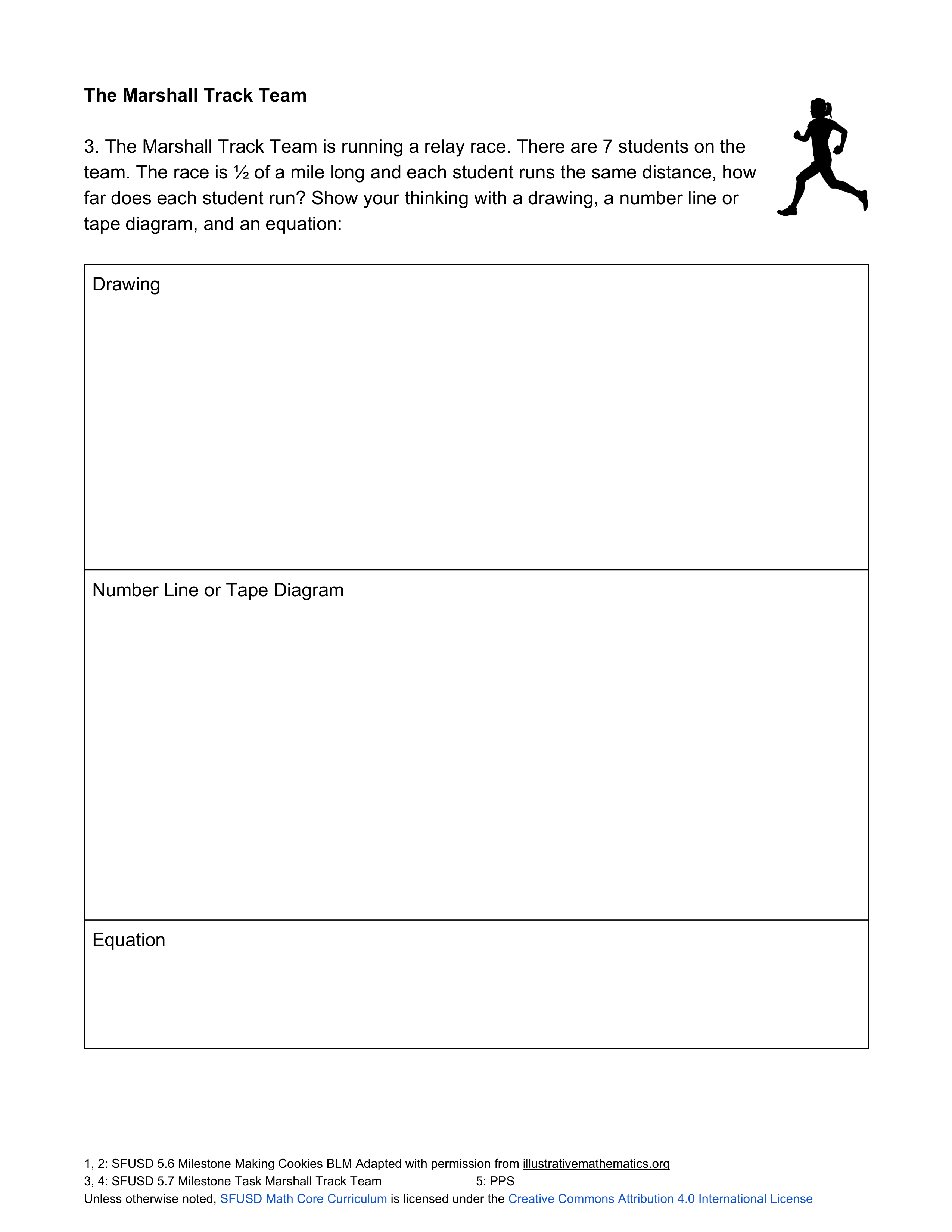
Show your thinking in teh digital whiteboard under "edit background" by drawing, creating a number line or tape diagram or an equation.
1
Question 8
8.

Show your thinking in teh digital whiteboard under "edit background" by drawing, creating a number line or tape diagram or an equation.
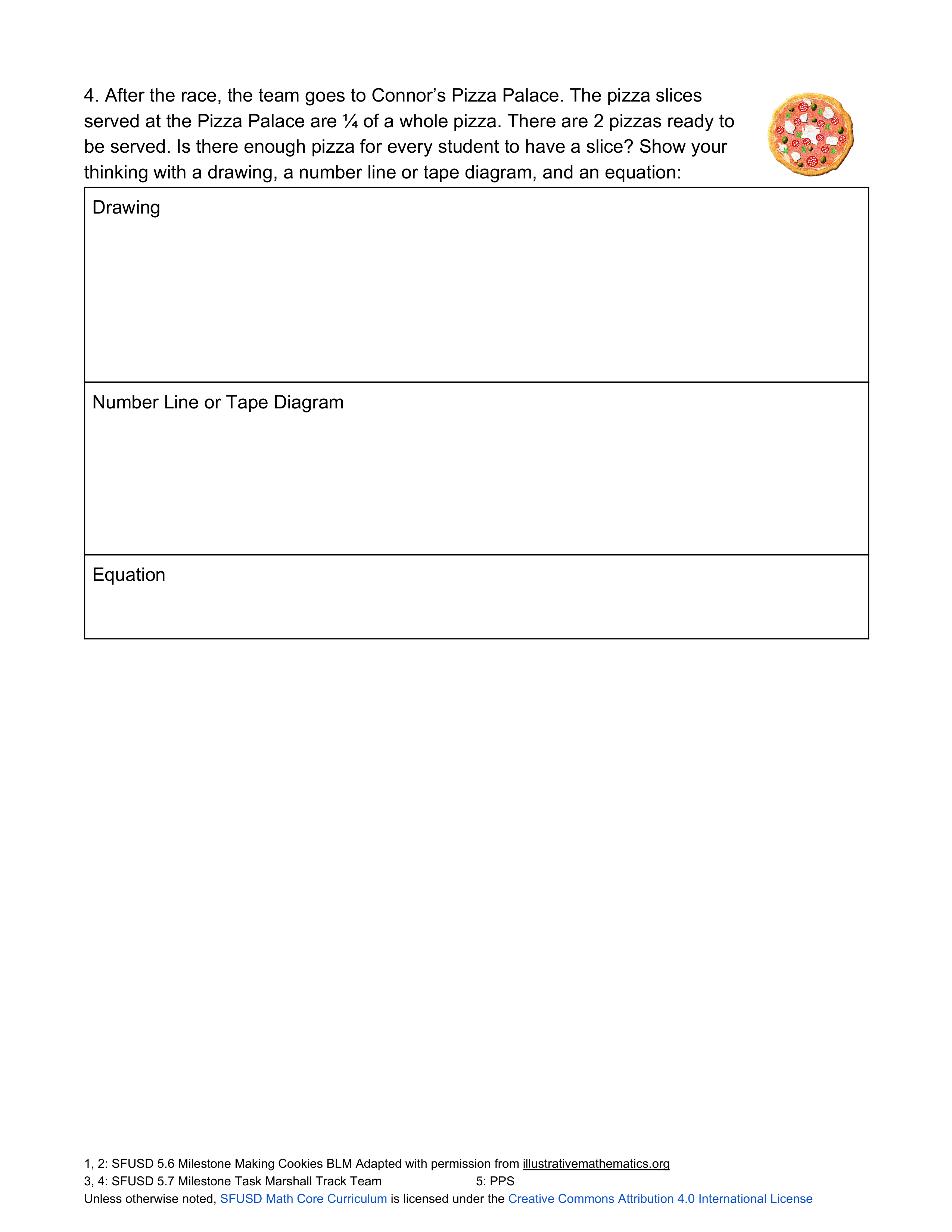
1
Question 9
9.

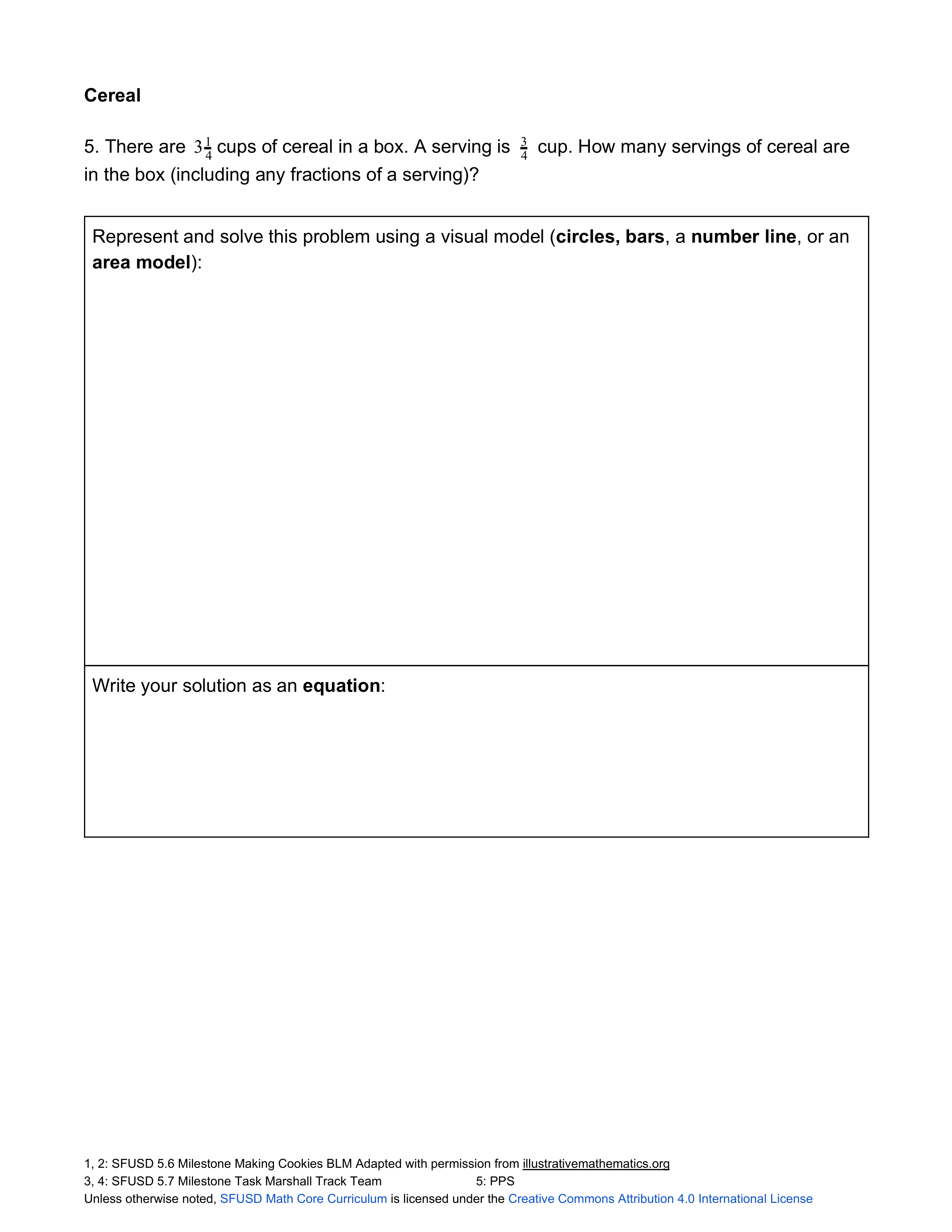
Use the "edit background" button to show your visual model of the solution.

1
Question 10
10.

Write your solution as an equation.