How to Embed Google Slides, Docs, Sheets & Forms into your Formatives
How to Embed the Google Suite!
To embed a Google Suite item into your formative, you can either:
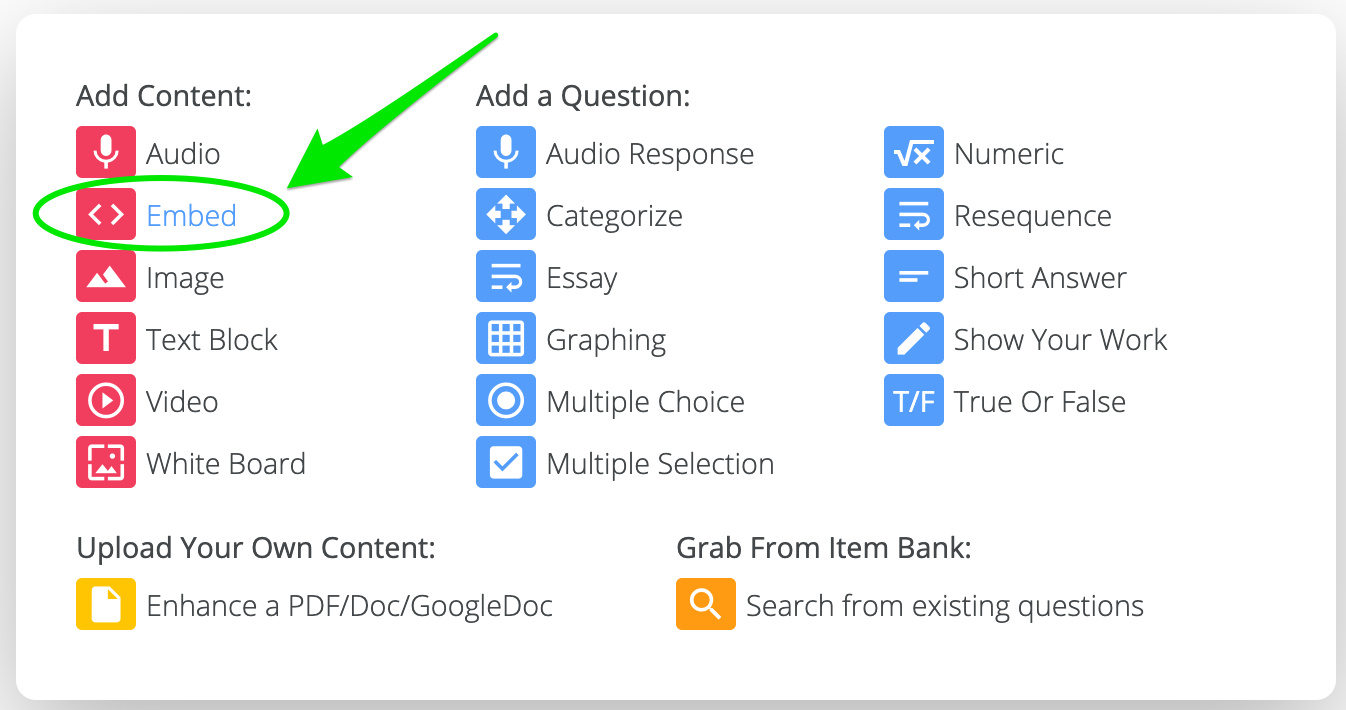
Choose the embed content option:
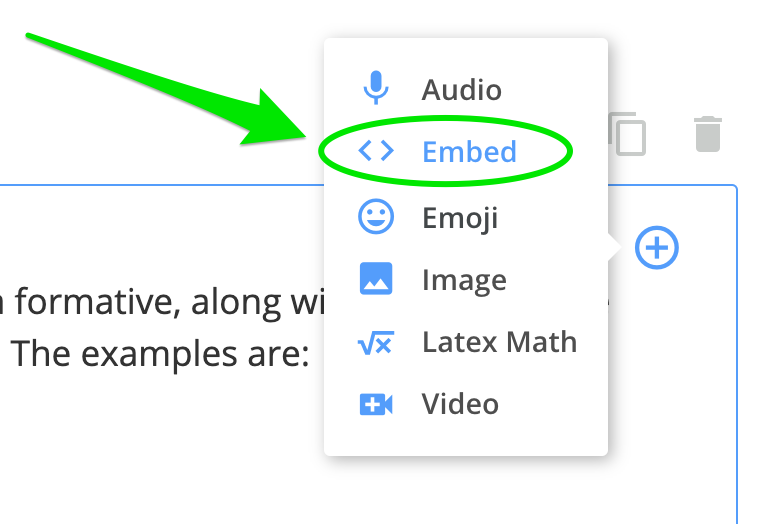
Click the "+" icon within a question, and select "Embed":
Google Slides
Click "File" at the top left, and select "Publish to the web"
Choose the "Embed" tab and adjust settings to your preference
Click "Publish" and copy the embed code that appears
Paste the code into the Embed field in your formative 🙂
Google Docs
Click "File" at the top left, and select "Publish to the web"
Choose the "Embed" tab and adjust settings to your preference
Click "Publish" and copy the embed code that appears
Paste the code into the Embed field in your formative 🙂
Google Sheets
Click "File" at the top left, and select "Publish to the web"
Choose the "Embed" tab and adjust settings to your preference
Click "Publish" and copy the embed code that appears
Paste the code into the Embed field in your formative 🙂
<iframe src="https://drive.google.com/open?id=1Q-qHK5KjJKy2qvFcuAcdR6Q2ttzvFx4oniyk1lD-0Q0" style="border:0px #ffffff none;" name="myiFrame" scrolling="no" frameborder="1" marginheight="0px" marginwidth="0px" height="500px" width="700px" allowfullscreen></iframe>

Google Forms
Click the "Send" button at the top right
Choose the "Embed HTML" tab and copy the embed code that appears
Paste the code into the Embed field in your formative 🙂