1
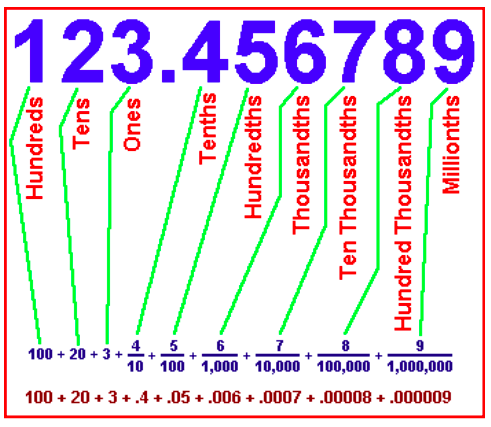
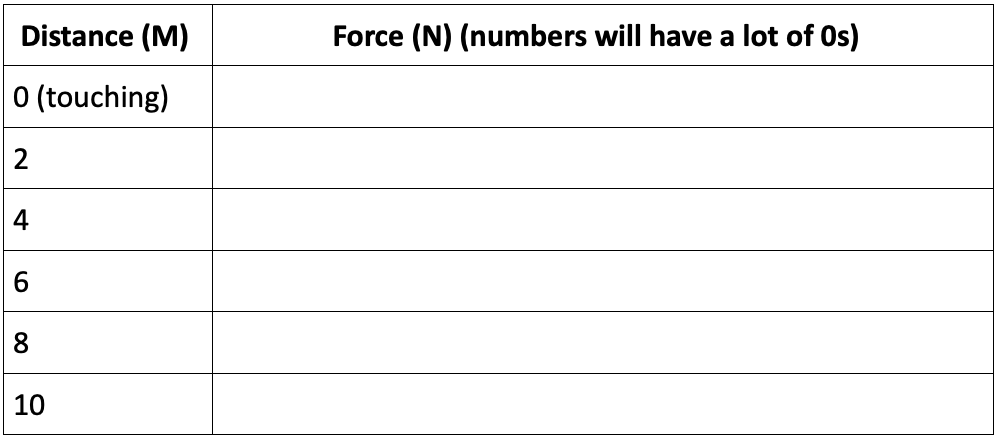
Type the force below (it will have a lot of zeros).
Type the force below (it will have a lot of zeros).
1
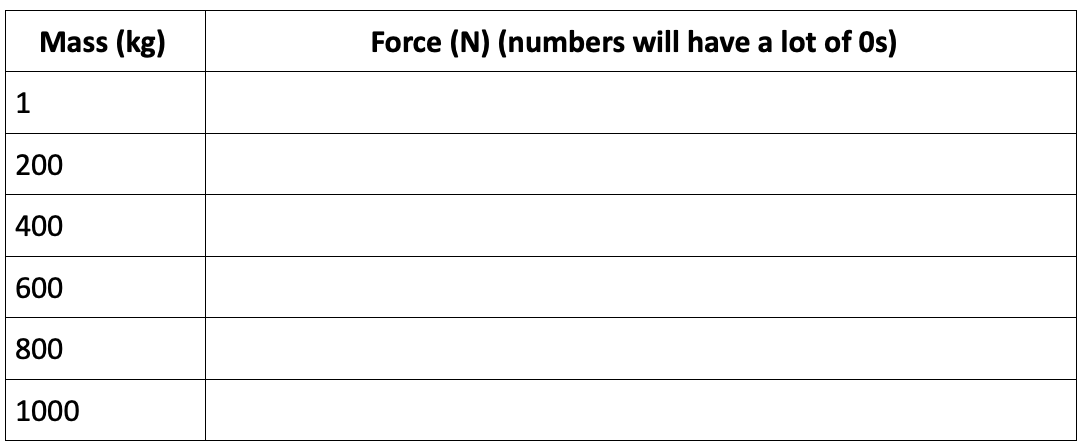
Type the force below (it will have a lot of zeros).
Type the force below (it will have a lot of zeros).
1
Type the force below (it will have a lot of zeros).
Type the force below (it will have a lot of zeros).
1
1
1