6.6 Reactions Lab Video Option
star
star
star
star
star
Last updated almost 4 years ago
5 Nsɛmmisa
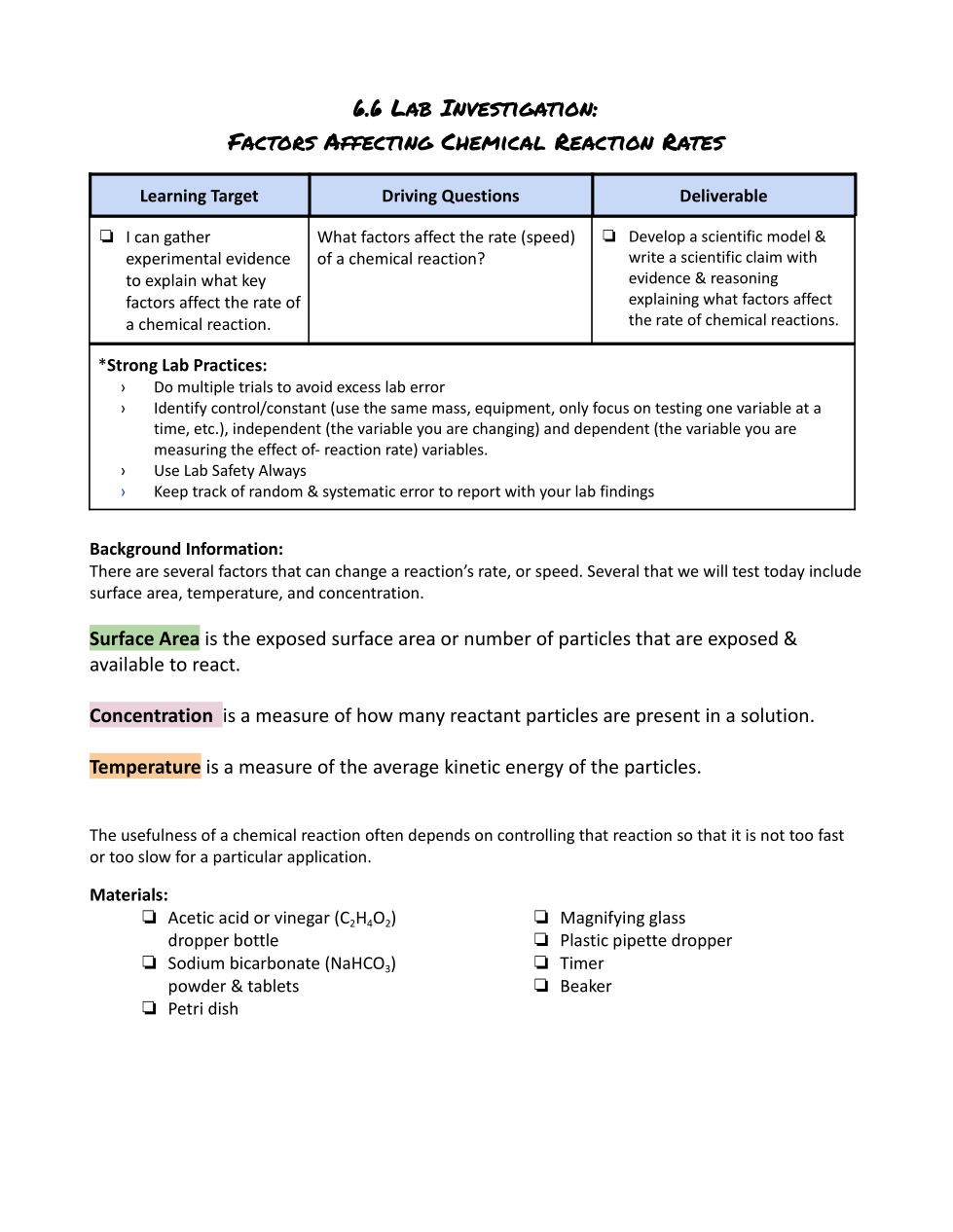
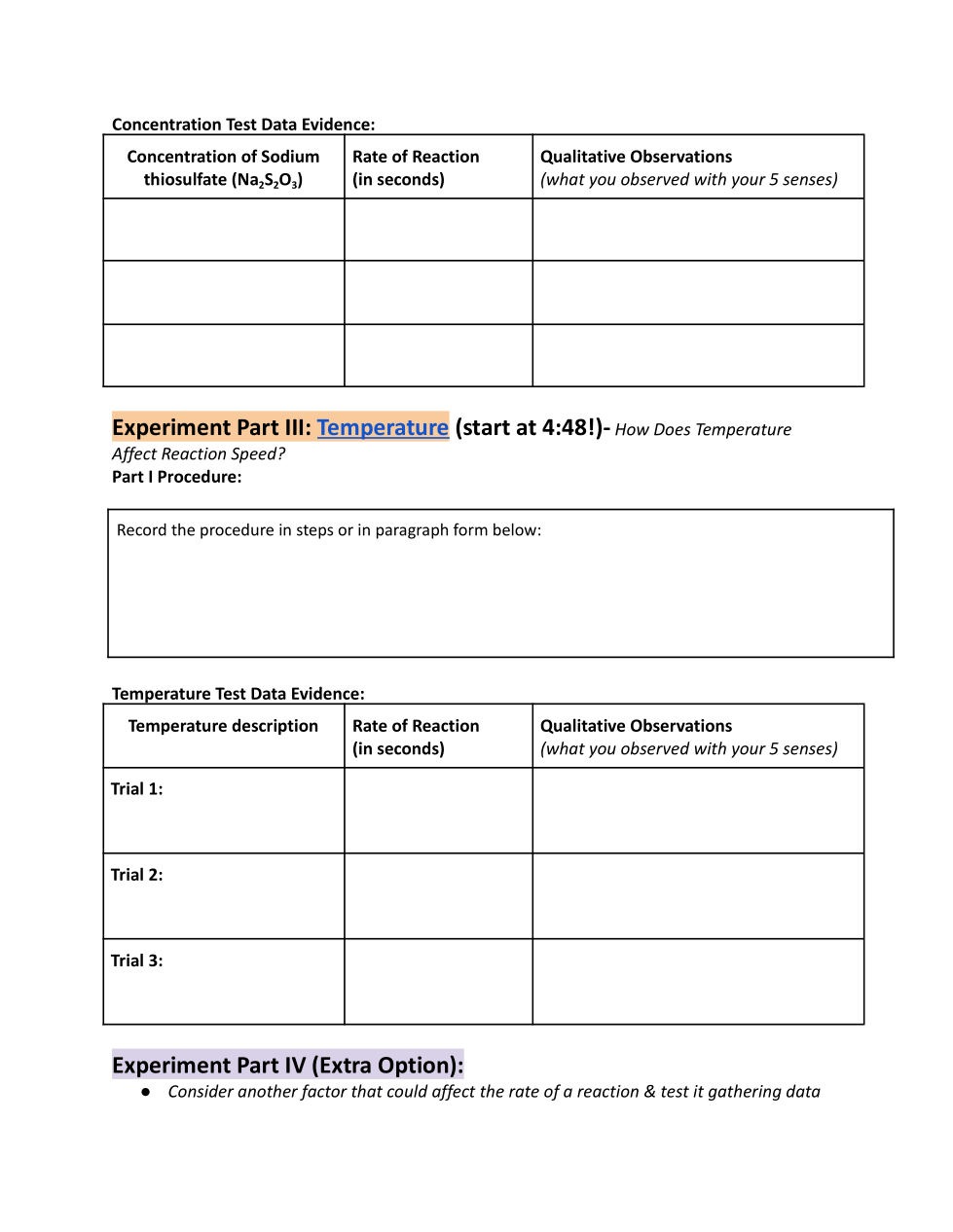
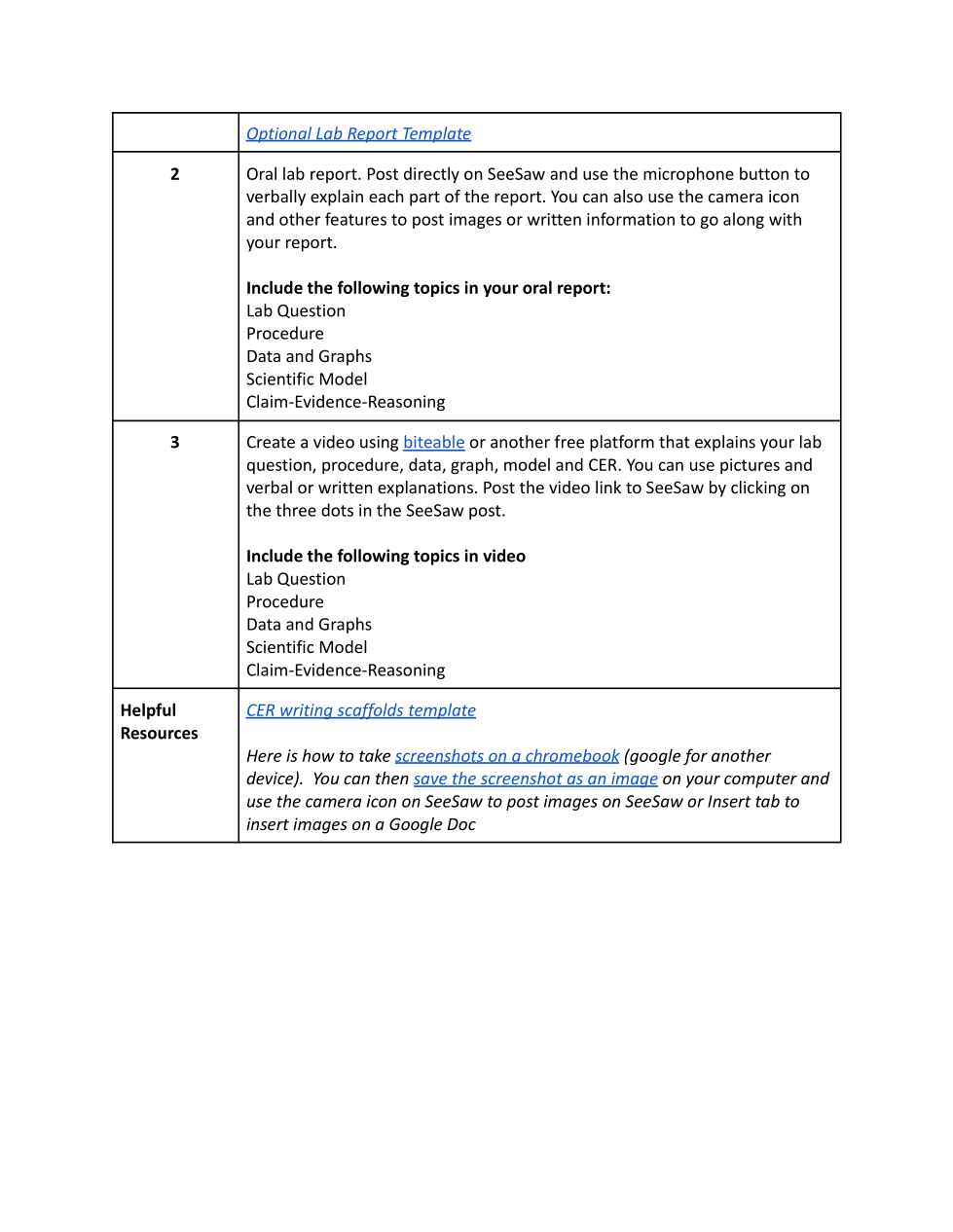
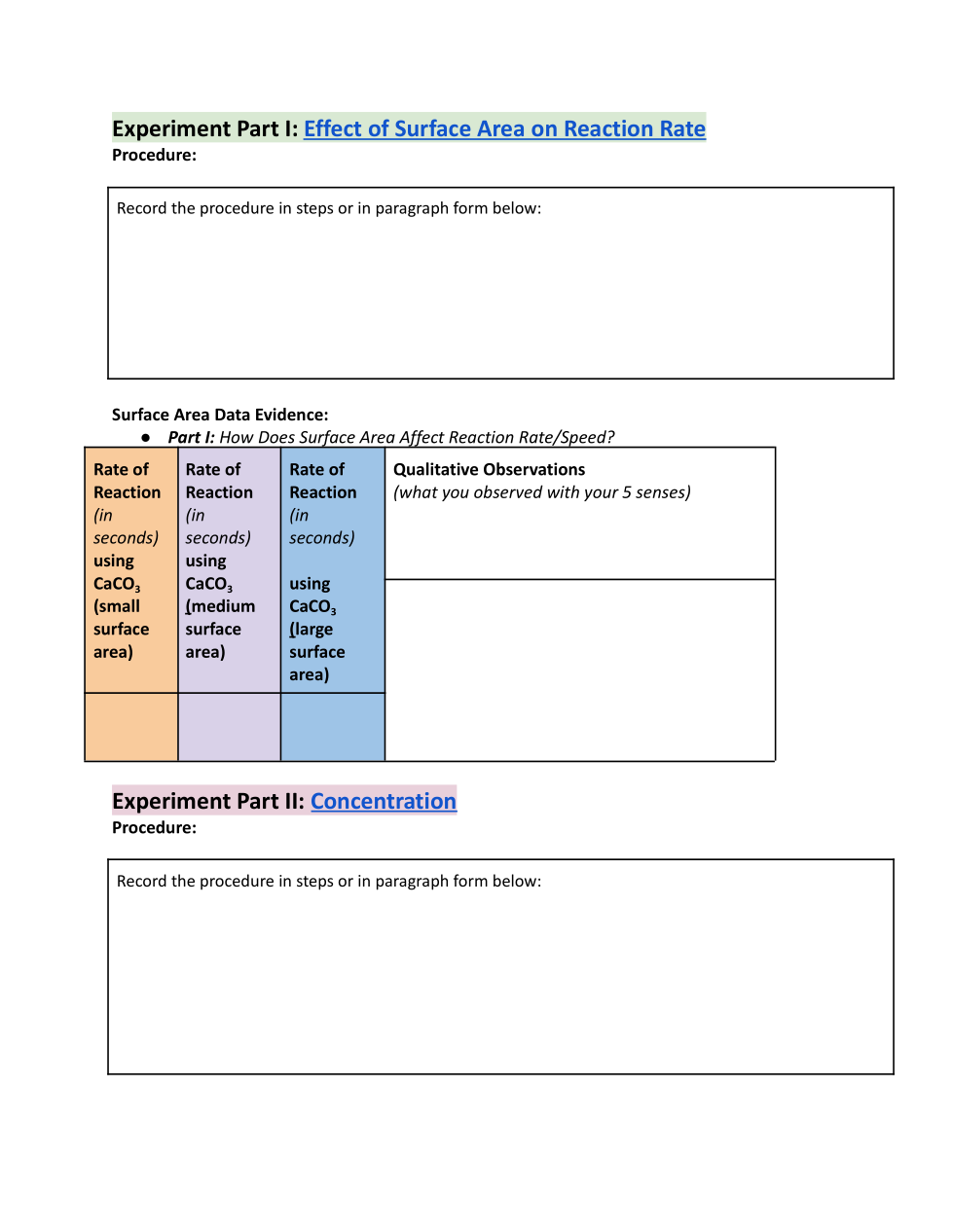
Watch the video for Experiment 3: Temperature and record the procedure and data from the video.
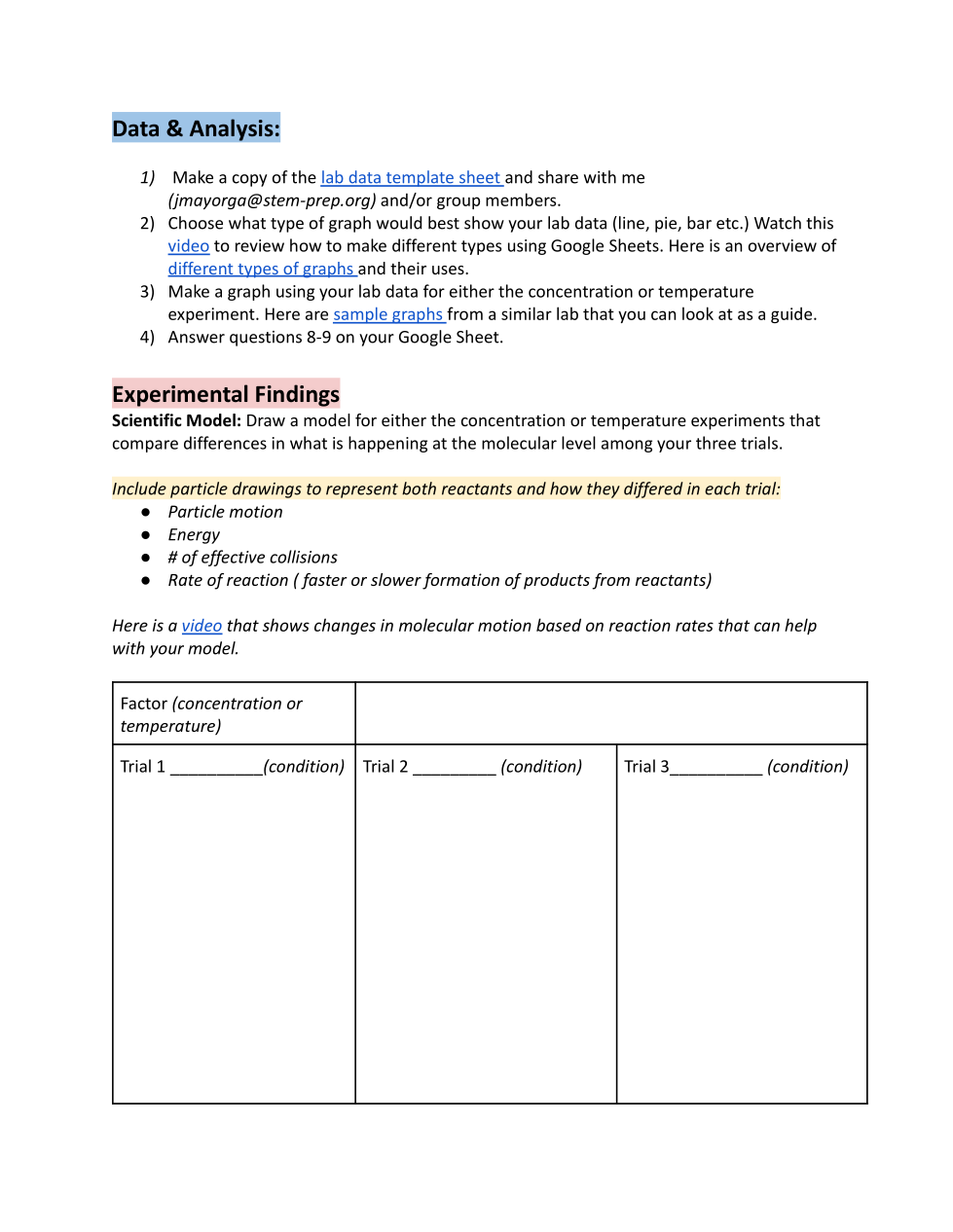
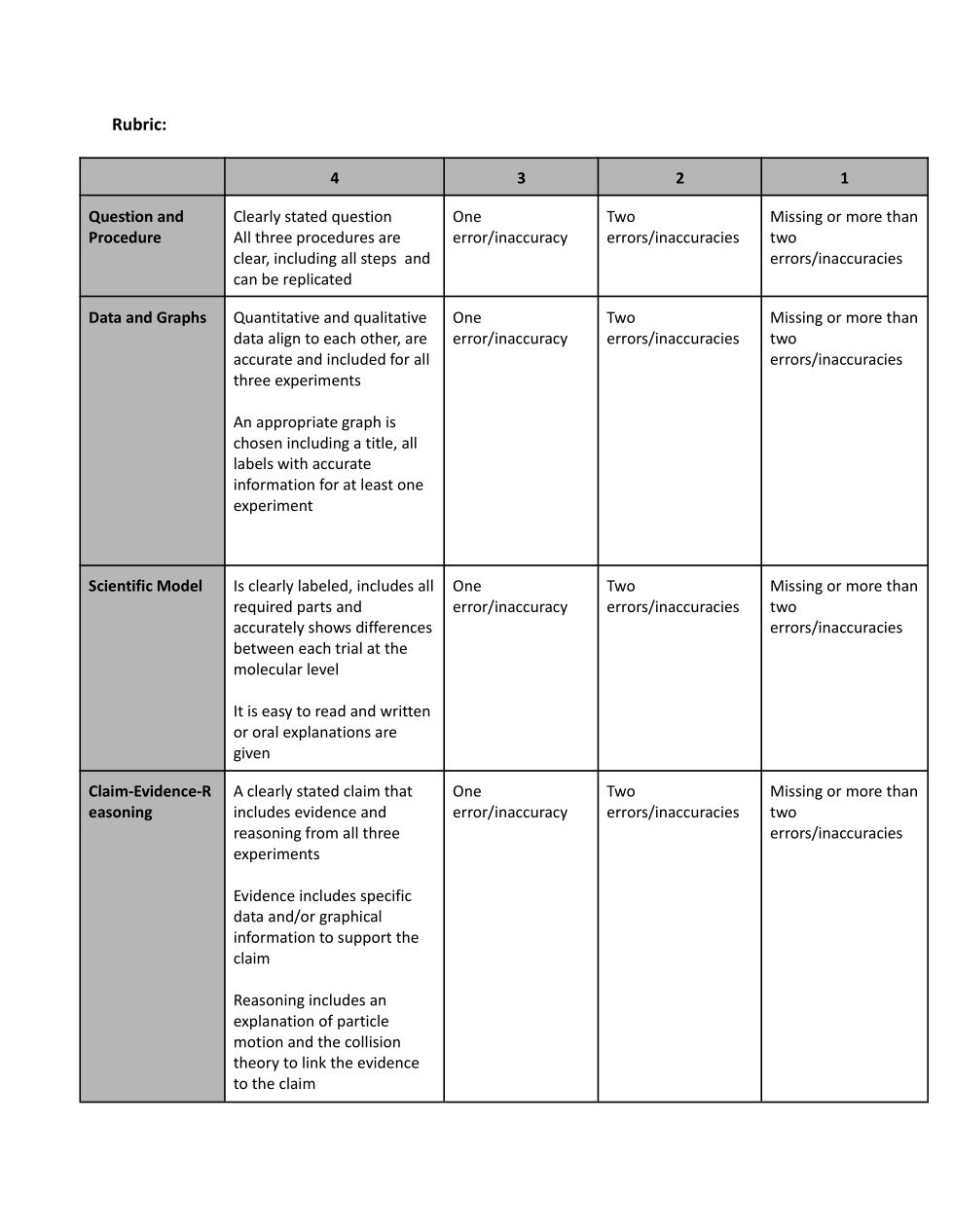
Create a particle model for either the concentration or temperature experiment.
Here is a video that shows changes in molecular motion based on reaction rates that can help with your model.
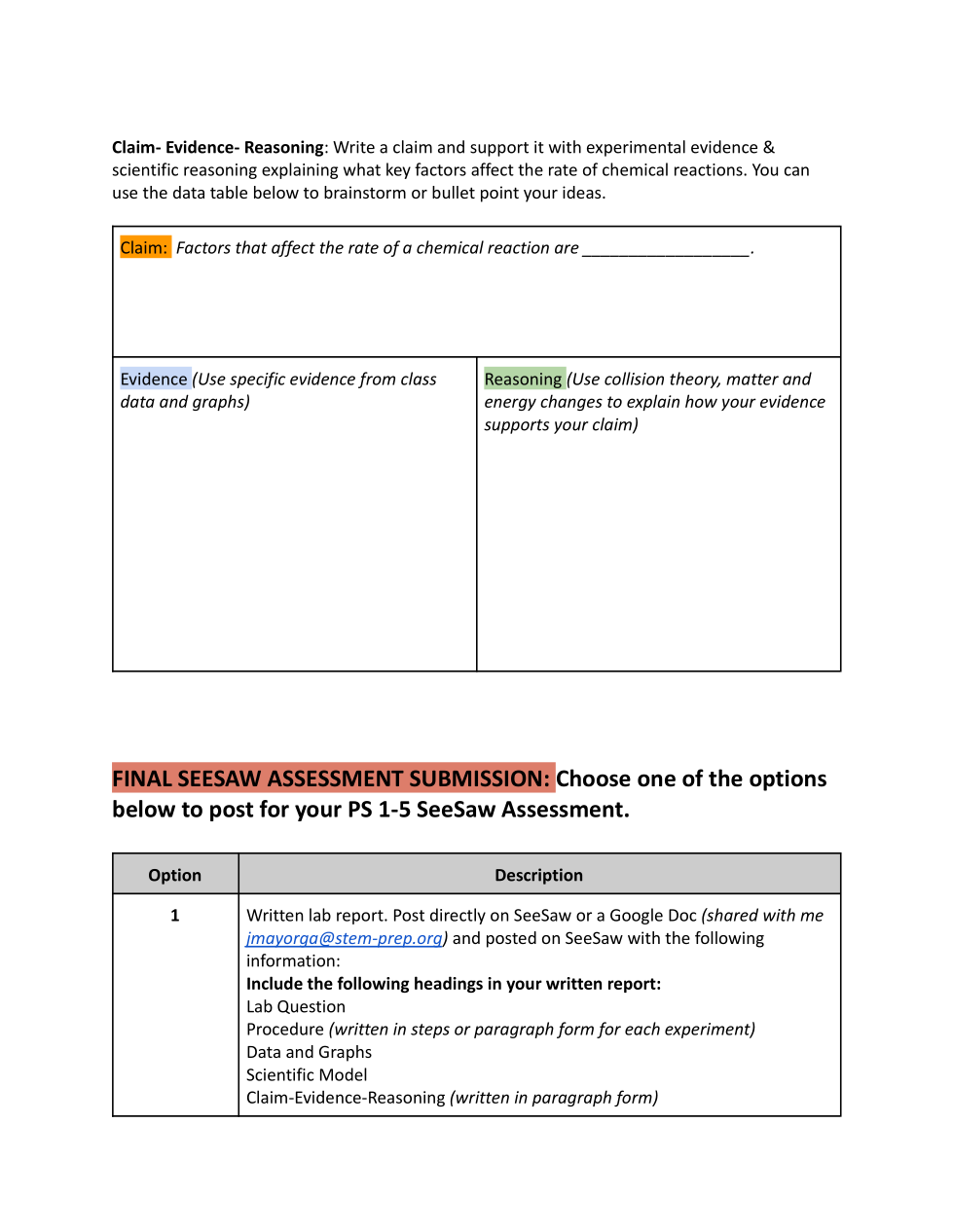
Write a draft Claim-Evidence-Reasoning explaining what key factors affect the rate of chemical reactions.