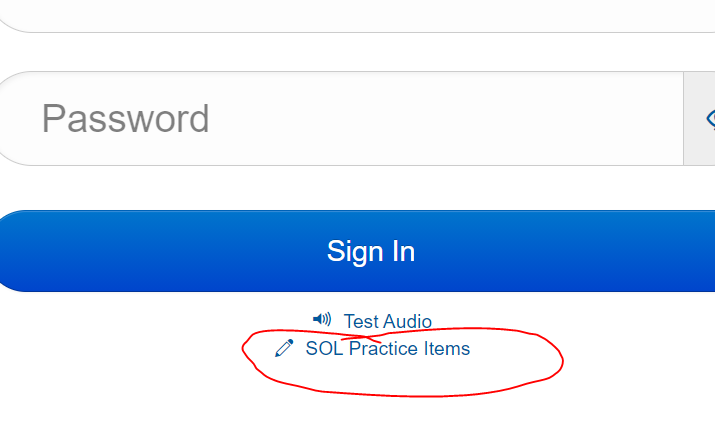
Go to TestNav under Classlink. DO NOT SIGN IN!!!!
Click the SOL Practice Items:
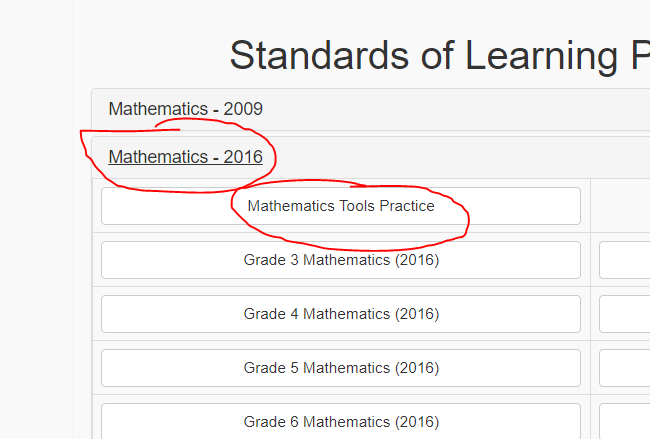
Click Mathematics-2016, Mathematics Tools Practice:
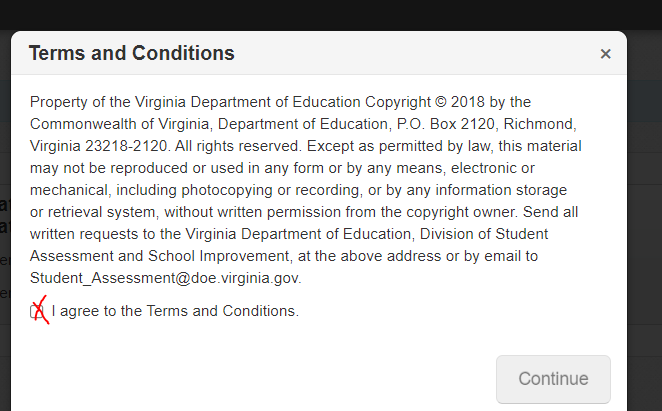
Click Start and then accept terms and conditions and click continue to begin:
The videos and questions will direct you to the page number you should be in throughout the assignment.
In mathematics practice tools,
Go to page 3 OF 11 and perform the construction:
Construct a Segment Congruent to a Given Segment
Take a picture of your work and upload it into show your work.
In mathematics practice tools,
Go to page 4 OF 11 and perform the construction:
Construct an Angle Congruent to a Given Angle
Take a picture of your work and upload it into show your work.
In mathematics practice tools,
Go to page 5 OF 11 and perform the construction:
Construct a Perpendicular Bisector of a Segment
Take a picture of your work and upload it into show your work.
In mathematics practice tools,
Go to back to page 4 OF 11 and perform the construction:
Construct a Bisector of an Angle
Take a picture of your work and upload it into show your work.
In mathematics practice tools,
Go to page 7 OF 11 and perform the construction:
Construct a Perpendicular thru a point ON a line
Take a picture of your work and upload it into show your work.
In mathematics practice tools,
Go to page 7 OF 11 and perform the construction:
Construct a Perpendicular thru a point NOT ON a line
Take a picture of your work and upload it into show your work.