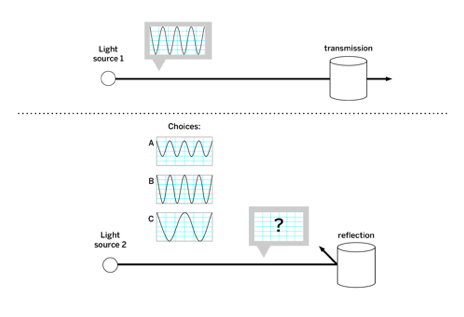
Part 1: Simulation: Reflection and Transmission
Amplify Science:
Unit 6: Light Waves
Chapter 3: More light interactions
Lesson 3.3: Reflection, Transmission, and Energy
In this mission, you will find two materials that transmit green light and two materials that reflect green light. Then, you will observe what happens to energy when light is transmitted or reflected. Use your observations in this mission to help you answer the Investigation Question: What happens to energy when light is transmitted through or reflected off a material?
1. Open the Light Waves Simulation
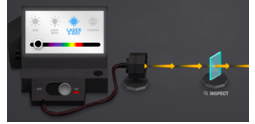
2. Set the light source to LASER, set the color to GREEN, and turn it ON.
3. Search for materials that transmit or reflect green light by dragging them to a platform in the testing area, one at a time.
4. When you find a material that either transmits or reflects light, do the following:
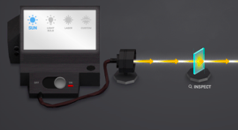
• Turn Show Energy on to observe what happens to the energy in the light.
• Press INSPECT to observe whether the material changes.
• Record your observations in the data table below.
5. Repeat steps 3–4 until you have completed the data table with two materials that transmit green light and two materials that reflect green light.