Twa kɔ nsɛm atitiriw so
Log in
Sign up for FREE
arrow_back
Laabri

Chpt.1 Hardware/Software Pt.1

star
star
star
star
star
Last updated over 4 years ago
15 Nsɛmmisa
1
1
1
1
1
1
1
1
1
1
1
1
1
1
1
Asemmisa {{asɛmmisaAhyɛnsode}}
1.

A PC is designed for an individual user.

Asemmisa {{asɛmmisaAhyɛnsode}}
2.

Computer instructions are called hardware.

Asemmisa {{asɛmmisaAhyɛnsode}}
3.

Output is the way you get data from a computer

Asemmisa {{asɛmmisaAhyɛnsode}}
4.

A login name is a series of letters and/or numbers and symbols that you key to gain access to an operating system. Watch the video first. Then type what you think would be an ideal login name?

Asemmisa {{asɛmmisaAhyɛnsode}}
5.

In Windows 10, you can access the Charm bar only from the Start screen.

Asemmisa {{asɛmmisaAhyɛnsode}}
6.

You should not grip your mouse tightly; instead, keep your hand relaxed when using a mouse.

Asemmisa {{asɛmmisaAhyɛnsode}}
7.

The process of exiting a computer is called logging out.

Asemmisa {{asɛmmisaAhyɛnsode}}
8.

You can use the Settings charm to locate an application on a Windows system.

Asemmisa {{asɛmmisaAhyɛnsode}}
9.

Application windows can be different sizes and placed in different areas of the desktop.
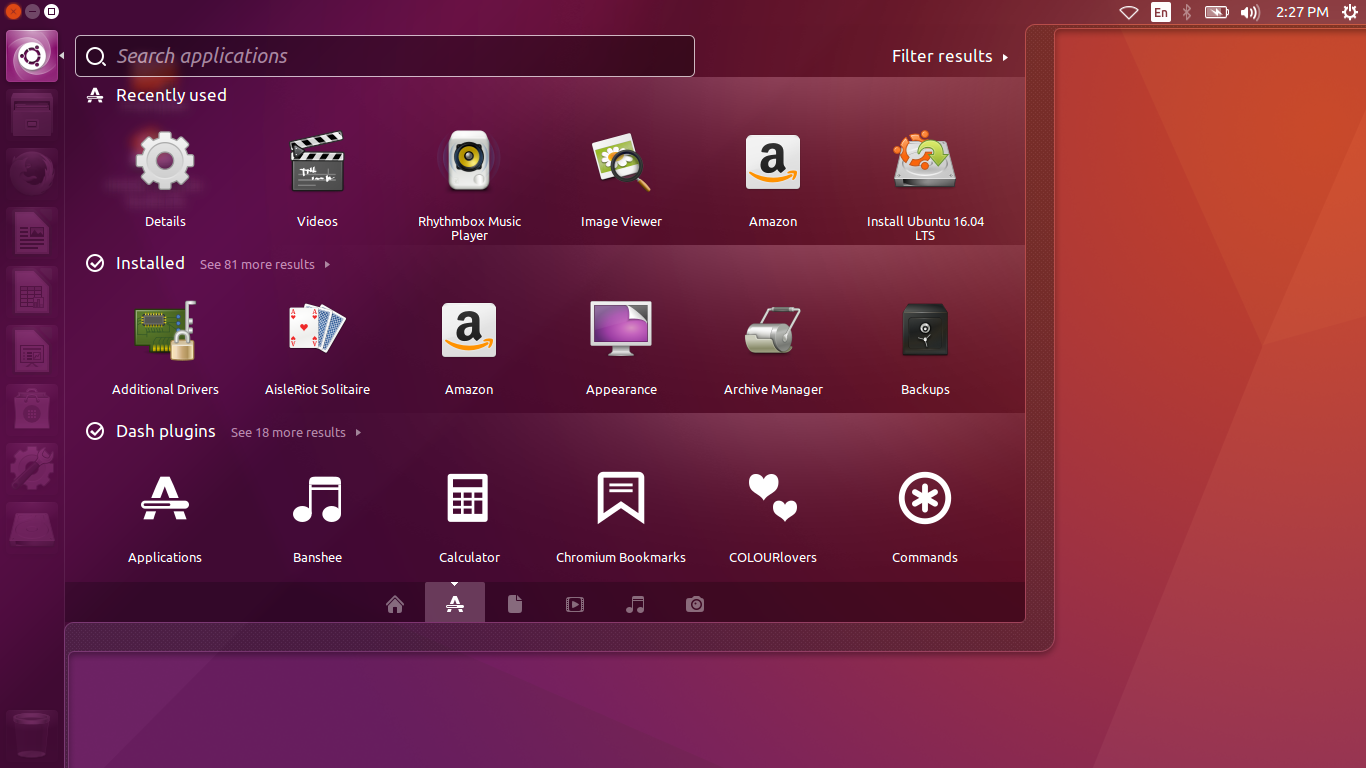
Create a representation of your computer desktop.

Asemmisa {{asɛmmisaAhyɛnsode}}
10.

Microsoft Word is a word processing application.

Asemmisa {{asɛmmisaAhyɛnsode}}
11.

A hard drive is a common storage device for computer data.

Asemmisa {{asɛmmisaAhyɛnsode}}
12.

Folders can be saved inside files.

Asemmisa {{asɛmmisaAhyɛnsode}}
13.

Folder names cannot be changed after they have been created.

Asemmisa {{asɛmmisaAhyɛnsode}}
14.

You must follow a precise path through your folders to the files you need.

Asemmisa {{asɛmmisaAhyɛnsode}}
15.

The Windows OS allows you to have several documents open at the same time, but you can work only in the active program.