
Video Check: Select all that apply with regards to the video embedded directly above this item.
Video Check: Select all that apply with regards to the video embedded directly above this item.
FYI: In the item that follows the video, you will be able to earn points for stating:
□ 🕵️ I carefully watched the entire video.
□ 📵 I removed distractions from my field of view while watching the entire video.
□ 🎧 I used headphones (or earbuds) to listen to the entire video as I watched it.
□ ✋ I sought clarification, as needed, to understand each concept in the video.
□ 🎓 I understand each concept in the video and feel ready to move on.
□ 🎯 I feel prepared to complete challenging problems related to the video.
Video Check: Select all that apply with regards to the video embedded directly above this item.
According to the video, which is the best zoom lens?
According to the video, which of the following are true of Principle #1: Fill the frame with what you like?
Select all that apply.
Which of the following are true of Principle #2: Simplify & exaggerate?
Select all that apply.
What simple rule can be used to help you follow Principle 3: Don't center your subject?
Check out these great examples of how to use the Rule of Thirds:
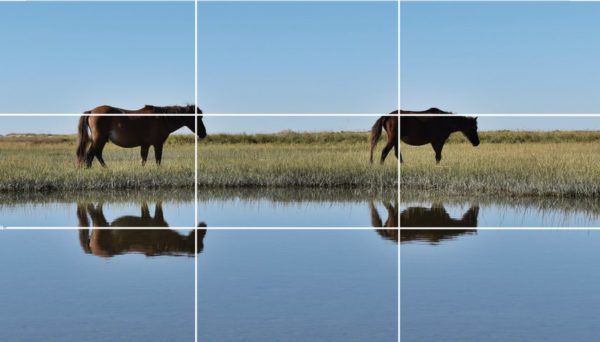
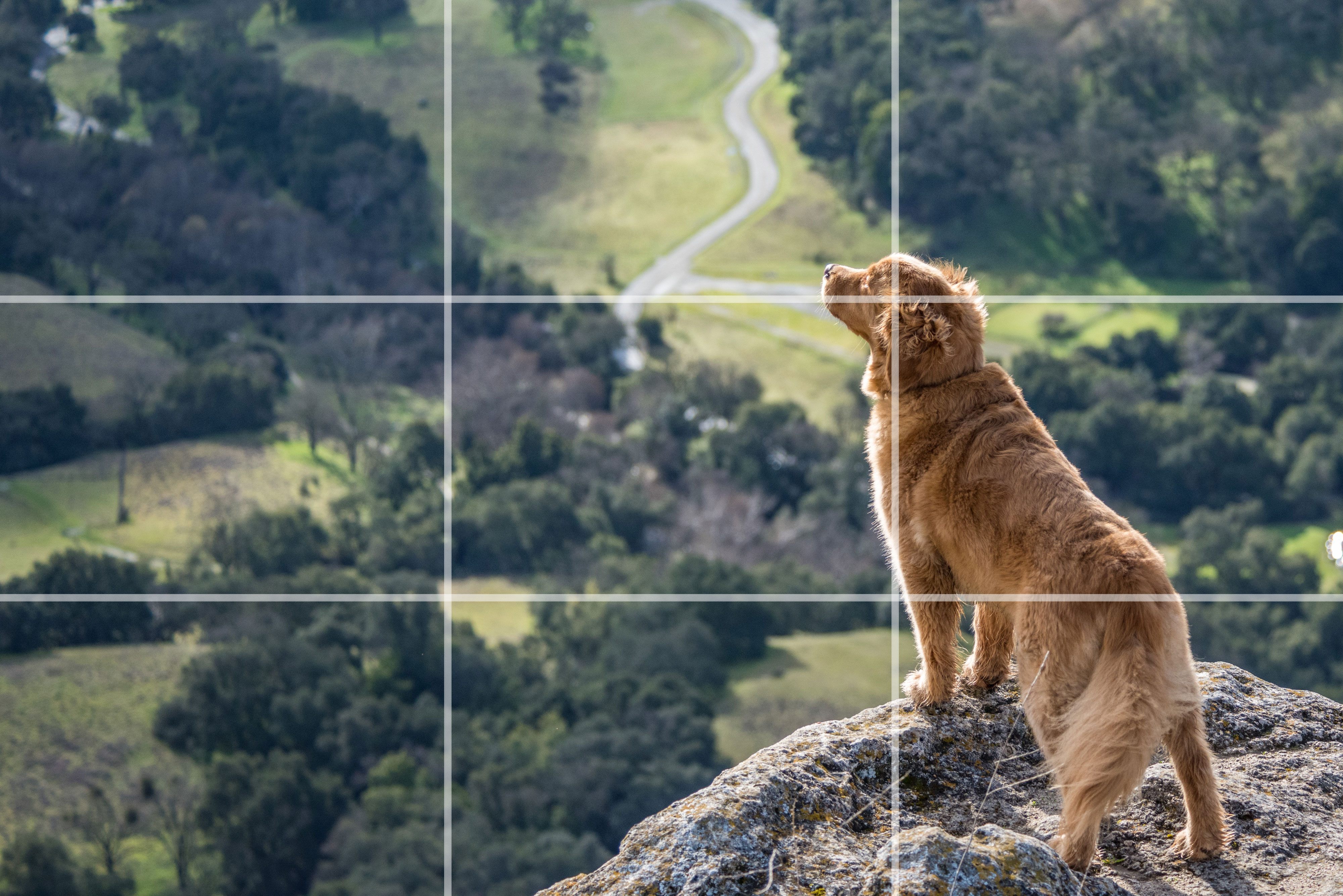
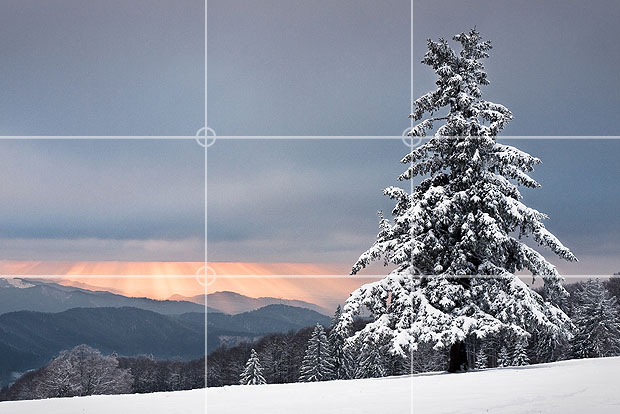
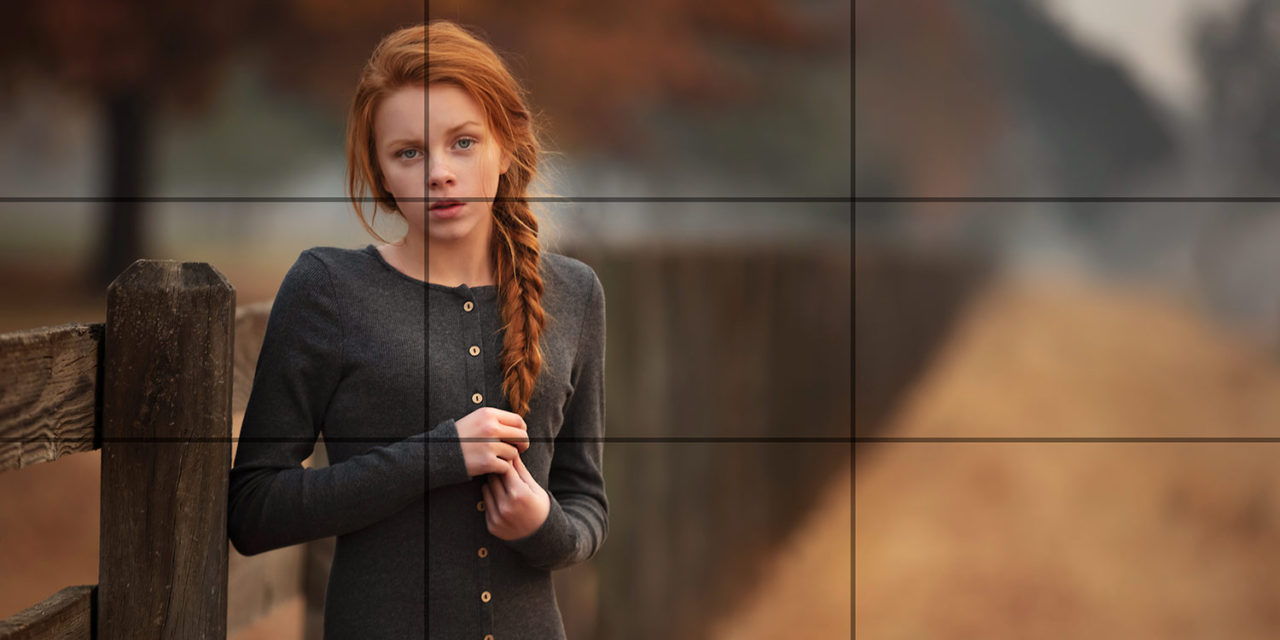



Sketch a grid over the photo on the canvas to show how the photographer used the Rule of Thirds. Circle the main subject to show that it is not centered in the picture. Use contrasting colors that show up well.
Which of the following are strategies that support Principle #4 Create depth?
Select all that apply.
Example photos that demonstrate depth:








/cdn.vox-cdn.com/uploads/chorus_image/image/67307281/usa_today_14928975.5.jpg "null")
Which elements in a photo is used to connect the dots, as described in Principle #5?
Not only can leading lines be used to connect the subjects in a photo, but they can also be used to draw the viewer's attention to a particular subject.
Use the tools on the canvas to sketch the leading lines in this photo that draw the viewer's attention to the subject. Use contrasting colors.
Challenge: See if you can identify at least 5 leading lines.
The speaker explains that humans spend most of our time seeing the world from eye-level.
How can you follow the strategies of Principle #6 Perspective is everything to make your photos more interesting?
1. Take a photo that provides an interesting perspective. You may simply use your webcam.
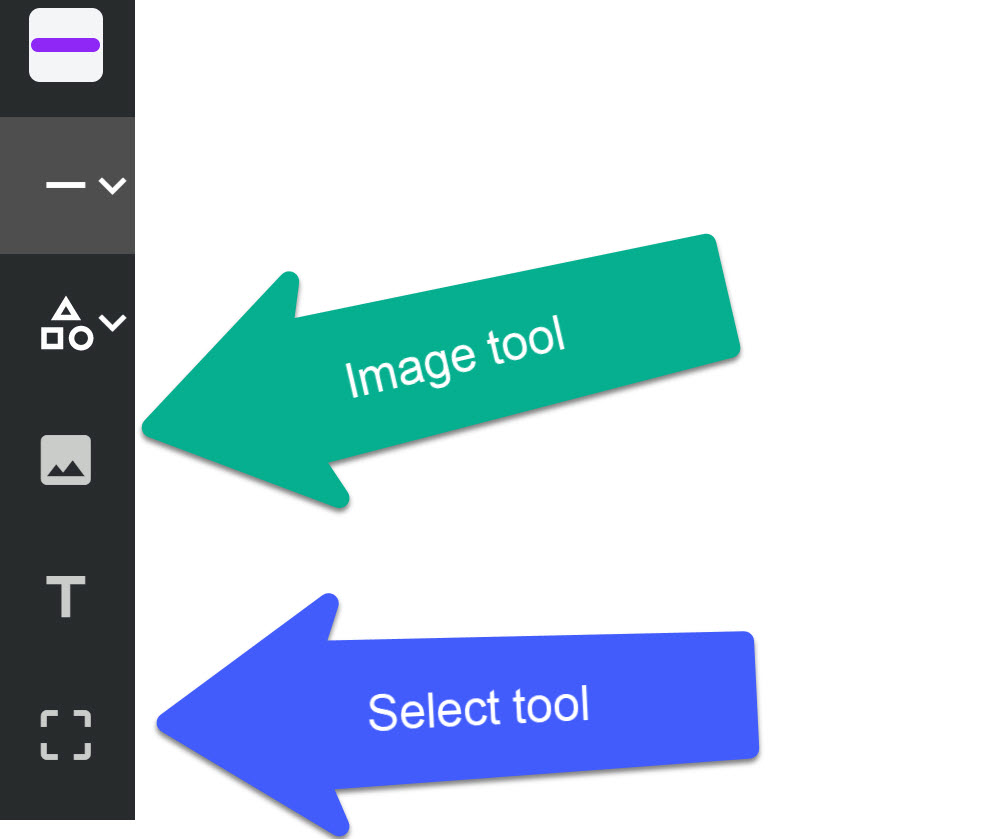
2. Use the picture tool on the canvas to upload your file.
3. Use the select tool to resize and move your image as needed.
Principle #7: Lighting is everything can help us to understand that different environments and settings provide different lighting that can lead to good or bad photos.
Categorize each environment on the left based on the type of lighting it is most likely to provide.
Sunny afternoons
Overcast days
Shooting away from the sun
Sunrise & sunset
Shooting toward the sun
Good lighting for photography
Poor lighting for photography
Why do you think it is so important not to break Principle #1: Fill the frame with what you like?
Remember that this DOES NOT mean taking pictures of things you like, although that's nice too.
It means to fill the frame with content that enhances the quality of the photo itself and remove content that detracts from the picture.
1. Respond to the question in the response field.
2. Take a photo that breaks Principle #1 and, as a result, is a poor photo.
3. Zoom and move your photo to fill the canvas.