Digital communication and collaboration tools for students and teachers cloned 6/20/2022
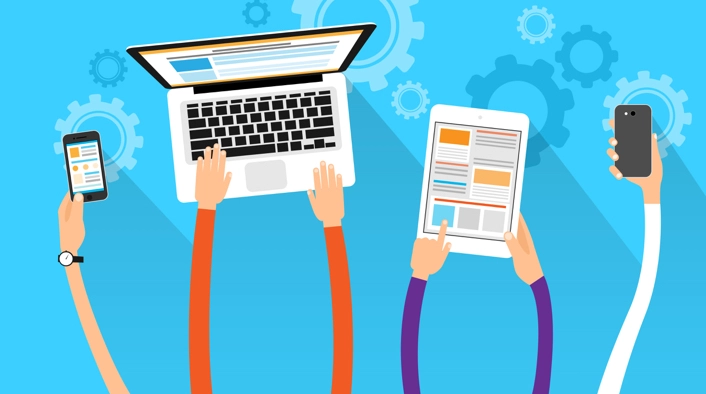
Students need to be able to work effectively with others and communicate effectively in order for them to be productive digital citizens who can participate in the global community. They need to be able to collaborate on finding solutions to issues while also sharing ideas and resources with one another. The ability to facilitate these interactions and to assist students in the development of these skills is required of teachers.
Students need to be able to utilize a variety of tools and resources if they are going to be able to effectively collaborate with one another and communicate with one another. They need to be able to obtain information from a variety of sources and put it to use, and they also need to be able to communicate effectively with others through the use of technology. They need to be able to collaborate effectively in order to find solutions to problems and exchange ideas.
The ability to facilitate these interactions and to assist students in the development of these skills is required of teachers. They need to be able to give students access to the tools and resources that they require, and they also need to be able to instruct the students on how to make use of the tools and resources that they provide. They should also be able to assist students in the development of their ability to communicate effectively and solve problems.