Project Template

Last updated over 3 years ago
0 questions
Note from the author:
Use this as a starting point for creating projects in Formative.
This template is meant to help you structure your project in Formative!
Suggested use:
1. Click the triple dots in the upper right hand corner
2. Click "Make a Copy"
3. Rename the copy as your project name
4. Delete the Text suggestions as you finish each section

Repeat sections as needed for your project
Intro Information
Start your project off in a way that engages students and provides you insight into what students already know. This is also a great place for you to include the directions for the project.

Consider including:
  • A video that gives some background information
  • Directions for students using Text Boxes
  • Uploading PDFs of rubrics or other resources
  • Using a short answer question allows students to ask any questions they have before they get started.
  • You can also use a Free Response question with a show your work to help students make a plan for their project
(You can delete this when you're done with this section)
Part 1 Content and Task
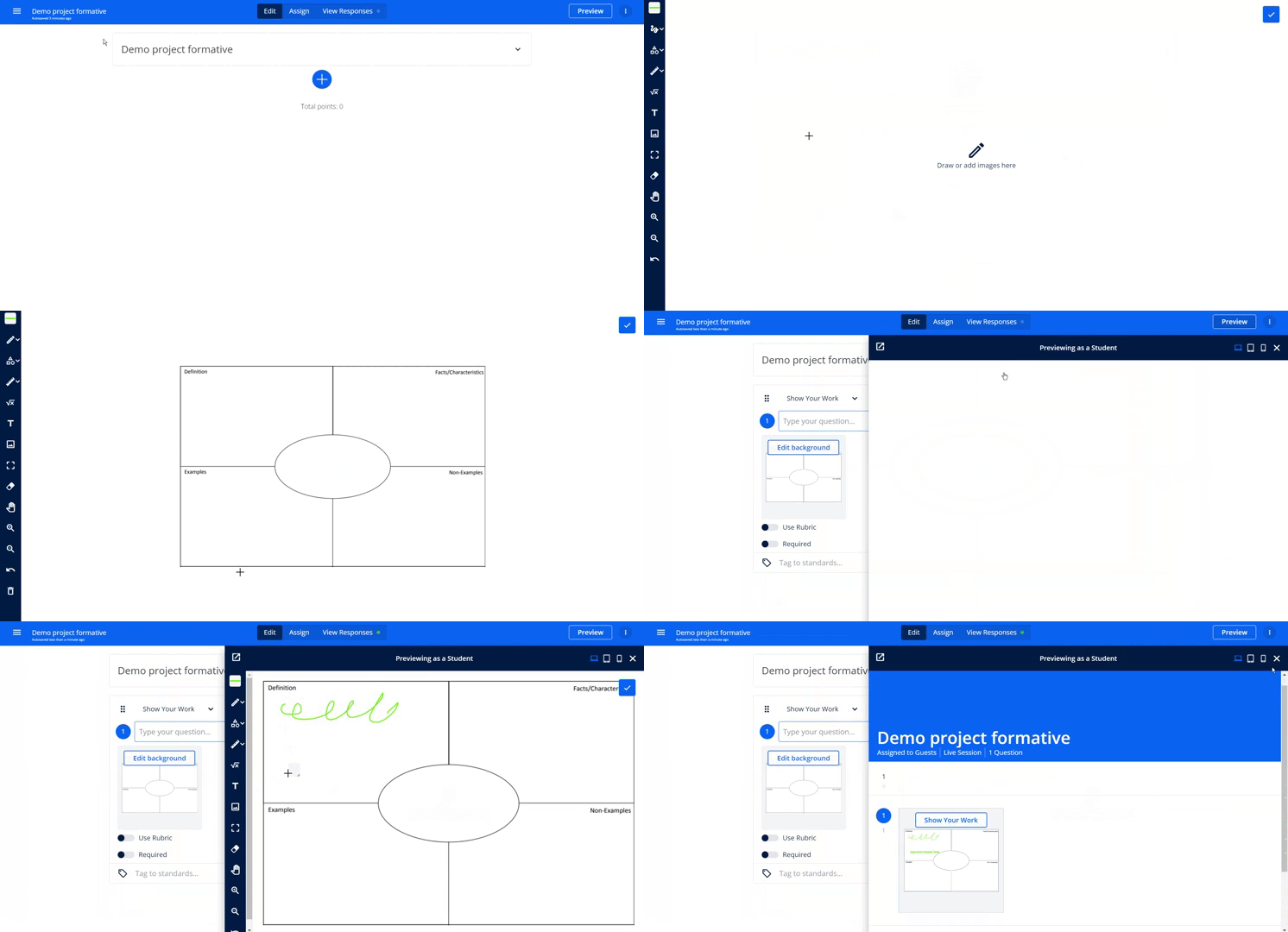
This is a great space for you to add content and questions that relate to the first part of the project. Typically this involves research and gathering information. Using the Show Your Work questions and additions can allow you as a teacher to provide graphic organizers for your students.


Consider including:
  • Graphic organizers
  • Questions to capture and organize student research
  • Resources to help students research

(You can delete this when you're done with this section)
Part 2 Synthesize and Task
Your students did the background research and now they need to start applying that information back to the orginial prompt for the Project. This is a great place to encourage students to use the feedback tools to communicate with you and ask questions.

Consider including:
  • Questions that promote reflection (Video/Audio/Free Response)
  • A mid project check in for students to Self-Assess
After this section you'll have a really clear idea of which students you'll need to meet with right away for addtional support and which ones are set to continue working on their own.

(You can delete this when you're done with this section)
Rough and Final Drafts
Your students are ready to start turning in their first (or final) drafts. This section is a great place for them to share out their work and get specific feedback from you as the teacher. You can also facilitate peer review using the View Responses tab.

Consider including:
  • File Upload question type
  • A checklist with Multiple Select to ensure students completed all parts
  • The rubric should be attached to the space where students submit their final work.
(You can delete this when you're done with this section)