Use the math keyboard to write
OR
The math keyboard icon looks like this:

Use the math keyboard to write
OR
The math keyboard icon looks like this:
In this assignment, you will try out many features you will use this school year!
Audio: please use wired headphones to listen to audio.
If you don't have headphones today, please mute your chromebook so you do not disturb your classmates.
Here is a tutorial article that shows how to use different features. Come back to it if you need it: https://help.formative.com/en/articles/6292988-students-answering-formative-questions
Drag each food to the correct category.
Green beans
Bananas
Carrots
Broccoli
Apples
Oranges
Fruit
Vegetable
Who is your favorite actor or musical artist? Type the answer below 😄
Match the color to the object by dragging the object in line with its color.
| Draggable item | arrow_right_alt | Corresponding Item |
|---|---|---|
Snow | arrow_right_alt | Blue |
Sun | arrow_right_alt | Green |
Sky | arrow_right_alt | Yellow |
Grass | arrow_right_alt | White |
Select the activities that are sports.
Use the math keyboard to write
OR
The math keyboard icon looks like this:
Put the days of the week in order
Friday
Tuesday
Monday
Thursday
Wednesday
It is important to get a good night's sleep before school.
Click the "show work" button and allow GoFormative to access your microphone and camera if those questions pop up.
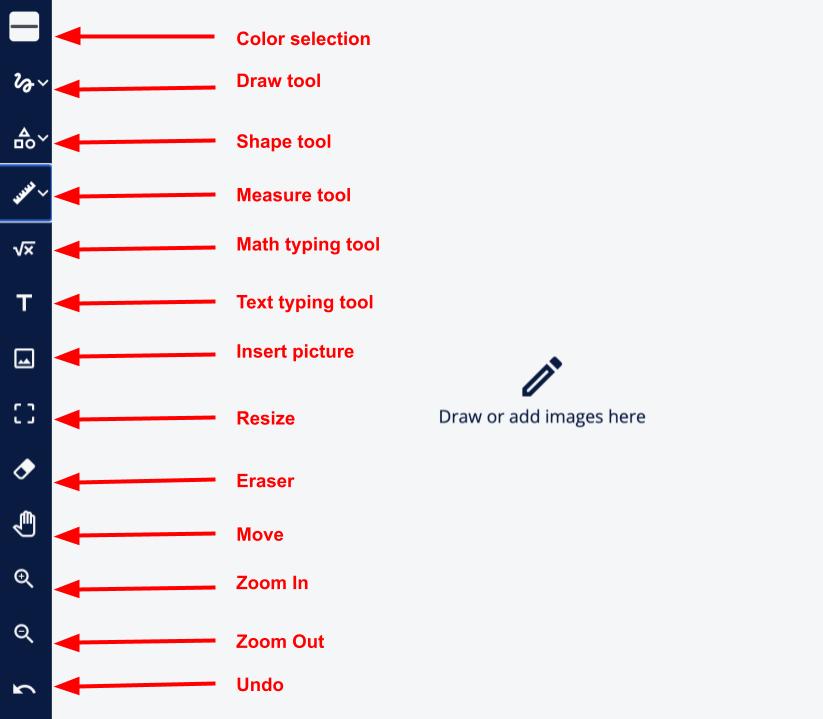
In the "show your work" box do ALL of the following:
Draw a picture with the draw tool
Type your name with the text typing tool
Add a selfie with the insert picture tool (choose "Take a Picture")
Add a shape with the shape tool
Resize or move any items so that everything can easily be seen
Solve the problem: 3 + 12 on your mini whiteboard.
Upload a photo of your work!
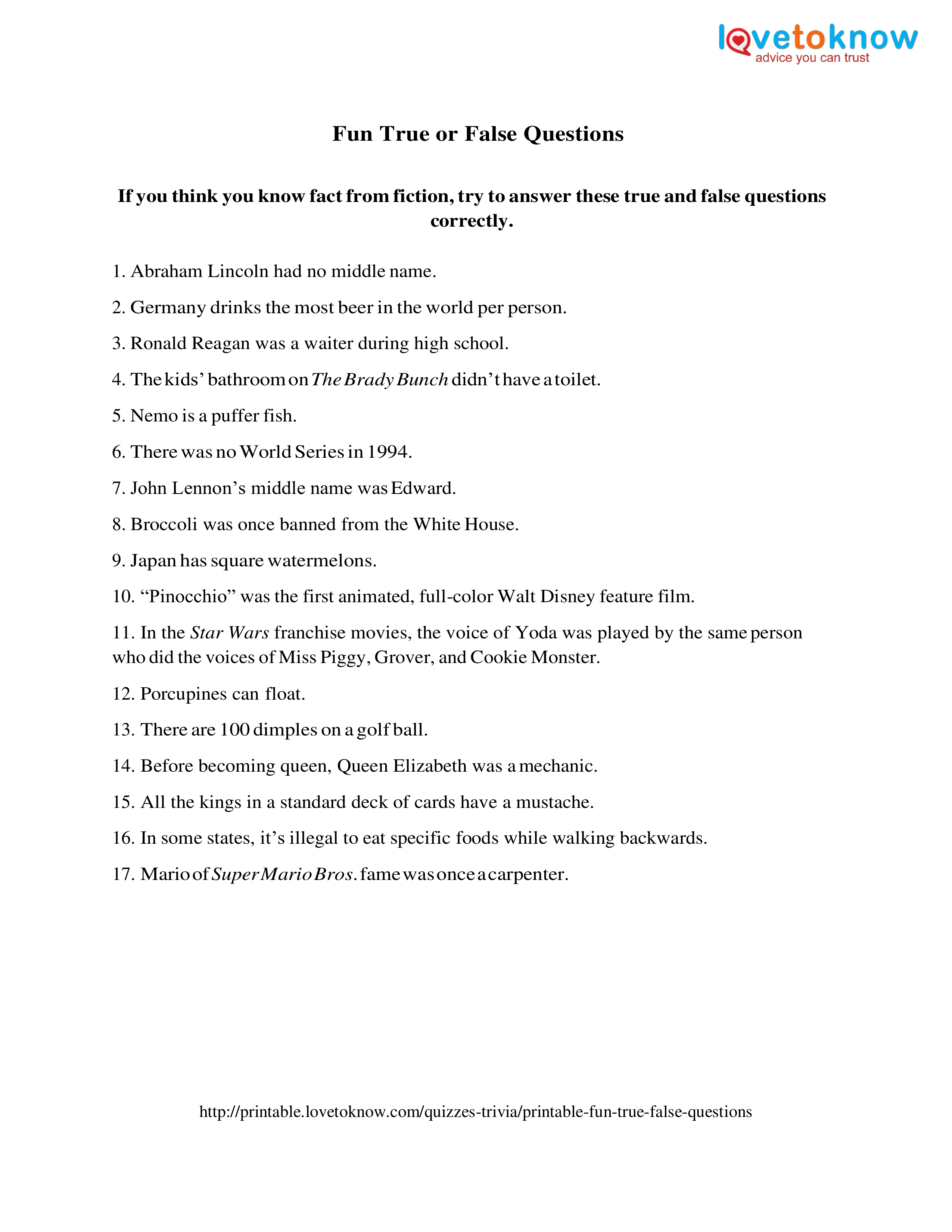
Abraham Lincoln had no middle name.
Have a great school year!
Nemo is a puffer fish.
Japan has square watermelons.
In some states, it's illegal to eat specific foods while walking backwards.