This PD discusses how global collaboration can be a road to others and teaching students to communicate, collaborate, and gather information outside of school (Cook, L. A., Bell, M. L., Nugent, J., & Smith, W. S., 2016).
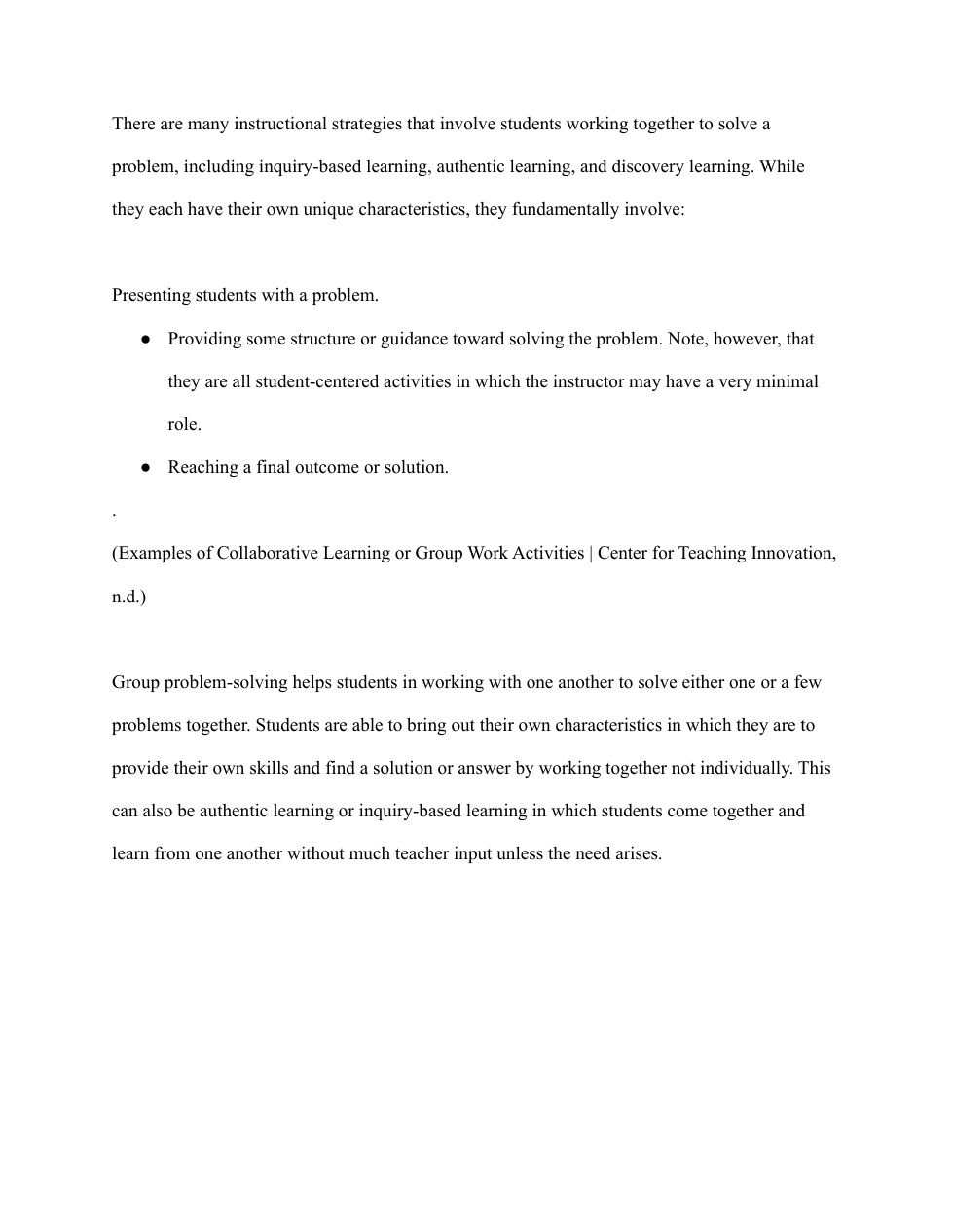
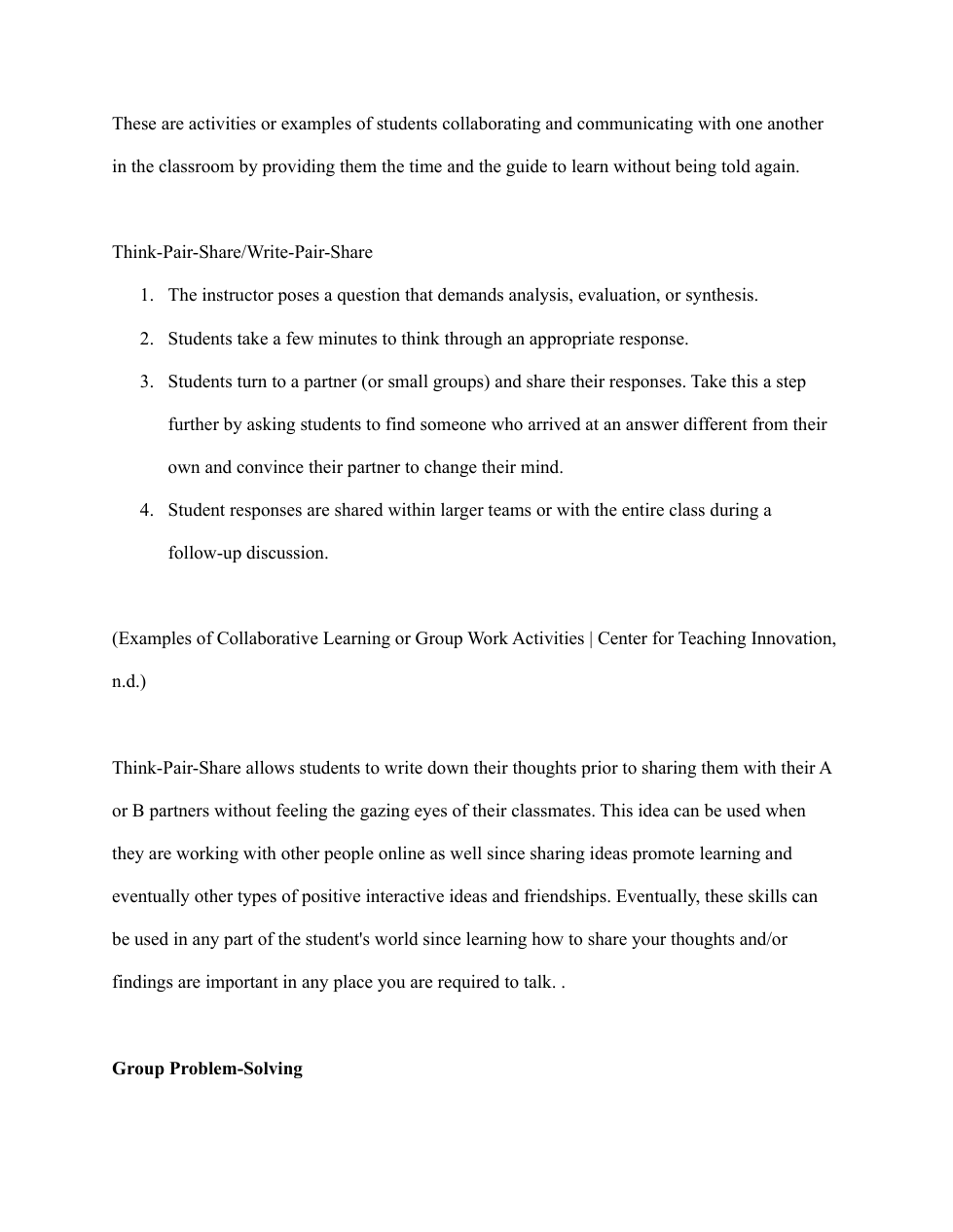
In the classroom, it is expected that our students work together in various forms throughout the activity however, sometimes it is hard for students collaborate and communicate with others due to being shy and possibly not sure how to talk to others. Collaboration and communication skills work hand in hand in which students can become productive and become proper citizens in and outside the classroom and especially use these skills in the digital world such communicating with others on online. As a teacher, it is important that students how to think, work with one another and communicate or talk in a good way to attain the objective of the activity is important (Rider, 2019). Additionally, there are significant time being placed in students particaptating in various forms of discourse like “turn and talks” and “think-jot-pair-share” discussion protocols. These guides are helpful for students to get in the groove in talking with one another without feeling unsure of the steps if it is modeled and guided.
With the increase of technology, it is noticed that it is integral in students' and teachers' lives and it is essential to indicate that we should take advantage of using it in creating long-lasting connections with others by collaborating on various tasks, activities, and projects. There are different learning experiences that include "communication technologies such as social networking, blogging, and video conferencing, and information technologies such as databases, browsers, and other tools used outside of school" (Cook, L. A., Bell, M. L., Nugent, J., & Smith, W. S., 2016). Partnerships of both teachers and students around the world working together in appreciating and learning from one another of the vast diverse culture.
Activity 2:
Google Drive is a very a great free tool in which students are able to create, share, sync, and collaborate with their group members. This tool is easy to navigate to help students learn to use various applications that they are able to transfer these skills. Additionally, teachers are able to share the activities by sharing a link or sharing them as a commentator, editors, and/or viewers.
Pros: This application can be used freely by creating a free Google account or given by the school district. Also, students are able to create presentations and share their research with their partners and/or class.
Cons: This application might be easy to navigate however students might not be focused on the task assigned that is time sensitive.
Link: https://www.commonsense.org/education/reviews/google-drive or Google Drive
Activity 3:
Mural is an interactive whiteboard that is similar to Jamboard but Mural that helps facilitates lesson presentation and group projects (MURAL Review for Teachers, 2022). Mural allows collaboration with students anywhere around the world sharing ideas through visual process and the global collaboration that would benefit them when interacting with other people in their future endeavors.
Pros: Using Mural is an alternative way of using chart paper in groups but having all students interact with one another using it online without the need to voice their answers just the need to type it out.
Con: Although Mural is not a free application it is part of Microsoft Teams in which certain school district provides students free subscriptions due to students school email. Another negative of using this interactive whiteboard in which students might not be on task while doing certain things they should not.