This course includes resources provided by the following:
LEGO Education
CS-STEM Network from Carnegie Mellon University
EV3-Scratch documentation provided by Raphael Holzer
Joe Olayvar & Evelyn Lindberg in association with the Washington State Library
🌏 Click here to access the LEGO Education website.
📑 Click here to access the EV3-Scratch documentation.
🎓 Click here to access the online EV3 course from CS2N.
📕 Click here to access the LEGO Mindstorms EV3 Programming Basics document in its entirety.
▶️ Click here to access the entire LEGO Mindstorms EV3 YouTube playlist from the Washington State Library.
Which type(s) of tape should work well with these activities?
Select all that apply.
Identify the brick(s) in the image below.
Select all that apply.

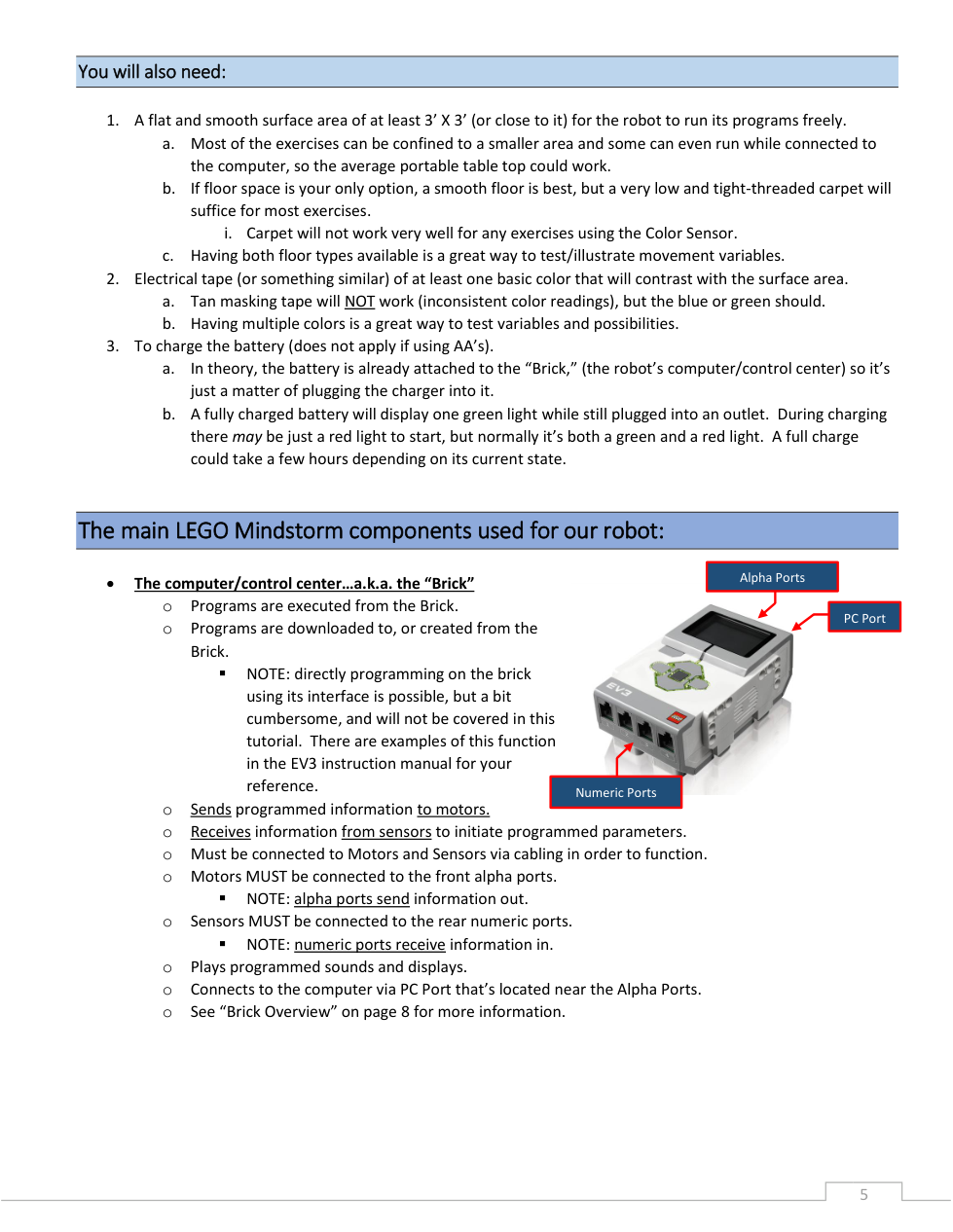
The EV3 brick information from through ports.
Fill in the blank. Use correct capitalization.
In addition to its rechargeable battery pack, the EV3 brick is designed to run on which size of batteries?
The EV3 brick programmed information to through ports.
About how much space is recommended for the robot to run its programs freely?
About how long could it take to fully charge the EV3 brick's battery?
Where can you find the input (sensor) ports on the EV3 brick?

Where can you find the PC port on the EV3 brick?
Categorize each item based on whether it describes the motor ports or the sensor ports.
Output ports
Identified with letters: A, B, C, D
Input ports
Identified with numbers: 1, 2, 3, 4
Motor ports
Sensor ports
Where can you find the output (motor) ports on the EV3 brick?
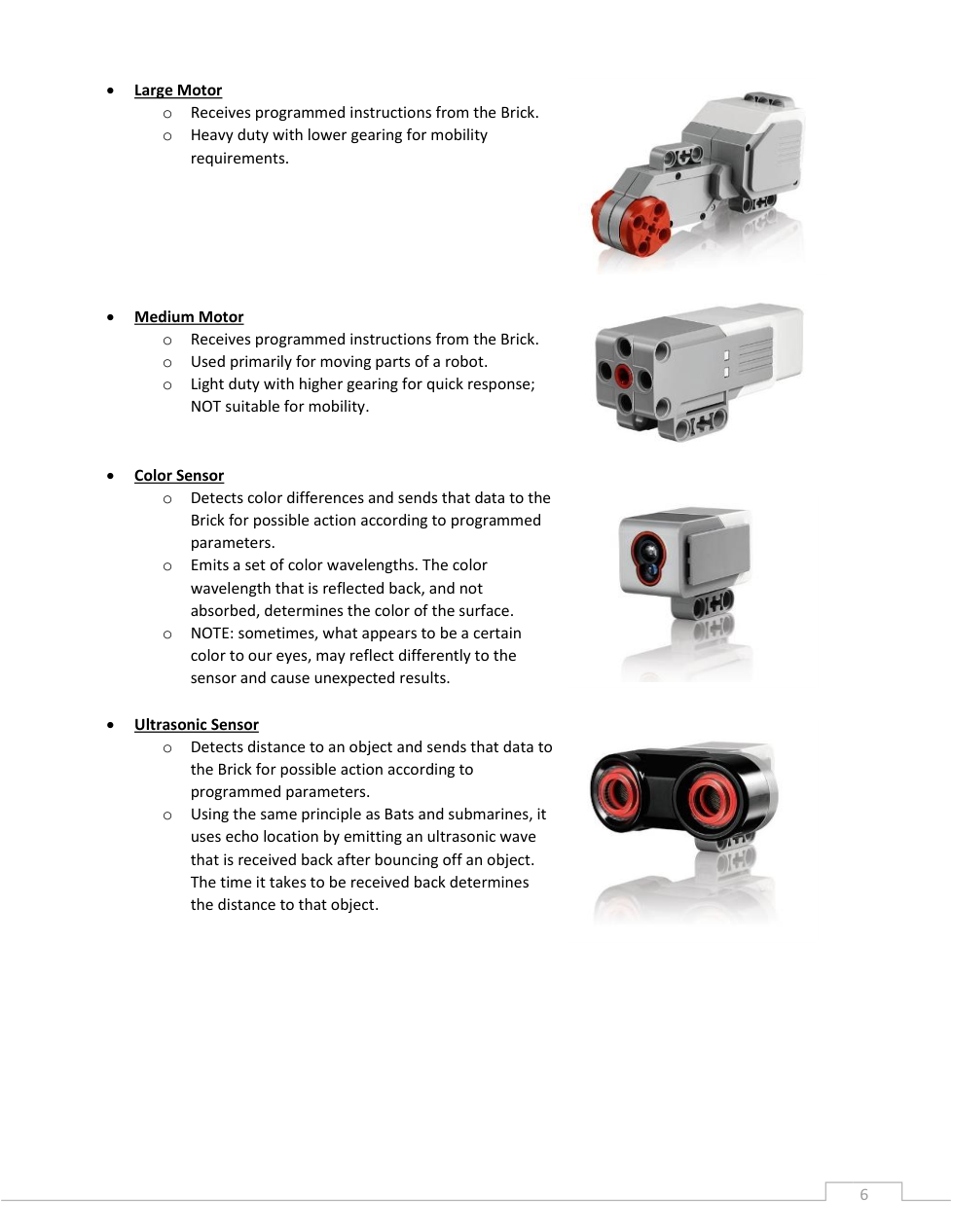
Identify the motors(s) in the image below. Select all that apply.
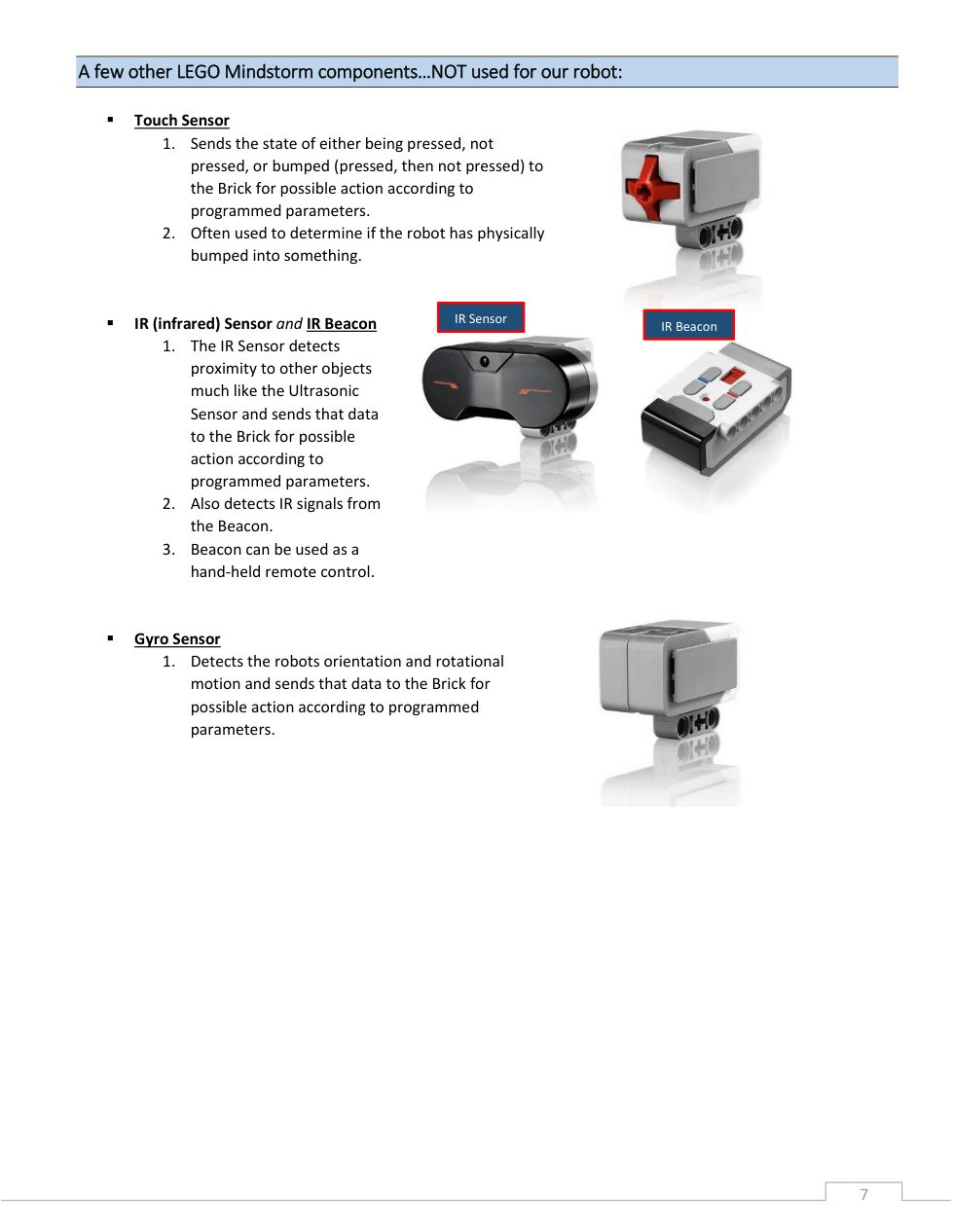
Identify the sensor(s) in the image below. Select all that apply.
Identify the color sensor(s) in the image below.
Select all that apply.
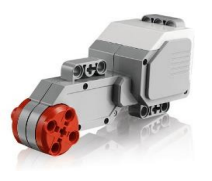
Identify the large motor(s) in the image below.
Select all that apply.
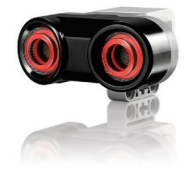
Identify the ultrasonic sensor(s) in the image below. Select all that apply.
Identify the gyro sensor(s) in the image below. Select all that apply.
Categorize each item based on whether it represents a medium motor or a large motor.
Light duty with higher gearing for quick response.
Heavy duty with lower gearing for mobility requirements.
Used primarily for moving parts of a robot.
NOT suitable for mobility.
Medium motor
Large motor
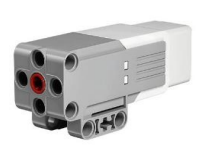
Identify the medium motor(s) in the image below.
Select all that apply.
Categorize each item based on the sensor it represents.
Emits a set of color wavelengths. The color wavelength that is reflected back, and not absorbed, determines the color of the surface.
Detects the robot's orientation & rotational motion and sends that data to the brick.
Detects color differences and sends that data to the brick.
Detects distance to an object and sends that data to the brick.
Sends the state of either being pressed, not pressed, or bumped (pressed, then not pressed) to the brick.
Uses echo location, the same principle as bats and submarines, to bounce waves off objects. The time it takes waves to be received back determines the distance to that object.
Touch sensor
Color sensor
Gyro sensor
Ultrasonic sensor
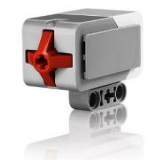
Identify the touch sensor(s) in the image below.
Select all that apply.

🧠 Retrieval Practice:
Summarize the content of this lesson. What topics, ideas, and vocabulary were introduced?