This course includes resources provided by the following:
LEGO Education
CS-STEM Network from Carnegie Mellon University
EV3-Scratch documentation provided by Raphael Holzer
Joe Olayvar & Evelyn Lindberg in association with the Washington State Library
🌏 Click here to access the LEGO Education website.
📑 Click here to access the EV3-Scratch documentation.
🎓 Click here to access the online EV3 course from CS2N.
📕 Click here to access the LEGO Mindstorms EV3 Programming Basics document in its entirety.
▶️ Click here to access the entire LEGO Mindstorms EV3 YouTube playlist from the Washington State Library.
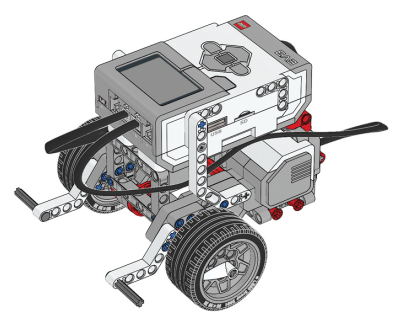
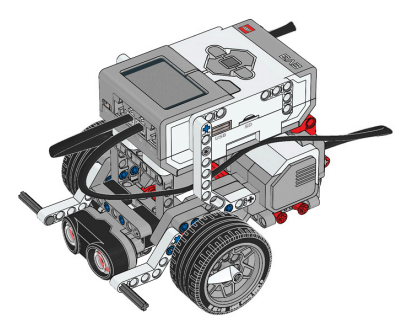
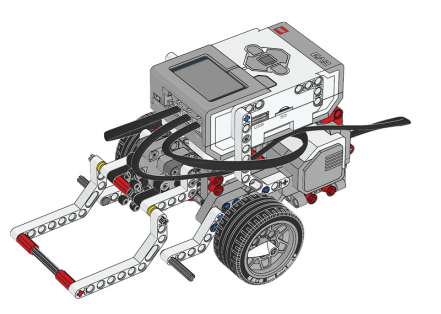
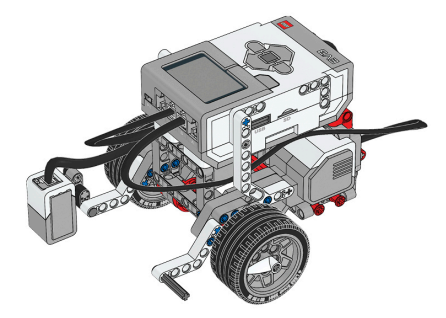
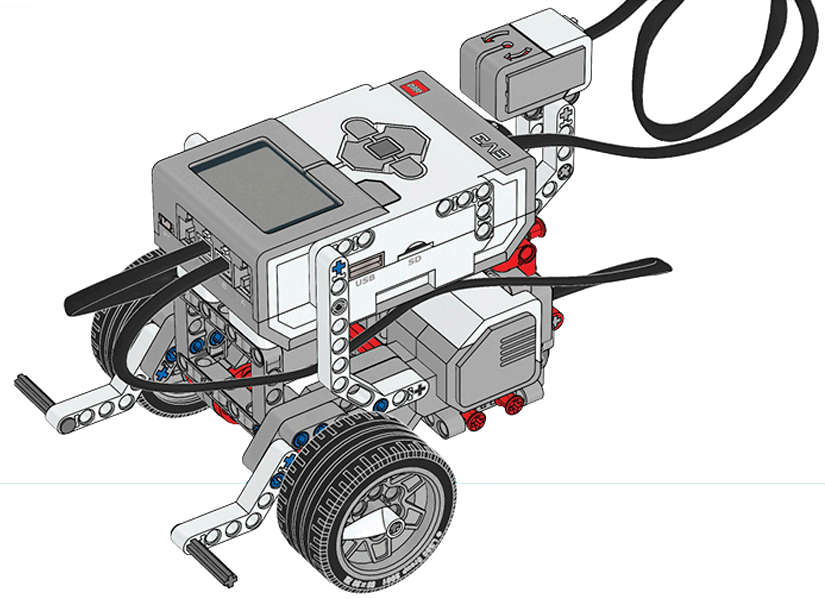
Before you continue, ensure that you have completed the following builds:
Color Sensor (aka Color Sensor Down)
What is the difference between this version of the Orchard Challenge and the original version in the Turning Chapter?
In this lesson, we will look at some ways of thinking about obstacle detection that seems to make sense… but don't actually work! The task in obstacle detection is simple: go a certain distance without hitting anything. More specifically, let's try to:
Make the robot go 4 rotations (moving when the robot’s path is clear)
And stopping when there is something in its way

The main goal here is to move for four rotations, so let's try starting with a new Project, and adding a “move [forward]” Block for 4 rotations.

And we need to wait for the way to be clear, so add a “wait until [distance], set to less than 10 centimeters.

Add an Exit block at the bottom of the program.

Now, rename this program as "ObstacleAttempt1".

Run your program with no obstacles in front of it. It should end up going 4 rotations. Now run your program with an obstacle in front of it.

....Well, that certainly didn't work!
And it shouldn't if you think about it. In this program, we told the robot to go forward for 4 rotations. And it did. The “move [forward]” block had the program's full attention for all four of those rotations, leaving it no way to get to any blocks that would even attempt to check the Ultrasonic Sensor.

The big 4 rotation “move” block doesn't work because it keeps control of the program too long, preventing any other blocks (like a Sensor Wait or If/Then/Else) from getting a chance to do anything.
So let's try a different approach. Let's have the robot “start moving forward” until it sees an object, then stop until it sees no object, and repeat that over and over. Start a new Project, and add a “start moving” Block set to “straight”.

Then a “wait until distance” Block set to “less than”, 10 centimeters.

Then we want to stop the motors. Add a “stop moving” block.

Add another “wait block” and a “wait until distance” Block set to “greater than”, 10 centimeters.

Now, add a “repeat until” loop that covers the stack of blocks.

We want to wait until the robot has gone a certain distance. To do this, we have to use a green Operator block that compares two values. The one we want checks if one value is greater than another value:


The first value we want to put in is the amount the wheels have turned. We can get that from the blue Motors palette. Add a “degrees counted” set to motor B (one of the two motors that are moving forward - the other is motor C).

We want to go forward until the robot is “greater than” a certain number of rotations. Let’s use 4 rotations. However, the operator is checking for a number of degrees. So we need to calculate rotations to degrees. To do this we need to multiply 4 (rotations) by 360 degrees. So: 4 x 360 = 1440 degrees Type in “1440” into the second value of the operator block.

Add an Exit block at the end of the program.

Rename your project as "ObstacleAttempt2".

Now download and run the program! The program responds to an obstacle and starts moving again when the obstacle is removed, and the Wait for Ultrasonic behaviors can detect the object’s presence, and absence, and let the appropriate stop-and-go behaviors run.

However, because the Rotations Loop only checks the Rotation Sensor at the end of the Loop, the way that the Wait Blocks hold up the program still causes a problem. While the program is “waiting” for the Ultrasonic Sensor value to drop or rise, it can’t be checking the Rotation Sensor, and so the robot may miss its cue to stop. In both of these two cases, the problem is the same: some blocks are holding up the program flow, preventing it from reaching other blocks that need to check the other sensor. In the next lesson, you will re-examine the obstacle detection problem, and learn how to construct a program that uses rapid checks, rather than long waits, to ensure continuous program flow.

In this lesson, you will rethink Obstacle Detection in terms of "repeated decisions" like the ones you used to complete the Strawberry Plant Sorter. The two requirements of our Obstacle Detection task – moving 4 rotations and moving only when the way is clear – are fundamentally linked.

Both have to occur at the same time. Checking Rotations can't block out checking for obstacles, and checking for obstacles can't block out Rotations. But, that blocking is exactly what is happening.

We can't solve this problem without changing the way we look at the task. So far, we've been looking at this as a single, large movement with two things happening at once.

Instead, let's try taking turns, quickly! We'll break the big movement down [break arrow] into a series of tiny movements and give both the Ultrasonic Sensor and the Rotation Sensor a chance to make their decisions in each tiny movement.

We'll base this program on the pattern we used in the last chapter to make repeated decisions: an If/Then/Else inside a “repeat until” loop.

In each tiny movement, the robot will look in front of it to see whether the way is clear, and based on that decision, flip the motors on, or off.

The robot will repeat that decision as long as its Rotation Sensor value has not passed 4 rotations yet (or 1440 degrees). So, the robot will check its sensor and run its motors if the way is clear. Then loop around, check again, and run the motors if it is clear. It will repeat this until eventually the robot will pass 4 rotations (1440 degrees), and will then move on to the next behavior which is the end of the program.

If at any point, the robot encounters an obstacle, the If/Then/Else will issue “stop moving” commands instead, while continuing to loop.

It will issue lots of “stop moving” commands, until the obstacle is removed, and the Ultrasonic Switch will start ending up on the On branch again.

Let's put that into code.
Create a new Project.

Start with the If/Then/Else Block.

Add an Ultrasonic Sensor “is distance less than” block for the condition. Set the comparison type to less than (<) 10 centimeters.

Now, in the top branch (meaning there is an object less than 10 centimeters away), add a “stop moving” block to stop the robot if it does detect an object.

In the bottom branch (meaning there is NOT an object less than 10 centimeters away), add a “start moving” block set to straight.

Now, add a “repeat until” to the program so that it covers all of the blocks.

Now add a green “is greater than” Operator block that compares two values.

Add a “degrees counted” set to motor B.

Type in “1440” into the second value of the operator block (the equivalent of 4 rotations).

Add an Exit Block at the end of the program.

Rename the project “ObstacleDetection”.

Download and run your program. Place your hand in front of the robot while it is running, and remove it. Repeated decisions allow your robot to check each sensor in turn, without either one of them blocking the other. The program checks, responds, and repeats quickly, as long as no command blocks any other.

Instead of thinking about the four-rotation Obstacle Detection as one big movement, it is best to think about it as…What will the robot do if it does NOT sense an object 25cm away?
How do repeated decisions allow the robot to watch both sensors at once?
🚧 Obstacle Detection Until Black
Program the robot to move a line, avoiding any obstacles in front of it!
Using repeated behaviors, program the robot to move from a starting zone to an end line. In between the start and the end is a randomly placed object. As the robot moves towards the line, it should stop in front of the object until it is removed. When removed, the robot should continue toward the line.

📸 Document It: Capture a screenshot (or multiple screenshots) of your completed program and upload or paste it onto the Formative canvas.
⬆️ Upload It: Upload your completed program.
🚜 Obstacle Orchard
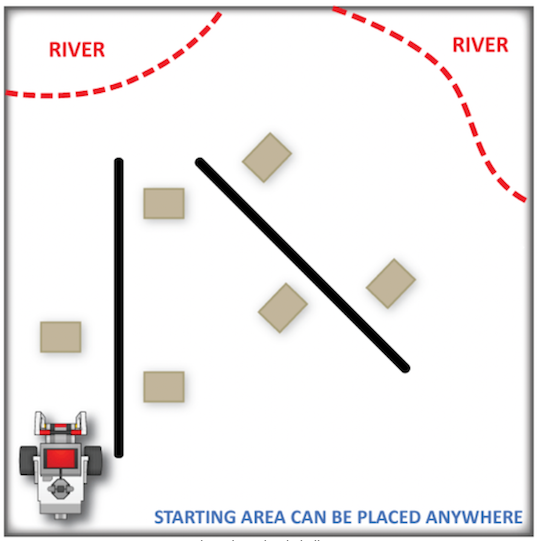
For this challenge, program the robot to move from its starting area through TWO rows of trees. The robot must pass along both sides of each row during its run. In addition, however, there will be one or more obstacles placed at random throughout the orchard. The robot should not touch these obstacles; instead, when it encounters one, it should stop moving until they are removed by hand. Only then, the robot should resume throughout the orchard.

For this challenge, program the robot to move from its starting area through THREE rows of trees. The robot must pass along both sides of each row during its run. In addition, however, there will be one or more obstacles placed at random throughout the orchard. The robot should not touch these obstacles; instead, when it encounters one, it should stop moving until they are removed by hand. Only then, the robot should resume throughout the orchard.

Rules and Procedures:
This challenge uses the same game board layout as the Orchard Challenge from Chapter 2 (Turning).
Like the previous challenge, the robot can start anywhere there is space available.
Place one to two obstacles randomly alongside a side of a row for the robot to encounter.
Be aware to not place an obstacle where the robot may bump into when turning a corner.
When the robot encounters an obstacle, it should stop and wait for the Obstacle to be removed by hand. It should then continue moving without additional human intervention.
Hints:
Use a meter stick or ruler to measure the distances to each line on the board so you know how far you need to move each time.
The obstacle can be completely removed from the challenge after the robot approaches it and stops.
Use lower speeds to minimize of effects of momentum when turning.
🌐 A virtual version of this challenge is available HERE.
📸 Document It: Capture a screenshot (or multiple screenshots) of your completed program and upload or paste it onto the Formative canvas.
⬆️ Upload It: Upload your completed program.
🧠 Retrieval Practice:
Summarize the content of this lesson. What topics, ideas, and vocabulary were introduced?