Part 1: Pangaea Puzzle
The Gizmo allows you to drag and rotate all the major landmass on Earth.
To drag a landmass, grab it in the middle.
To rotate a landmass, grab it near the edge.
1. Try to fit all the landmasses together like a puzzle. As much as possible, avoid overlapping landmasses.
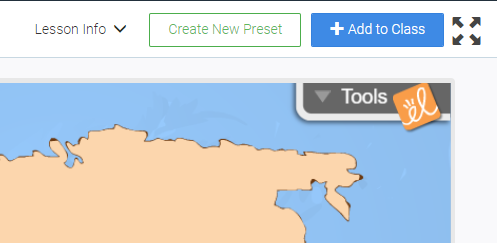
2. When you are done, take a screen shot by using the Tools in the upper right corner.
3. Right click on the image and choose "Copy Image" then you can paste it into the answer box below by pressing Ctrl + v
(You could also click "Save image as..." Save the image to a place that's easy to find (like your desktop) then click on the blue plus sign in the box below and select "Image" and choose "Upload Picture." Find your saved screen shot and upload the image.
Part 1: Pangaea Puzzle
The Gizmo allows you to drag and rotate all the major landmass on Earth.
To drag a landmass, grab it in the middle.
To rotate a landmass, grab it near the edge.
1. Try to fit all the landmasses together like a puzzle. As much as possible, avoid overlapping landmasses.
2. When you are done, take a screen shot by using the Tools in the upper right corner.
3. Right click on the image and choose "Copy Image" then you can paste it into the answer box below by pressing Ctrl + v
(You could also click "Save image as..." Save the image to a place that's easy to find (like your desktop) then click on the blue plus sign in the box below and select "Image" and choose "Upload Picture." Find your saved screen shot and upload the image.