1
1
1
1
1
1
1
1
1
1
How do you feel you did on this assignment?
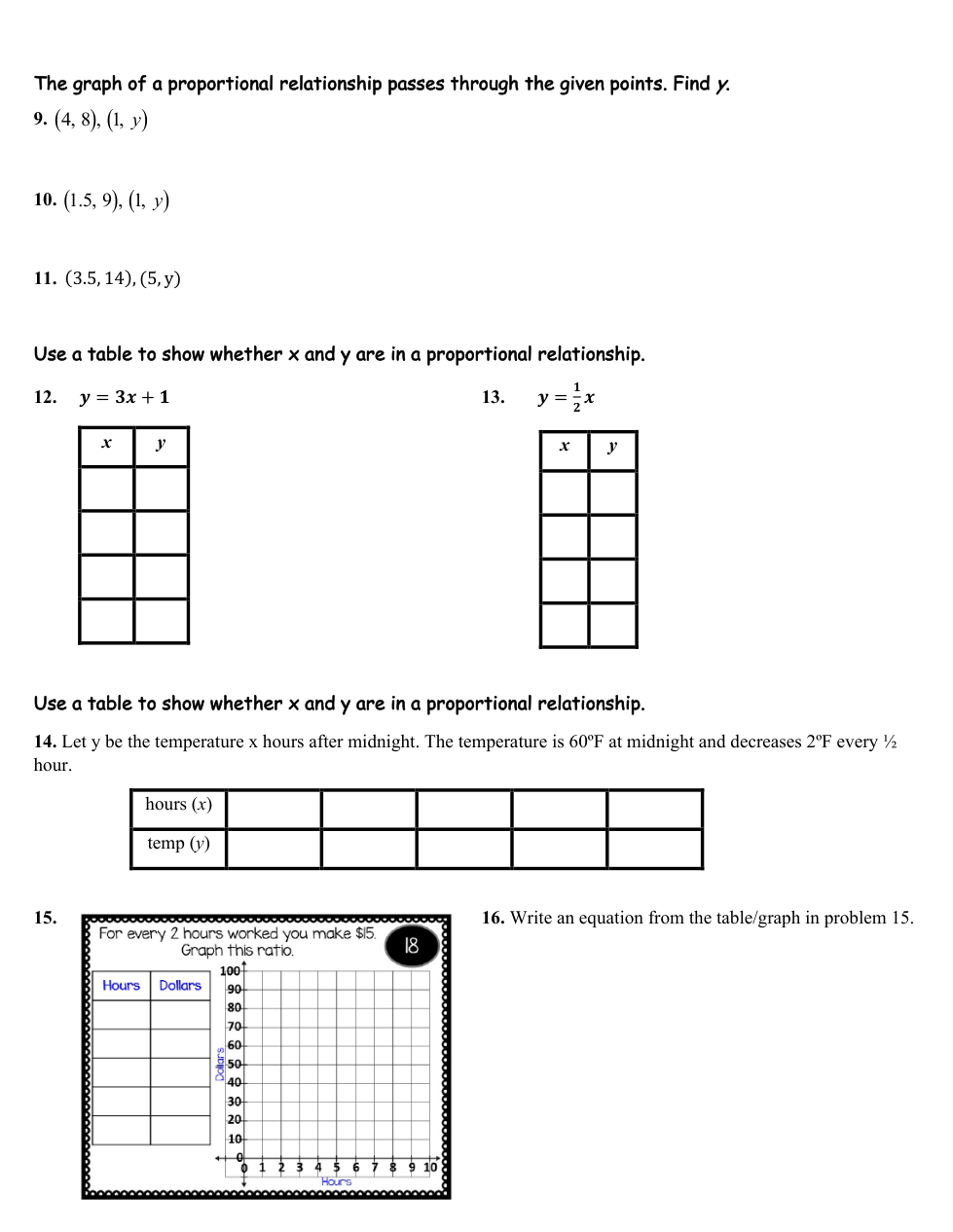
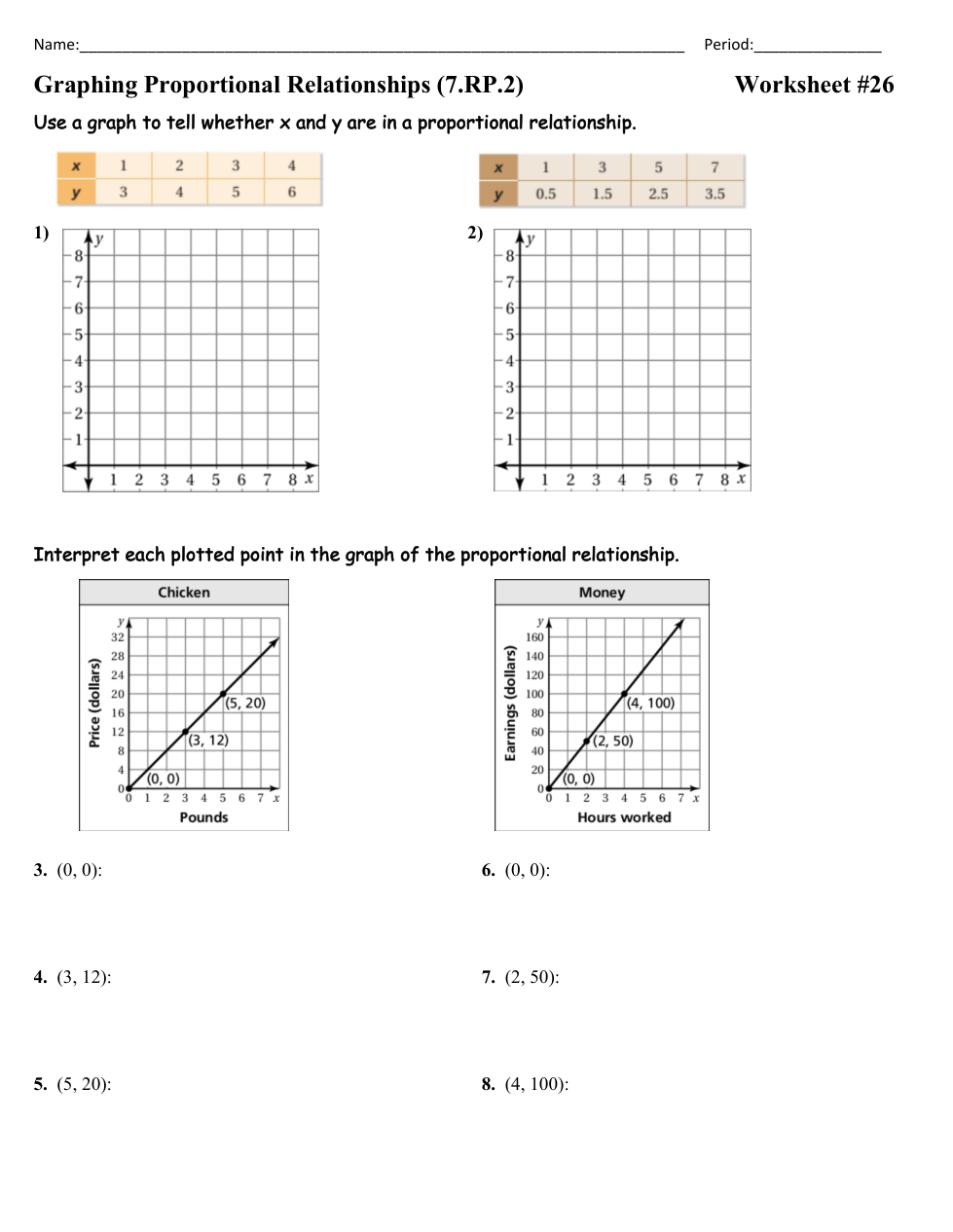
Graph the first point and last point in the table.
Choose if the graph is Proportional or Not Proportional and explain why.
Graph the points (2, 1) and (4, 2)
Choose if the graph is Proportional or Not Proportional and explain why.
Interpret point (0, 0) from the graph.
Interpret point (3, 12) from the graph.
Interpret point (5, 20) from the graph.
Interpret point (0, 0) from the graph.
Interpret point (2, 50) from the graph.
Interpret point (4, 100) from the graph.
What is the value of y when x=1?
Write answer like: y=1
What is the value of y when x=1?
Write answer like: y=1
What is the value of y when x=1?
Write answer like: y=1
Choose if the table is Proportional or Not Proportional and explain why.
Choose if the table is Proportional or Not Proportional and explain why.
| Draggable item | arrow_right_alt | Corresponding Item |
|---|---|---|
1/2 hour Past | arrow_right_alt | 60 degrees |
2 hours Past | arrow_right_alt | 58 degrees |
1 and 1/2 hours Past | arrow_right_alt | 56 degrees |
0 hours Past | arrow_right_alt | 54 degrees |
1 hour Past | arrow_right_alt | 52 degrees |
| Draggable item | arrow_right_alt | Corresponding Item |
|---|---|---|
1 Hour | arrow_right_alt | $0 |
4 Hours | arrow_right_alt | $7.50 |
3 Hours | arrow_right_alt | $15 |
0 Hours | arrow_right_alt | $22.50 |
2 Hours | arrow_right_alt | $30 |
Graph the origin and point (2, 15).
Write an equation from your table/graph like: y=kx