Matching:
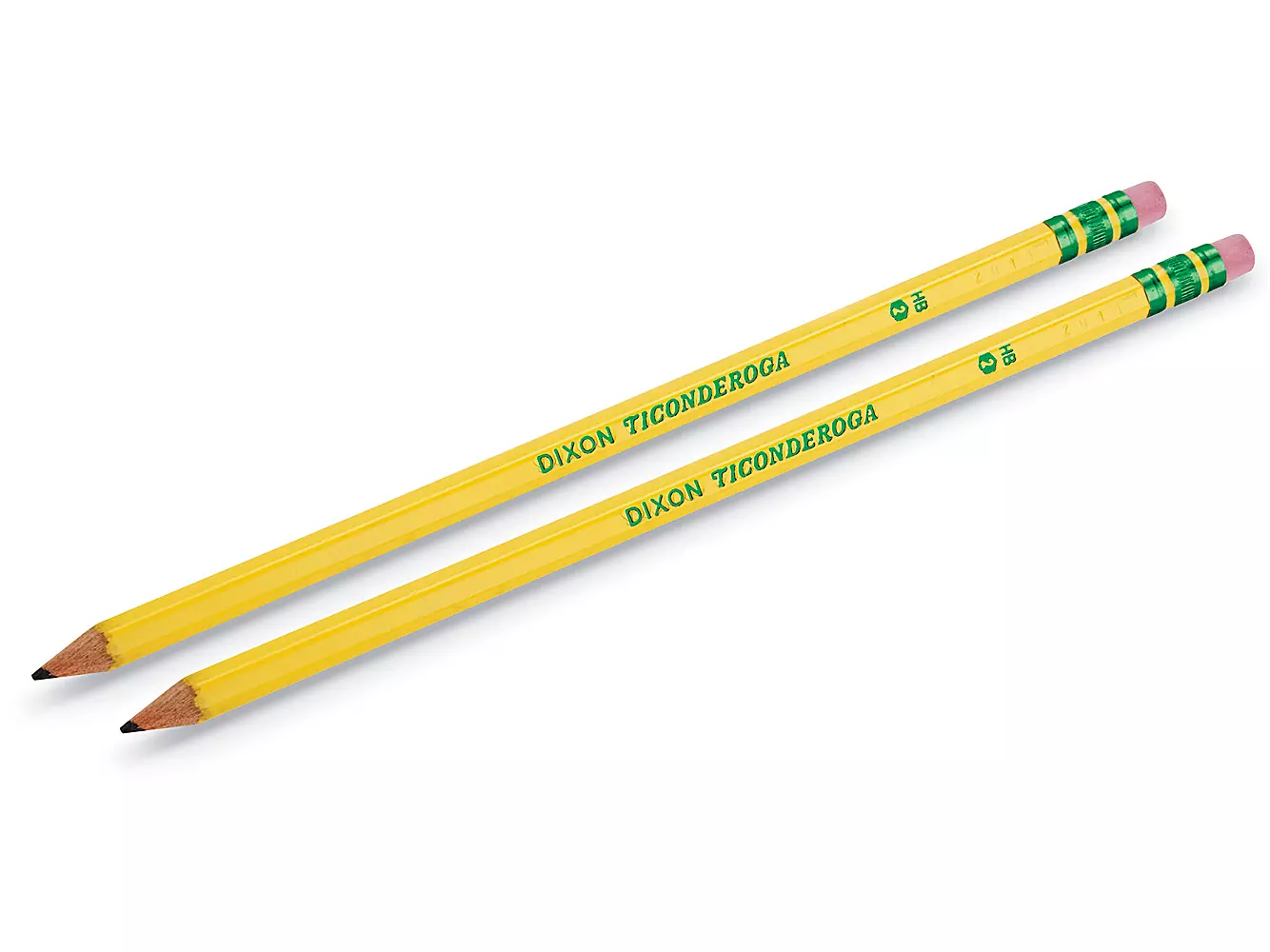
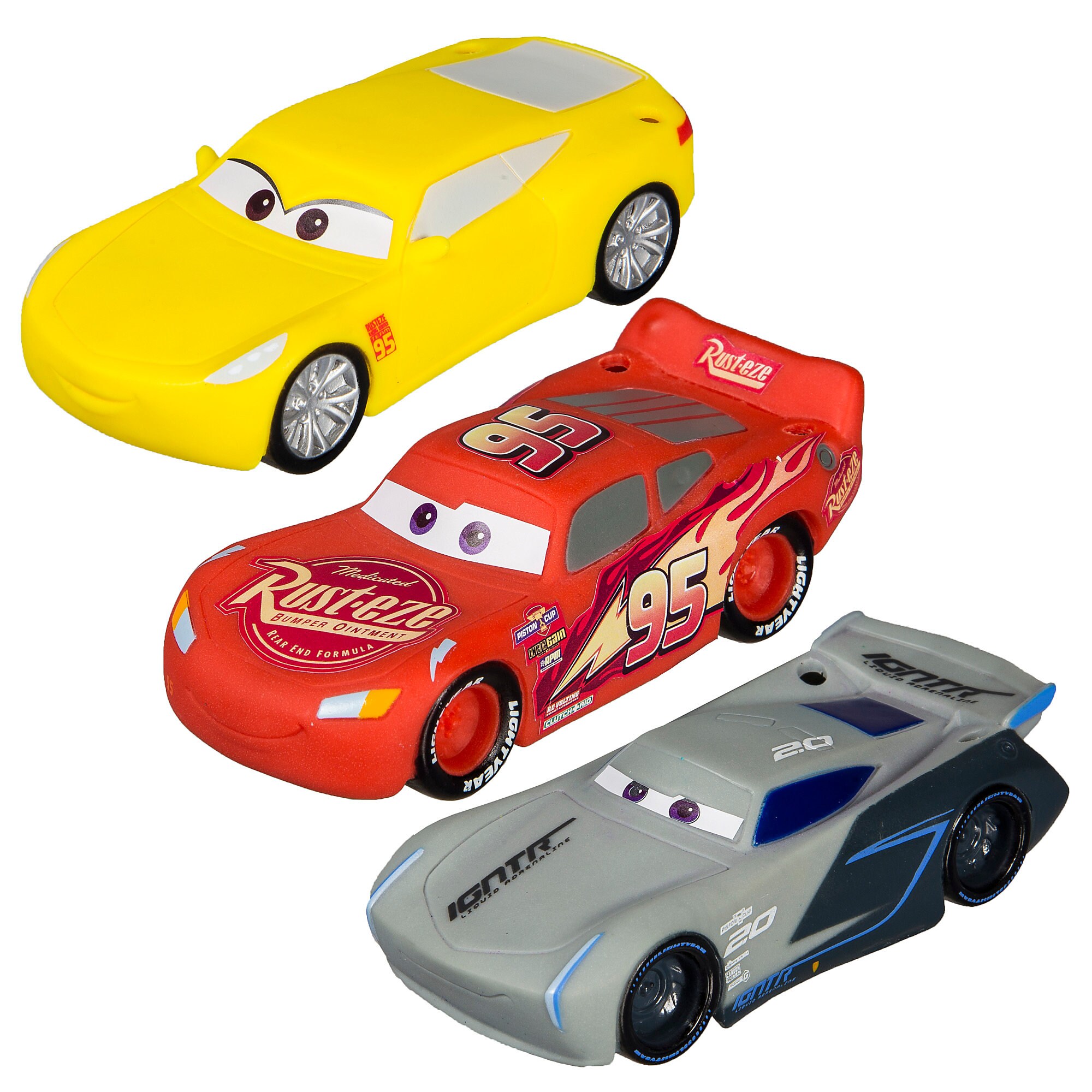
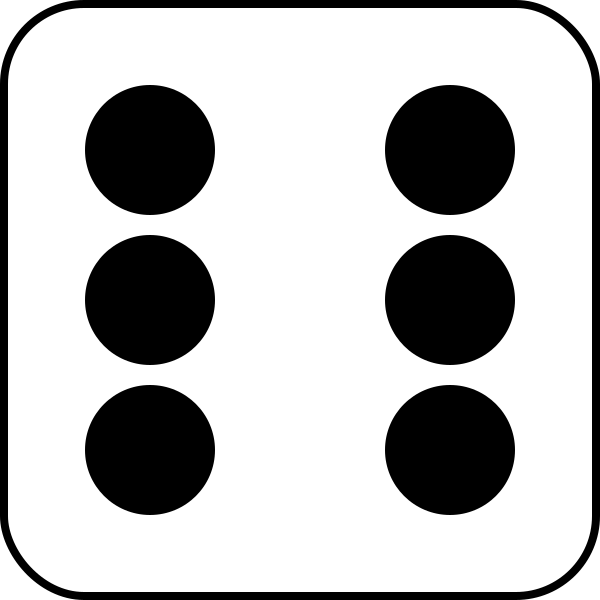
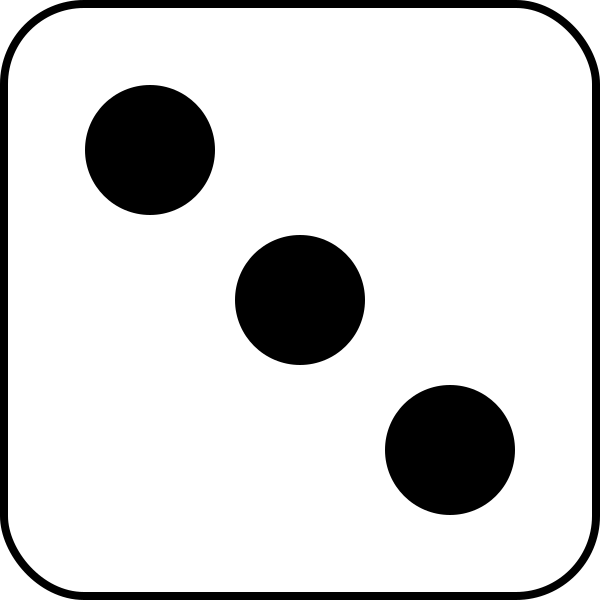
1. Start by counting the objects in a picture.
2. Decide how many objects you counted.
3. Move the picture of objects to the correct number counted.
To do this:
1. Click on the 6 dots next to the picture you want to move.
2. The arrows between the pictures will light up blue.
3. Click on the arrow where you want to move your picture.
4. The pictures will automatically line up where you click.
5. Complete the rest of the picture/number sets.
6. Review your answers by looking at your sets.
Drag & Drop:
1. Start by counting the objects in the big picture.
2. Decide how many objects you counted.
3. Drag the correct number on top of the picture.
To do this:
1. Look at the possible answers.
2. Decide which number matches how much you counted.
3. Click and hold down on the number while you move it.
4. Drag it onto the picture into the "drop" spot.
Resequence:
1. Look at the numbers given.
2. Put the numbers in order from smallest to biggest.
To do this:
1. Click on the 6 dots next to the number you want to move.
2. Click and hold down on the number while you move it.
3. Drag the number into the correct place.
4. The top will have the smallest number.