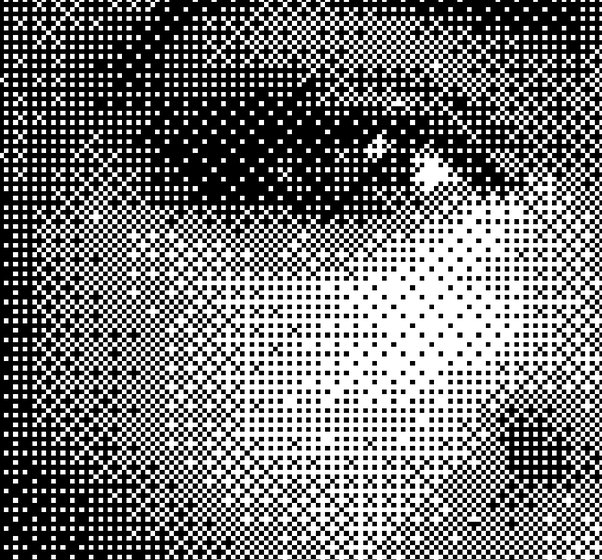
What's the definition of a pixel?
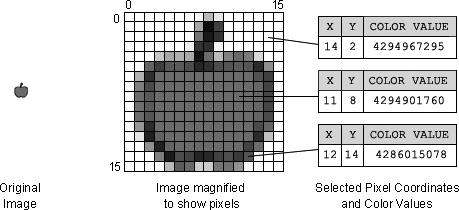
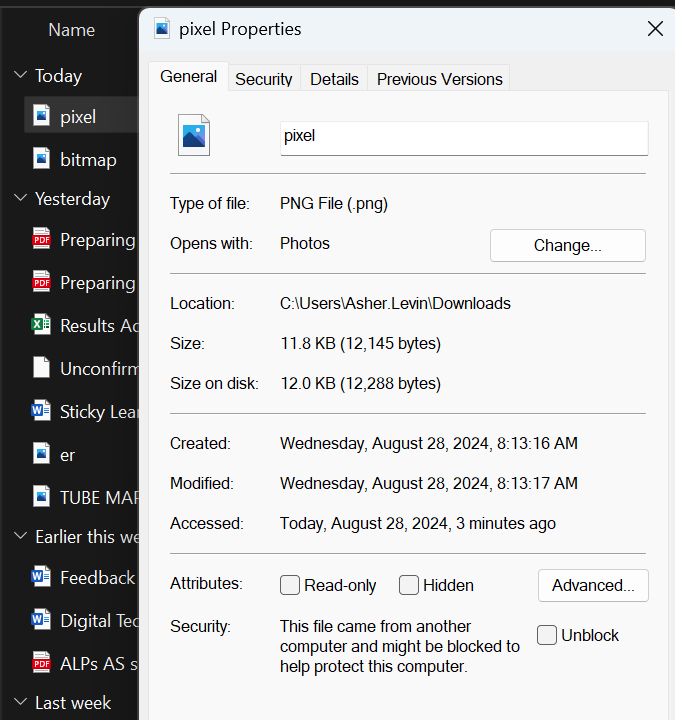
When you save a bitmap image, the file contains not just the image data (the pixels) but also some additional information in what is called the file header. The file header includes metadata about the image, such as:
File size: The total size of the image file.
Dimensions: The width and height of the image in pixels.
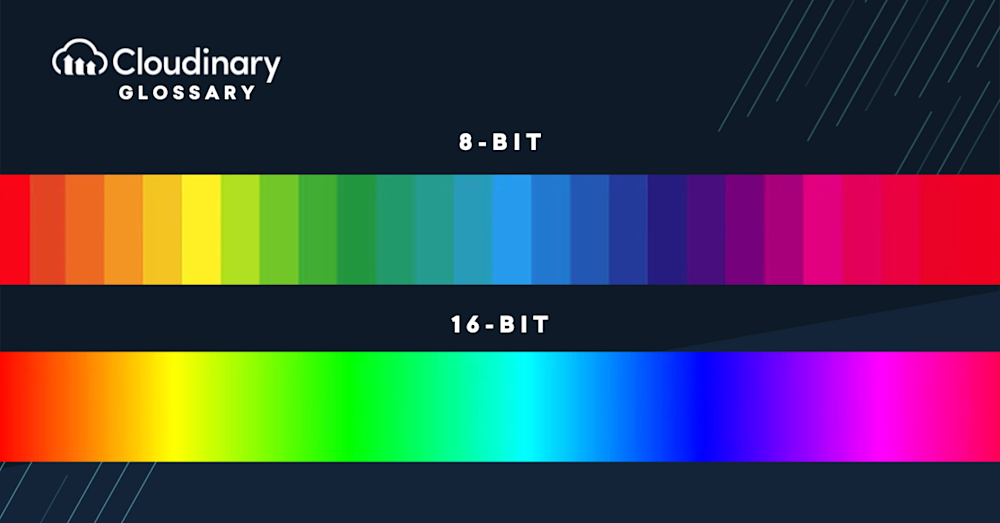
Color depth: The number of bits used to represent the color of each pixel.
Compression method (if any): How the image data is stored to reduce file size.

Calculate the image resolution (without bit depth) for an image which has 400 Height and 200 Width (pixels).
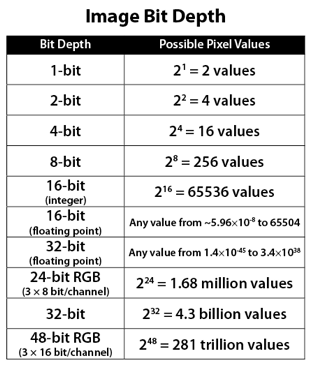
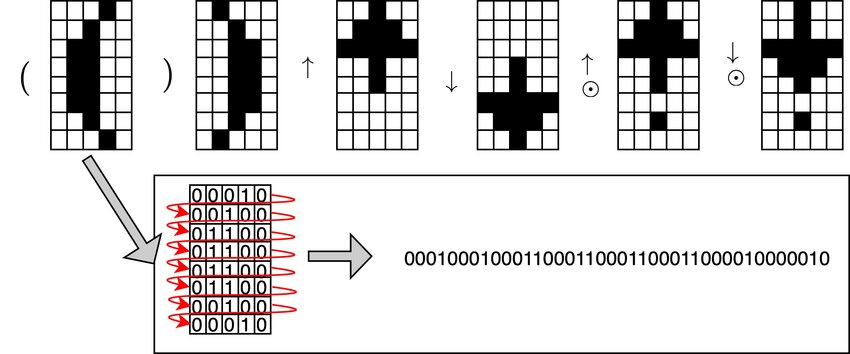
Imagine a simple 2x2 bitmap image with 24-bit color depth. How many bytes would this take up on your hard drive?
What would be the correct order of an image when it has been encoded?
Header
Pixel Data
| Draggable item | arrow_right_alt | Corresponding Item |
|---|---|---|
Compression Method | arrow_right_alt | An image composed of a grid of pixels, where each pixel represents a single color. |
Pixel | arrow_right_alt | An image composed of a grid of pixels, where each pixel represents a single color. |
Image Resolution | arrow_right_alt | The smallest element of an image that contains color information. |
Bit Depth | arrow_right_alt | The section at the beginning of an image file that contains metadata about the image, such as its size, resolution, color depth, and compression method. |
Encoding | arrow_right_alt | The total number of pixels in an image, expressed as width x height |
Raster Image | arrow_right_alt | The number of bits used to represent the color of each pixel, determining how many colors can be displayed. |
File Header | arrow_right_alt | The process of converting an image into a digital format that can be stored and interpreted by a computer, involving the arrangement of pixel color data according to the image’s layout and color depth. |
Bitmap Image | arrow_right_alt | A technique used to reduce the size of an image file by encoding the image data more efficiently. |
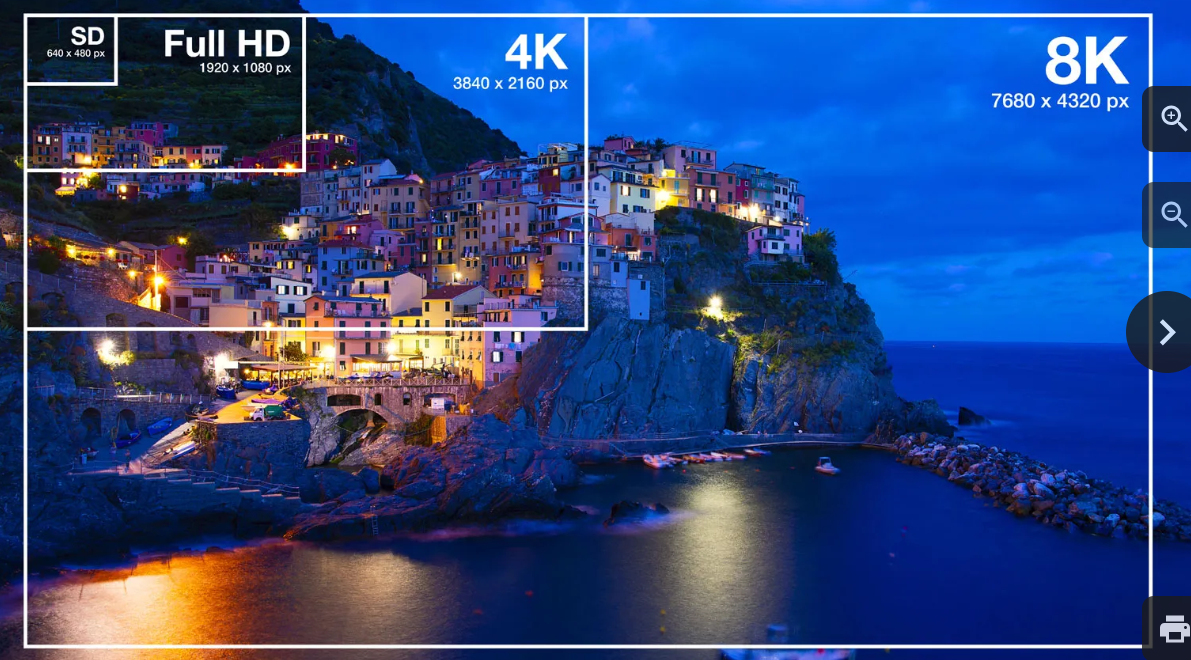
University Challenge:
Problem:You have an image with a resolution of 3840x2160 pixels (4K resolution). Your computer screen has a resolution of 1920x1080 pixels (Full HD). If you display the image at its full resolution, will it fit on the screen without scaling? If not, by what factor will the image need to be scaled down?