What type of a computer system are the following?

What type of a computer system are the following?
This lesson focuses on the essential components in computer systems and introduces a range on input and output devices.
What type of a computer system are the following?
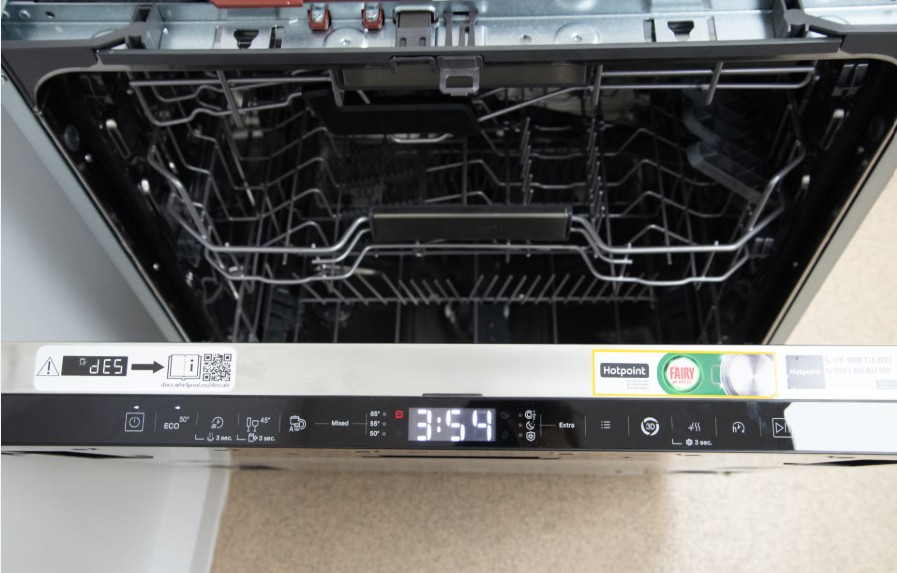
What type of computer system is this?
Match the computer systems with their proper definitions:
| Draggable item | arrow_right_alt | Corresponding Item |
|---|---|---|
Purpose-built computer systems | arrow_right_alt | They are designed to perform a variety of tasks. They can be programmed to execute various sets of instructions. |
General-purpose computer systems | arrow_right_alt | They are designed to perform a specific task or a limited set of tasks. Their programmes are limited to the purpose they are built for. |
Put the following computer systems in the right category:
Tablet
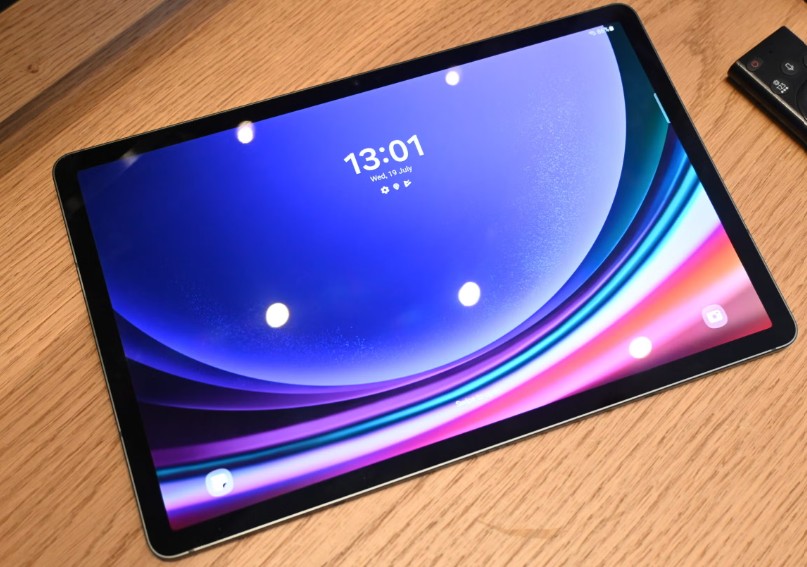
Air Con
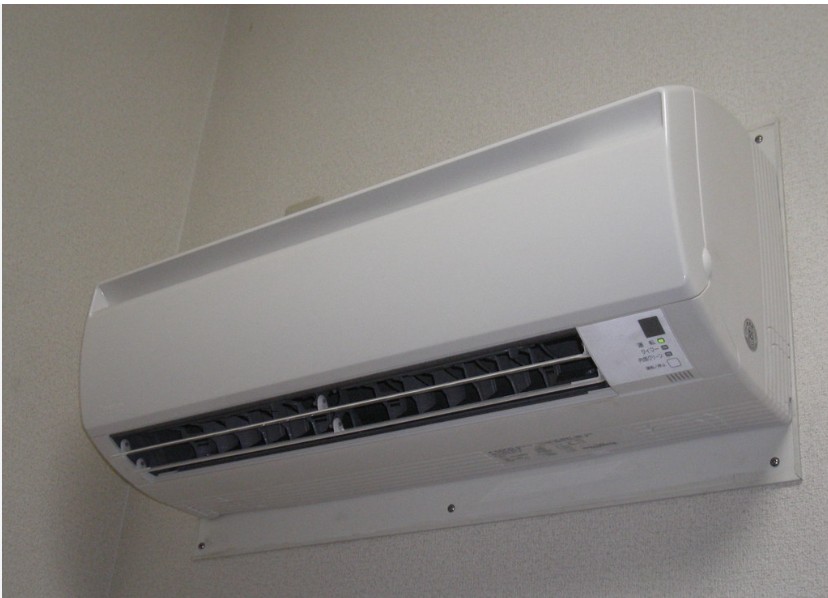
Desktop PC
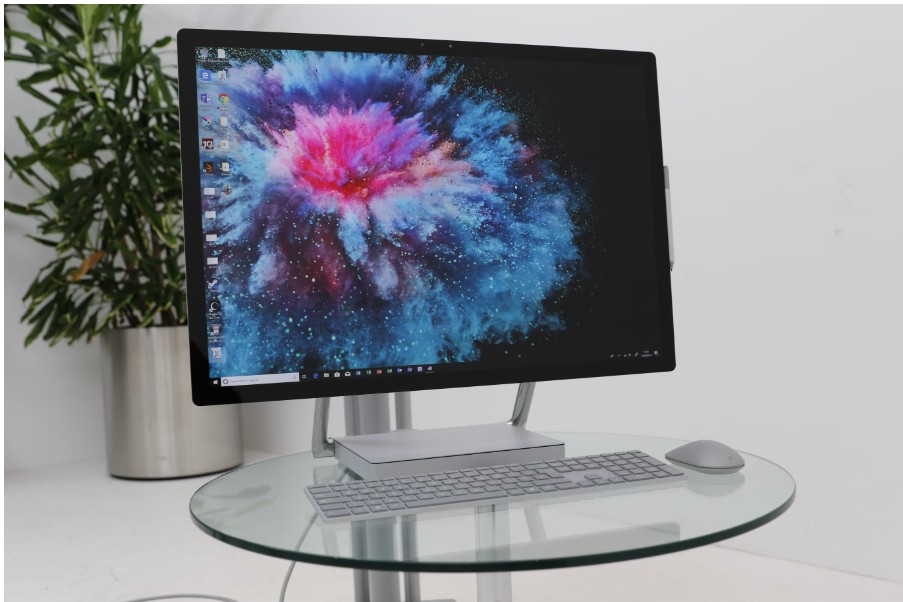
Laptop

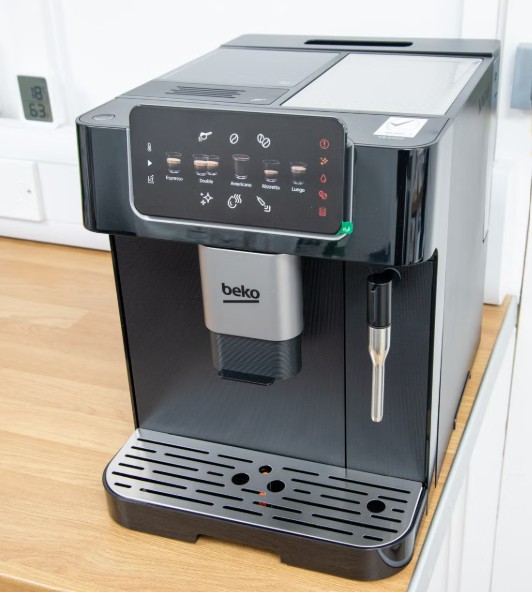
Modern Digital Coffee machine
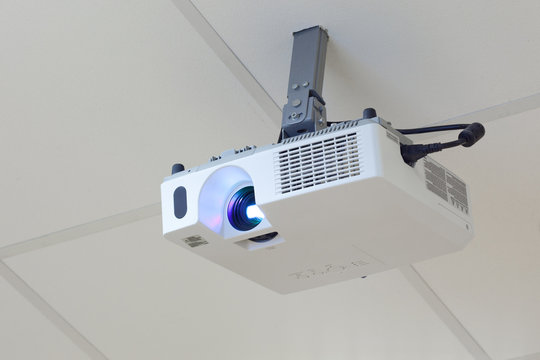
Overhead projector
General-purpose devices
Purpose-built devices
The main job of a computer system is to
Go over the specifications in the handout and complete the table with tick marks (✓) wherever a characteristic is present in a specification.
Desktop | Laptop | Smart phone | Raspberry Pi | Micro: bit | Rover robot | |
|---|---|---|---|---|---|---|
Processor | ||||||
Memory | ||||||
Storage | ||||||
Communication | ||||||
Graphics processor | ||||||
Input & Output | ||||||
Connections |
Which of the components were present in all the computer systems that you studied?
So, we learnt that 'processor, 'memory' and 'storage' are present in every computer system.
Most computer systems come with communication media, connection ports and often built-in input and output. But, not all!
Processor, memory and storage are the essential components of every computer system.
But, what are they used for?
What is the role of each component in computer systems?
Let's go through an example that makes it easy for us to understand:
This is Mila. She loves knitting in her free time. She can knit everything and anything by following the knitting patterns in the knitting books.

Look at the picture and think about the following questions: Discuss with your friend.
1. What is there in Mila's closet?
2. What is there on Mila's coffee table?
3. Where does Mila get the knitting patterns from?
4. Can you see knitted items that Mila has completed?
5. Can you see knitting items that Mila is still working on?
Which component in the picture works as 'storage' for Mila?

What element in the picture works as the 'processor'?

Which element in this picture works as 'memory'?

Which element in the picture works as 'instructions' that the 'processor' is using?

Match the following components and their role in computer systems:
| Draggable item | arrow_right_alt | Corresponding Item |
|---|---|---|
Input device | arrow_right_alt | The brain for the computer system. It processes data and executes instruction. |
Storage | arrow_right_alt | It stores information that the computer is working on. It helps the computer remember what it needs to do quickly. |
Processor | arrow_right_alt | It is where a computer keeps all its information, like files, games, apps, and pictures, so you can access them whenever you want. |
Output device | arrow_right_alt | Is something you use to send instructions or information into a computer system. |
Connection port | arrow_right_alt | Is something that makes it possible for us to see or hear the outcome of computer's work. |
Communication media | arrow_right_alt | Is a spot on a computer or device where you plug in cables to connect it to other devices. |
Memory | arrow_right_alt | The ways computer devices share information with each other. It can be through wires, like in the Internet, or wireless, like Wi-Fi or Bluetooth. |
Let's put the following devices in the correct category:
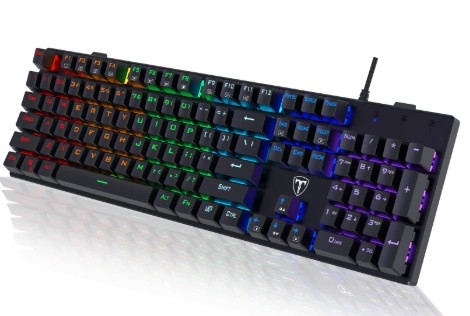
Keyboard
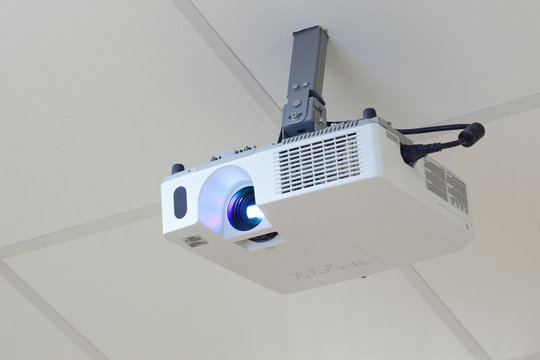
Overhead projector
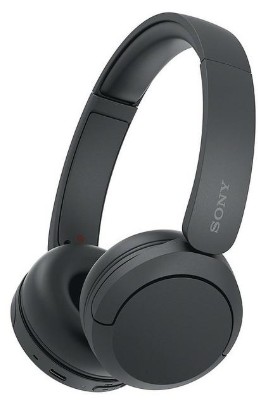
Headphones
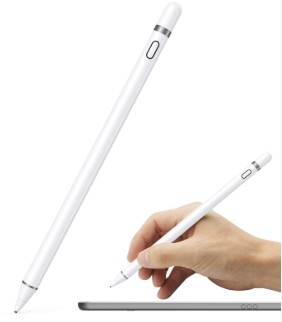
Stylus
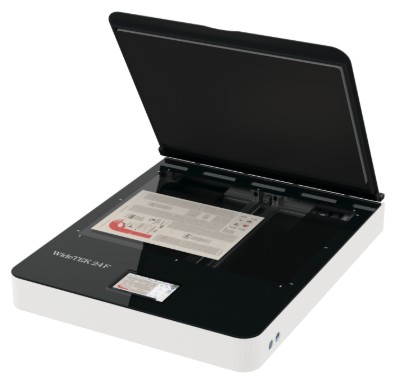
Scanner
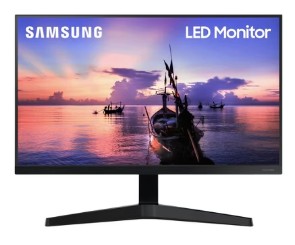
Monitor (screen)
Microphone

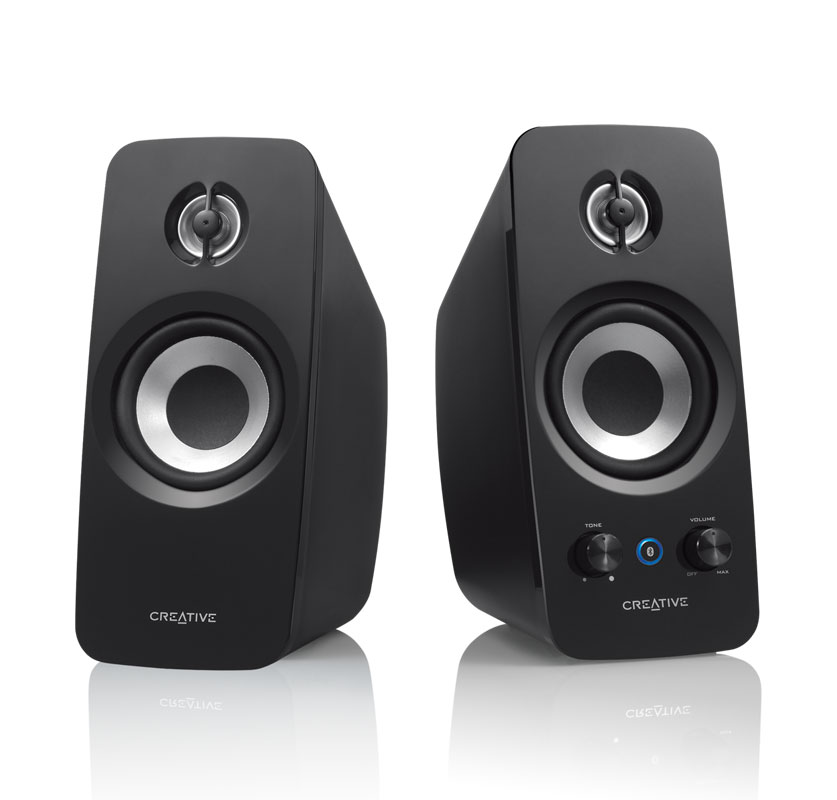
Speakers
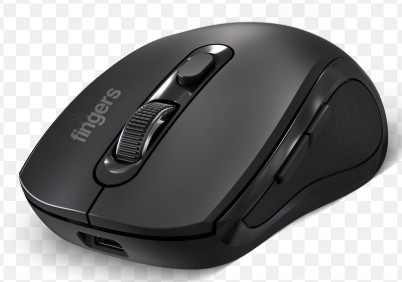
Mouse
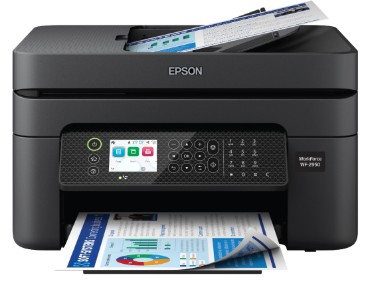
Printer
Digital camera

Input device
Output device
Can you detect four input/output devices in the self-checkout process at a supermarket video? Write them.
In this lesson, you learnt about:
how the hardware components are used in computing systems.
how they work together in order to execute programs.
how all computing systems, regardless of form, are similar in structure (‘architecture’).
how input and output devices are used to help users use the computer systems.
The configuration of a computing system is described using ‘specs’ (specifications), a table of hardware components and technical characteristics.

If you need help translating, here is a link.
Computer system configuration or specifications refers to the details about the parts that make up a computer. It's like a list that tells you how powerful the computer is and what it can do. These details include things like:
Processor: The brain of the computer, which helps it think and solve problems.
Memory (RAM): The space the computer uses to quickly work on tasks.
Storage: Where the computer saves files, apps, and games.
Graphics Processor: Helps the computer show pictures, videos, and games on the screen.
Input Devices: Tools like a keyboard or mouse that let you give instructions to the computer.
Output Devices: Things like a monitor or speakers that let the computer show or play what it’s doing.
Communication: ports or connection technologies that allow the computer system to connect to other devices or connect to networks.
CLICK HERE to look through the 'specs' of some computer systems.
Which of the following is an output device in a Computer System?
What device do you use to type information into the computer?
Which device displays the results of processing?
Which device allows you to give vocal commands to your computer?