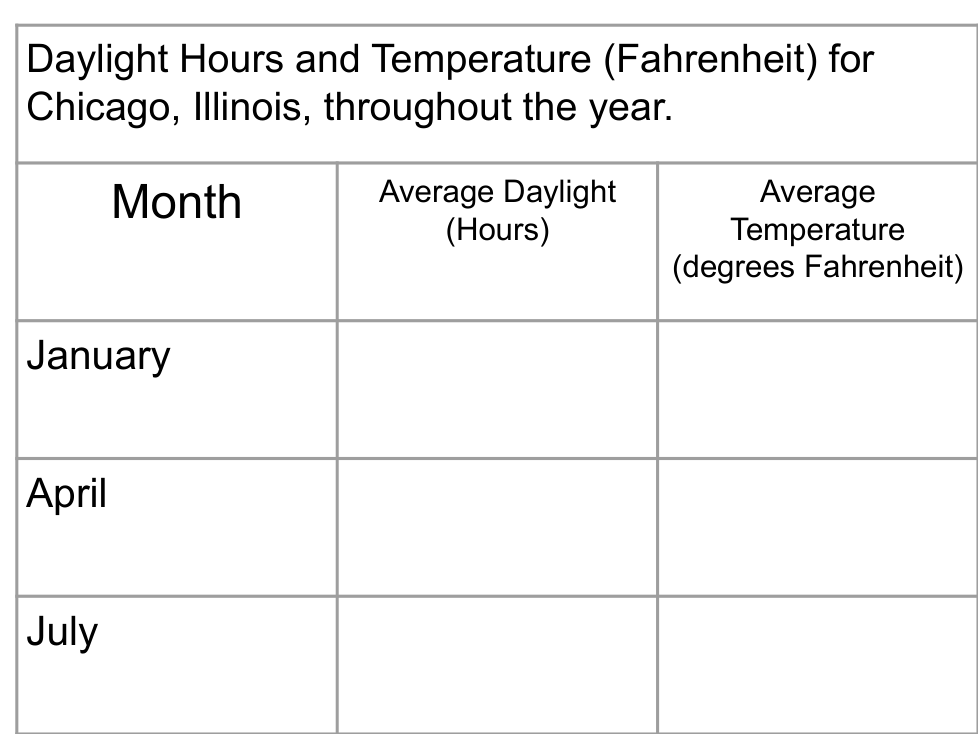
Mmuae Afoforo a Wobɛpaw:
49
21
14.55
73
9.29
13.22
1. Go to the Space Unit: a Year Viewed from Space - SEPUP. Find the blue interactive box when you scroll down the page.
2. Read the Intro Page on the blue box.
3. Click/touch the CONTINUE TO INTERACTIVE box in the upper right hand corner.
4. You will notice the Earth in its orbit in January. You can use the arrows on either side of January to change the month.
5. You have 4 cities you are collecting data on. You may highlight these cities on the Earth by clicking on their name in the simulation.
Anchorage, Alaska, USA
Chicago, Illinois, USA
Quito, Ecuador
Melbourne, Australia
6. You also have the ability to change the tilt of the Earth from it’s normal 23.5 degrees to 0 degrees. YOU WANT TO START THE SIMULATION ON A 23.5 Degree TILT.
Starting with January and going through each month until December, which two months do all four cities have the closest daylight hours (within about 1.5 hours) of each other.
About how many hours does every city have during those two months?
In the month of February with the Earth at a 23.5 degree tilt, traveling from the Northern Hemisphere to the Southern Hemisphere, the amount of daylight will
In the month of June with the Earth at a 23.5 degree tilt, traveling from the Northern Hemisphere to the Southern Hemisphere, the amount of daylight will
In the month of November with the Earth at a 23.5 degree tilt, traveling from the Northern Hemisphere to the Southern Hemisphere, the amount of daylight will
When there are daylight hours in an area, the season/temperatures will be
Change the tilt of the Earth to 0 degrees. Observe what has happened to the temperature and daylight hours four all four cities throughout the year. Use this knowledge to answer the prompt below:
Aii. Apply scientific knowledge and understanding to solve problems in familiar and unfamiliar situations.
Prompt: What effect does Earth's natural 23.5 degree tilt have on life here? What might we assume if a planet has a smaller degree of tilt? What might we assume if the planet has a larger degree of tilt?