Lesson intentions To know that bitmap images are made from pixels
Success Criteria:
1: Know that bitmaps are made up of tiny coloured squares
2: Each pixel is made up of a binary number
3: Bit-depth and resolution increases the size of the file
Images are usually of two types:
- Bitmaps
- Vectors
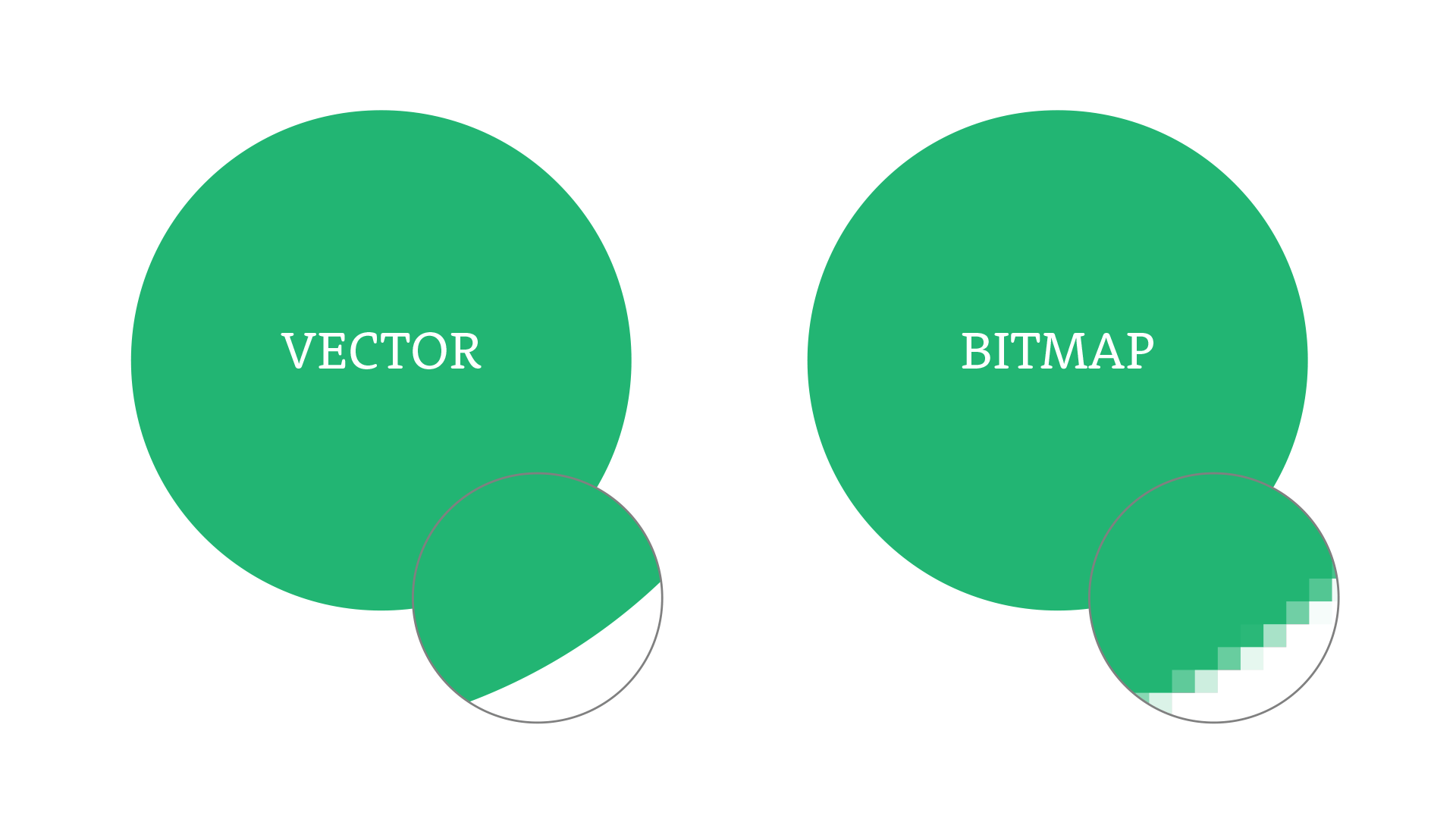
Bitmaps are made up of tiny coloured squares called PIXELS (short for Picture element)
Each of these pixels are represented as a binary number. If you zoom in too much on a bitmap, it becomes blurry and pixelated because you can see the individual squares.
Vector Images are created using mathematical formulas. This means it uses lines and shapes, which can be resized without losing any quality. So, if you make a vector image bigger or smaller, it stays sharp and clear, no matter what size you choose.
Resolution is the amount of Pixels you have per inch.
Bit-depth is the amount of bits you have per pixel
Metadata is data about data. You usually see this when you look at your pictures on your phone (e.g. Location, date of pixture, resolution, file size)
Match the keyword to the definition
| Draggable item | arrow_right_alt | Corresponding Item |
|---|---|---|
Metadata | arrow_right_alt | the amount of Pixels you have per inch. |
Bitmap Image | arrow_right_alt | the amount of bits you are using |
Bit-depth | arrow_right_alt | data about data |
Vector Images | arrow_right_alt | Images made out of coloured squares called pixels |
Resolution | arrow_right_alt | Images made from mathematical formulas so zooming in and out keeps the same quality. |
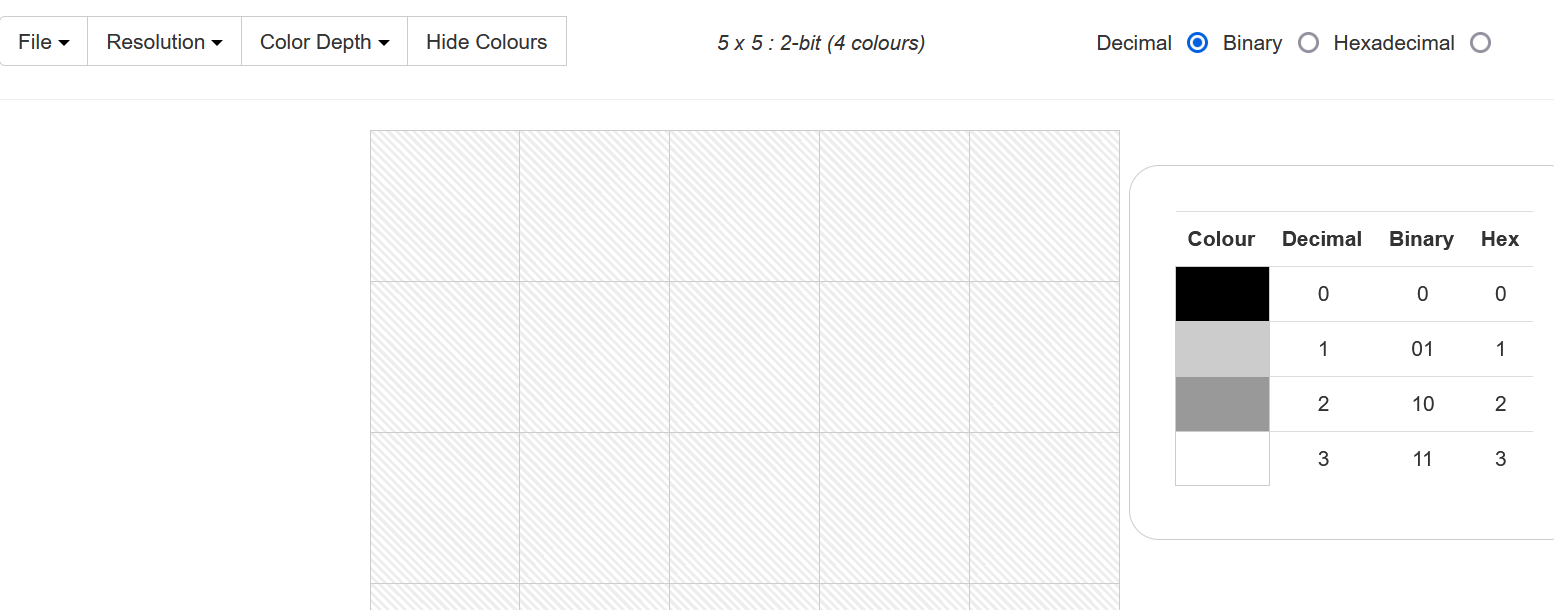
Guided practice - Use the bitmap creator to make a picture and screenshot into table below.
https://learncomputing.org/bitmap
Use the following settings:
Binary
Resolution: 5 x 5
Colour depth: 2-bits
Task 1 - Use the bitmap creator to make a picture and screenshot into table below.
https://learncomputing.org/bitmap
Use the following settings:
Binary
Resolution: 20 x 20
Colour depth: 4-bits
This will give you 16 colours to work with.
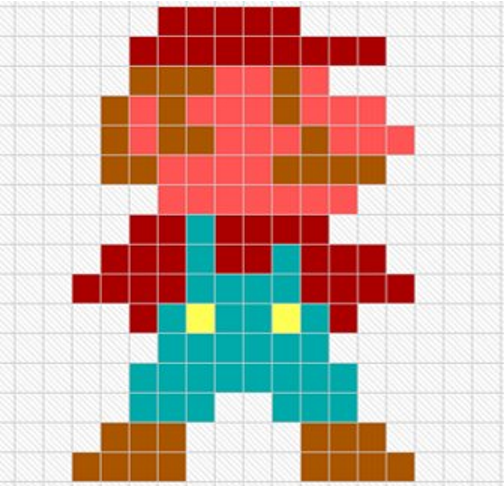
Here is an example.
Common misconception:
You may have heard of "Pixel Art". This is not a type of image. It is a type of art that uses pixels. So Pixel Art is usually a Bitmap Image, but a Bitmap Image is NOT Pixel Art.
Extra info about Hexadecimal numbers:
Hexadecimal: a number system that counts up in 16s.
Uses letters ABCDEF to represent 10 11 12 13 14 15 16.
This is easier to read than an 8-bit binary number.
Task 2 -
Change your resolution to 50 x 20,
change the colour depth to 24-bit,
and the number system to hexadecimal.
You now have over 16 million colours!
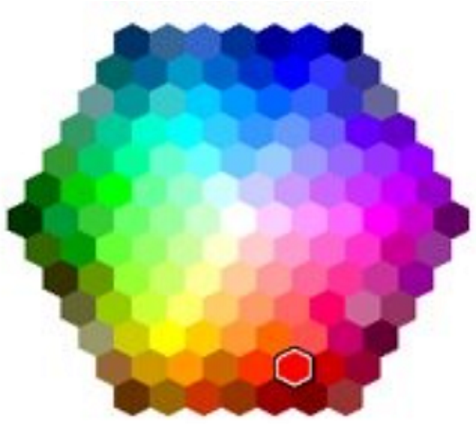
You will need to use the hex colour picker to get your colour values.
Task 3 - Save your file to your area and open it up in Notepad.
What can you see?
What is meant by metadata?
What happens to the size of a file when the number of bits used increases?
What happens to the size of a file when the resolution increases?
What is a pixel?