Log in
Sign up for FREE
arrow_back
Library
iTech Computer Basics Assessment
By iTech Academy
star
star
star
star
star
Share
share
Last updated 11 months ago
20 questions
Add this activity
zoom_in
5
5
5
5
5
5
5
5
5
5
5
5
zoom_in
5
5
5
5
5
5
5
5
zoom_in
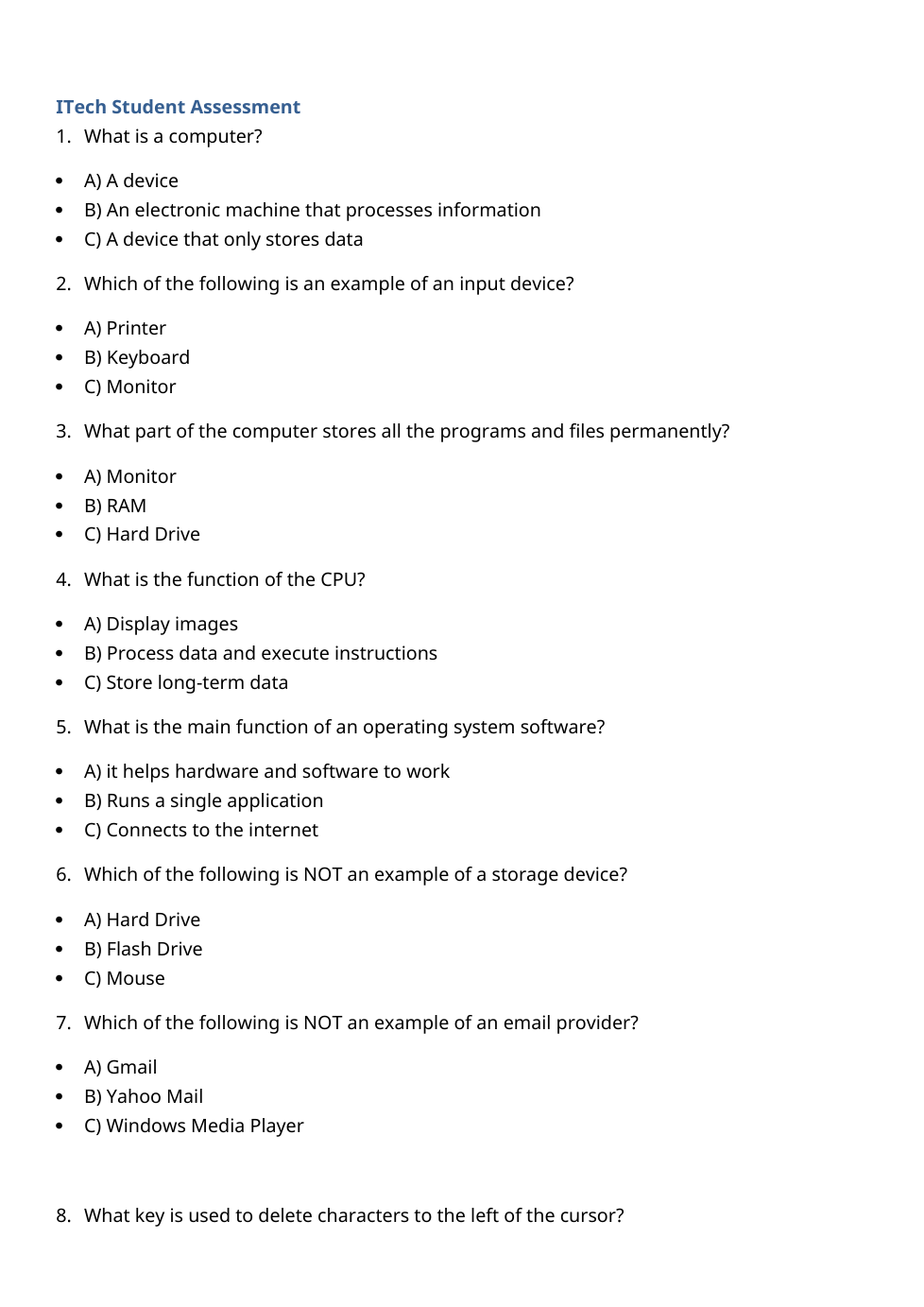
Question 1
1.
What is the main job of a computer?
D) A type of printer
C) A device that only stores data
A) A device
B) An electronic machine that processes information
Question 2
2.
Which of these is an input device?
A) Printer
D) Hard Drive
B) Keyboard
C) Monitor
Question 3
3.
What device stores programs permanently?
C) Hard Drive
A) Monitor
D) Keyboard
B) RAM
Question 4
4.
What does the CPU do?
C) Store long-term data
B) Process data and execute instructions
A) Display images
D) Connect to the internet
Question 5
5.
What is a computer?
A device
An electronic machine that processes information
A calculator
A word processor
Question 6
6.
Which of these is an input device?
Speaker
Monitor
Printer
Keyboard
Question 7
7.
What stores programs and files permanently?
RAM
Hard Drive
Monitor
CPU
Question 8
8.
What does the CPU do?
Display images
Connect to the internet
Store long-term data
Process data and execute instructions
Question 9
9.
What is the main job of an operating system?
Stores files
Connects to the internet
Runs a single application
It helps hardware and software to work
Question 10
10.
Which is NOT a storage device?
Hard Drive
Flash Drive
CD
Mouse
Question 11
11.
Which is NOT an email provider?
Yahoo Mail
Outlook
Gmail
Windows Media Player
Question 12
12.
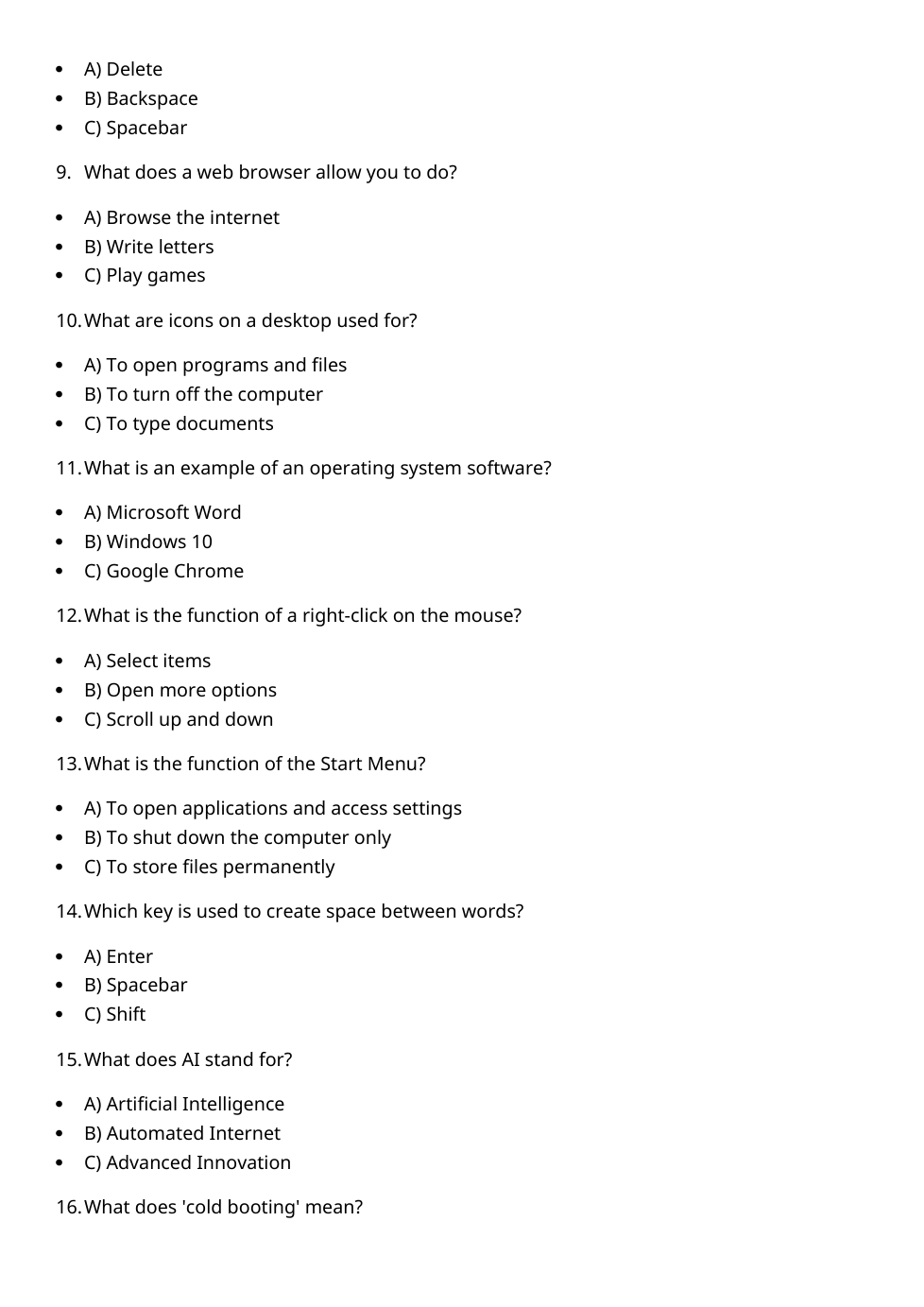
What key deletes characters to the left of the cursor?
Shift
Backspace
Enter
Delete
Question 13
13.
What does the spacebar do?
Changes text color.
Deletes text.
Makes text bold.
Creates spaces between words.
Question 14
14.
What is a web browser used for?
Writing letters.
Printing documents.
Playing offline games.
Browsing the internet.
Question 15
15.
What do desktop icons help you do?
Save documents only.
Surf the internet.
Turn off the monitor.
Open programs and files.
Question 16
16.
Which is an operating system?
Google Chrome.
Microsoft Word.
PowerPoint.
Windows 10
Question 17
17.
What does right-clicking do?
Scrolls down.
Opens more options.
Selects items.
Copies text only.
Question 18
18.
What does the Start Menu do?
Shut down the computer.
Access applications and settings.
Open browsers.
Store files permanently.
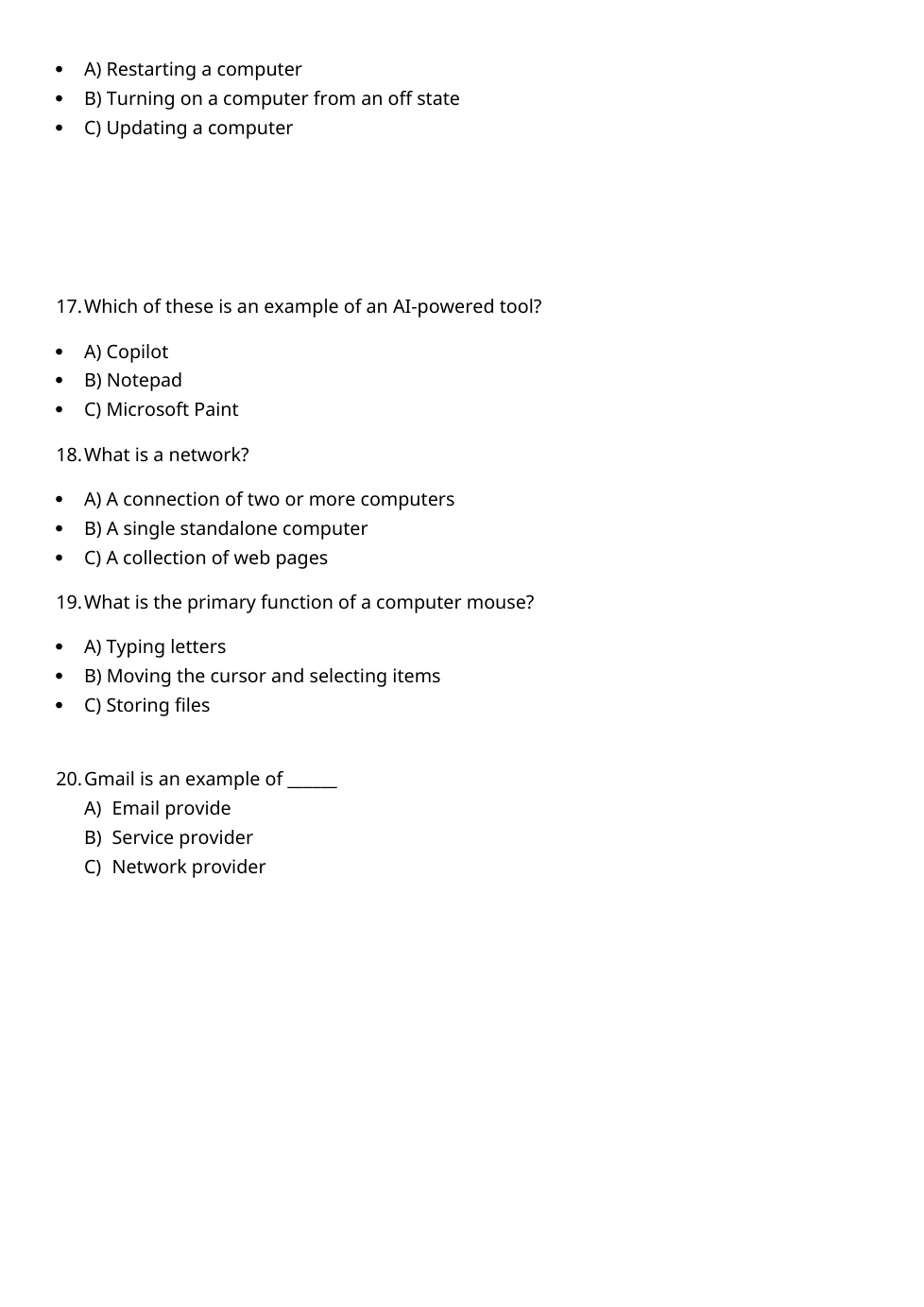
Question 19
19.
Which key creates space between words?
Spacebar
Arrow keys.
Shift
Enter
Question 20
20.
What does AI mean?
Artificial Interaction.
Advanced Information.
Automated Internet.
Artificial Intelligence