iReady Grade 2 Lesson 0_Day 2 Exit Ticket
star
star
star
star
star
Last updated about 1 year ago
2 Nsɛmmisa
Ɛhia
13
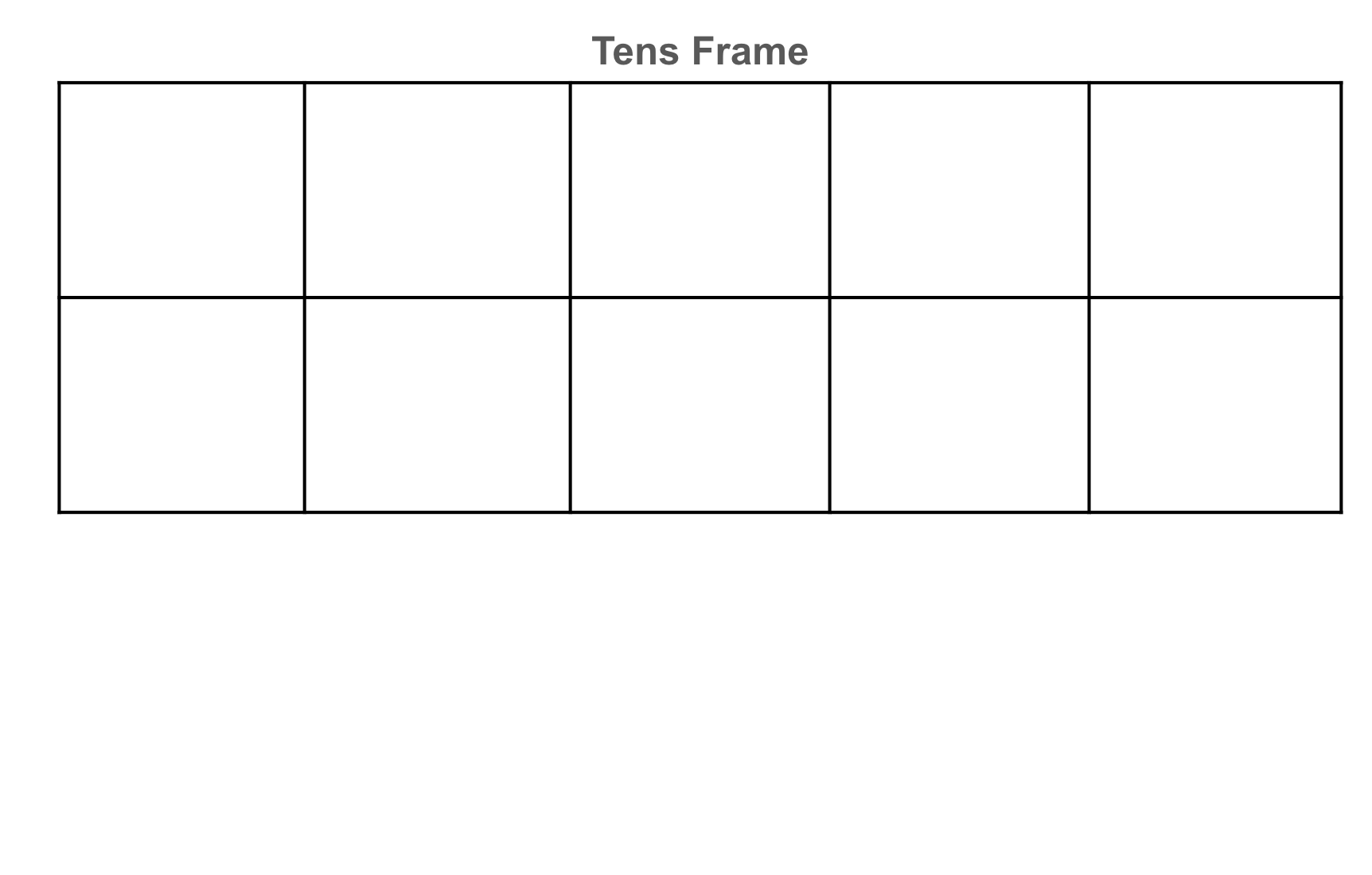
Drag and drop the red and yellow counters into the tens frame to show 7 + __ = 13.
First, fill in the tens frame to make a ten, then drag and drop the other counters to underneath the tens frame.
*Use the red counters for 7 and use the yellow counters for the number that would go on the line.
*To drag and drop the counters, touch the counters with your finger and drag them up into each numbered box in the tens frame.
Mmuae Afoforo a Wobɛpaw:


1.NBT.4
Ɛhia
0