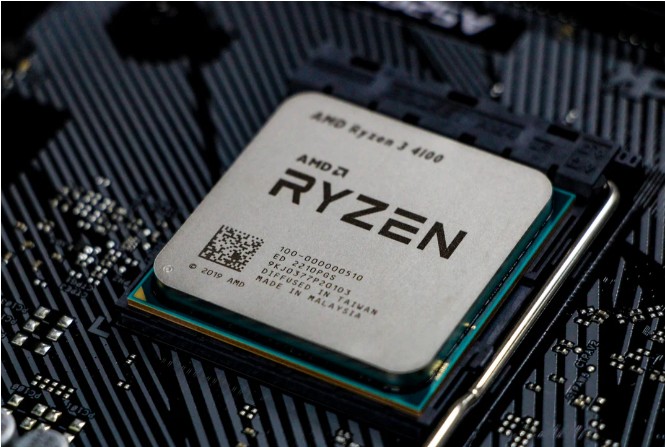
PART 1: A High-Tech Kitchen
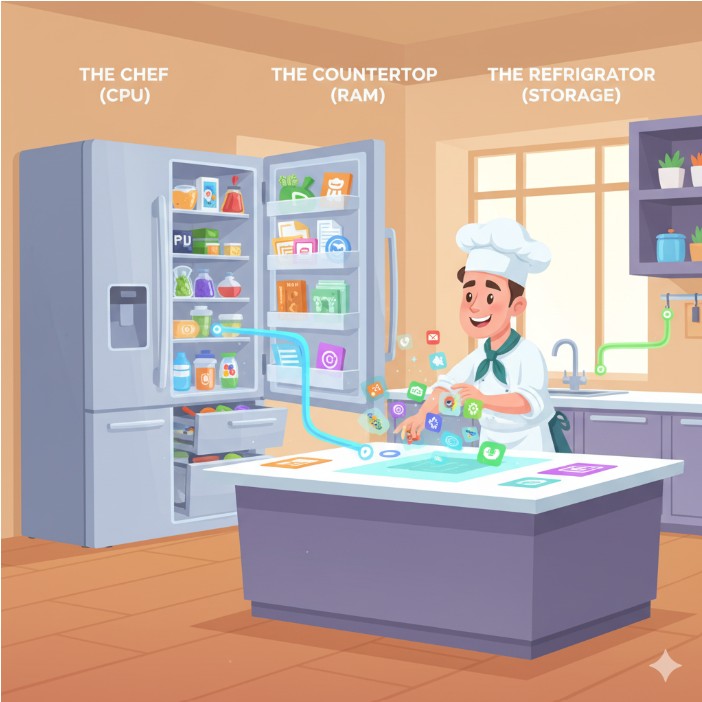
Imagine your computer is a high-tech kitchen. To get anything done, like making a digital sandwich or playing a game, you need three key things: a chef, a countertop, and a refrigerator. These are the CPU, RAM, and Storage!
Ɛhia
1
Do you remember from the last lesson what CPU stands for?
Do you remember from the last lesson what CPU stands for?
Ɛhia
1
Do you remember from the last lesson what RAM stands for?
Do you remember from the last lesson what RAM stands for?

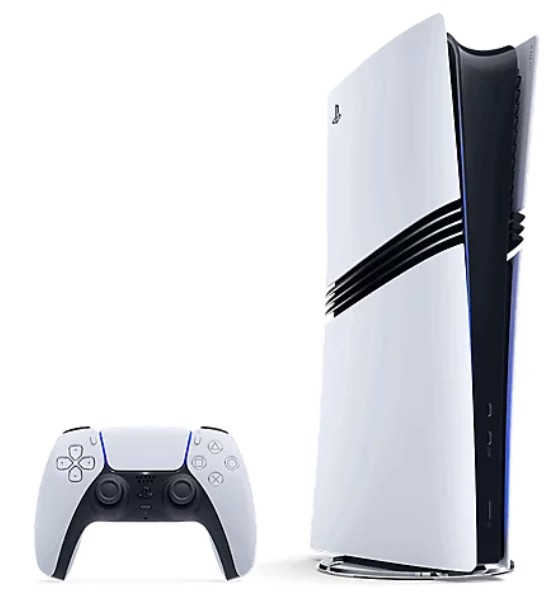
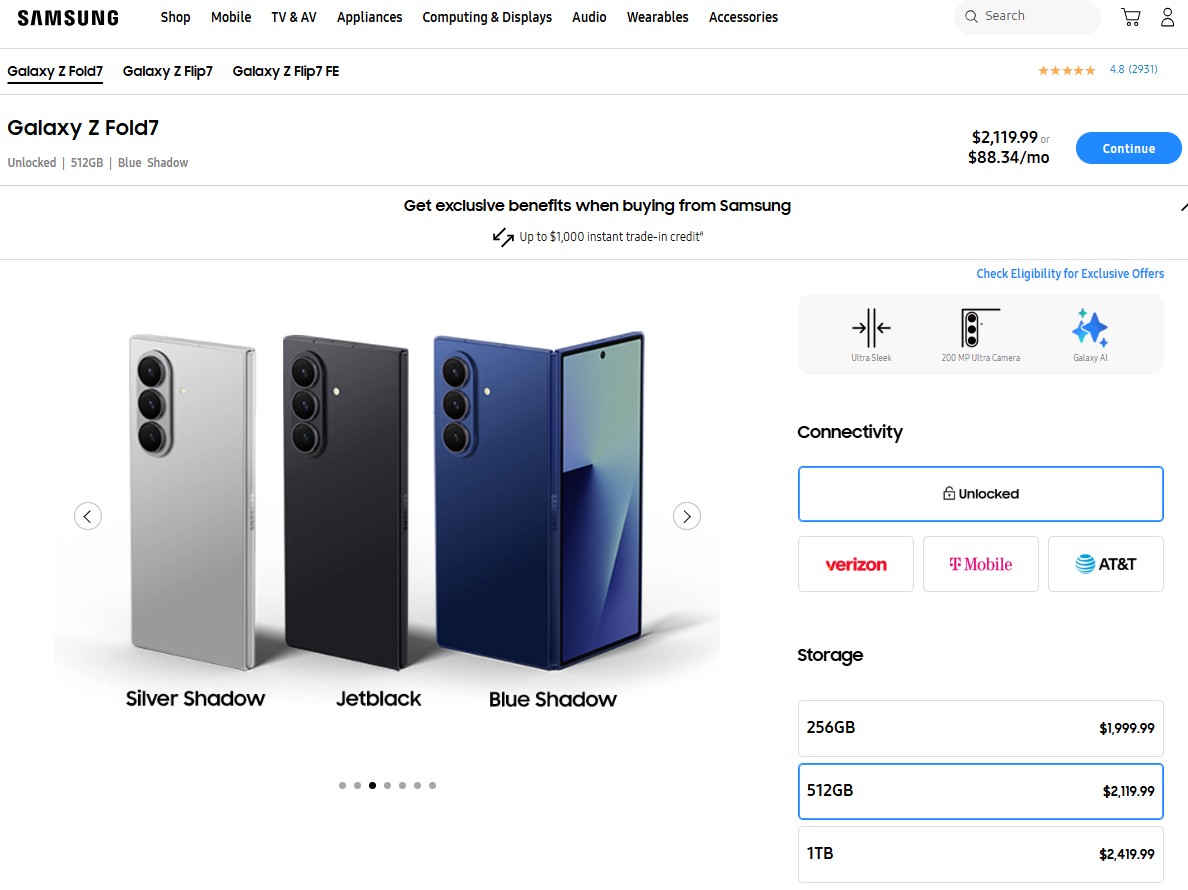 Pay attention to the size of the storage and the price of the smartphone.
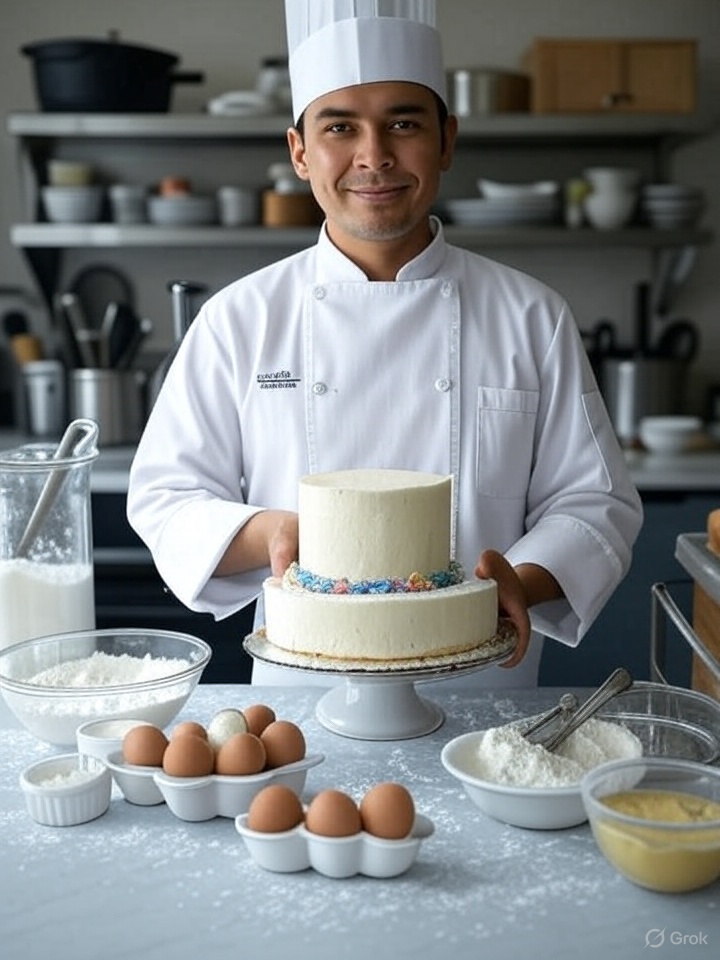
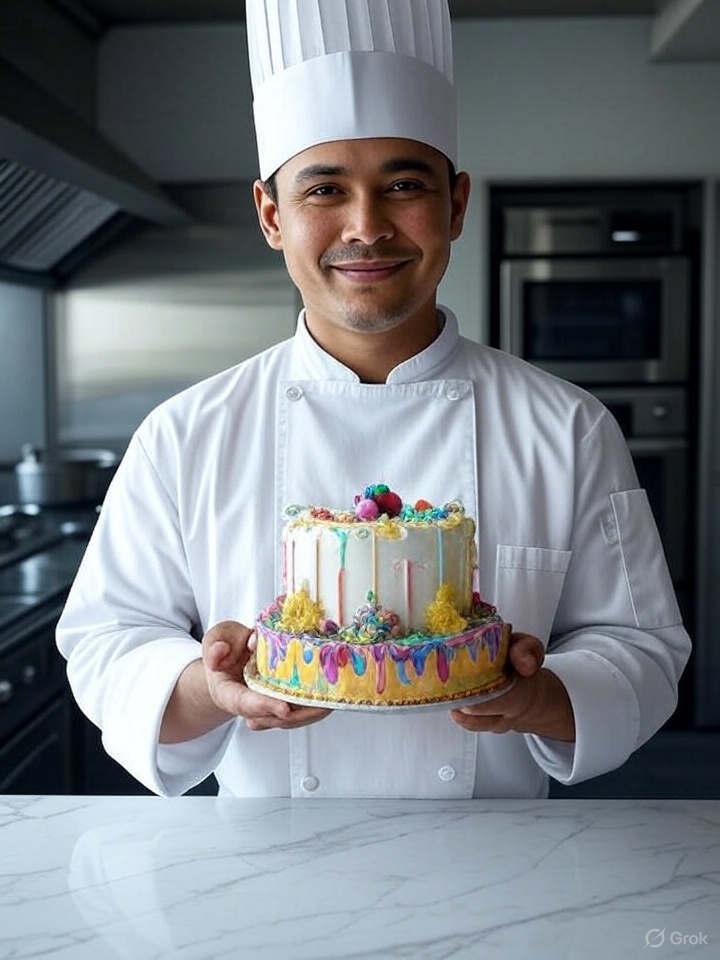 While working, the baker has everything he needs out of the fridge and pantry and on the counter. Once he is finished with the cake, he puts everything back where they belong and cleans the counter. The ready cake can now be stored in the fridge.