This session introduces students to Formative's functionalities, showcasing different question types and features to enhance classroom engagement and learning.
This session introduces students to Formative's functionalities, showcasing different question types and features to enhance classroom engagement and learning.
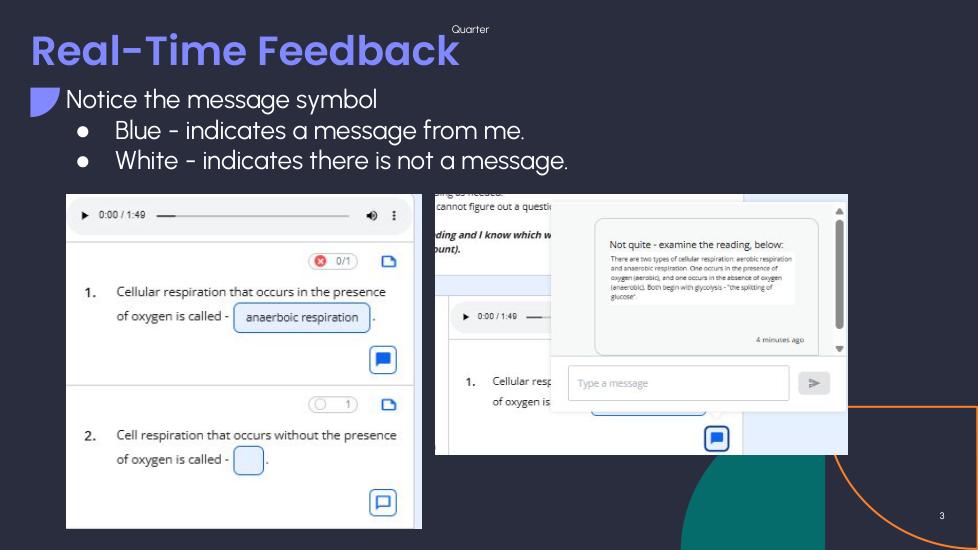
Type in the name of your hometown, then wait for me to give you feedback (if you don't see the message sign turn blue, let me know).
Escribe el nombre de tu ciudad natal y luego espera a que te dé retroalimentación (si no ves que el mensaje se vuelva azul, avísame).
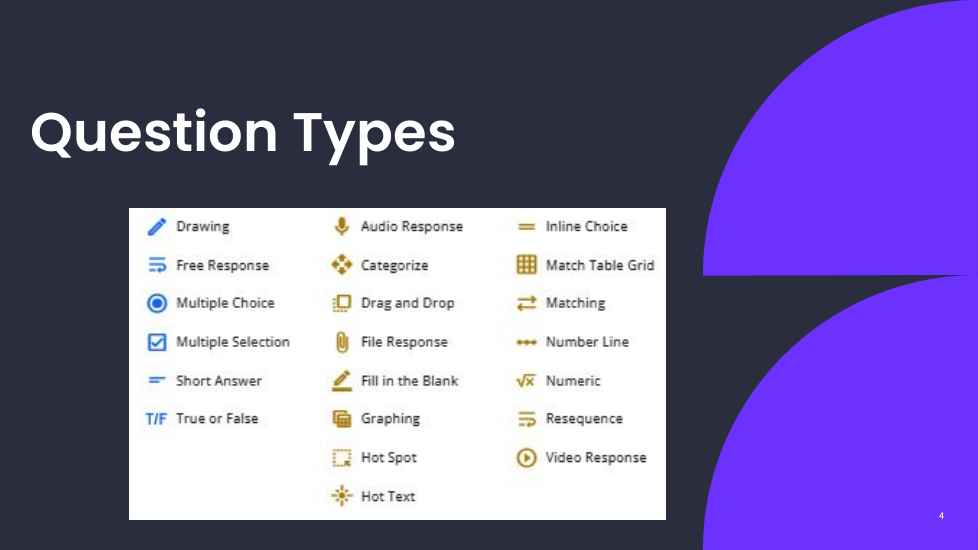
What is Formative used for?
¿Para qué se utiliza Formative?
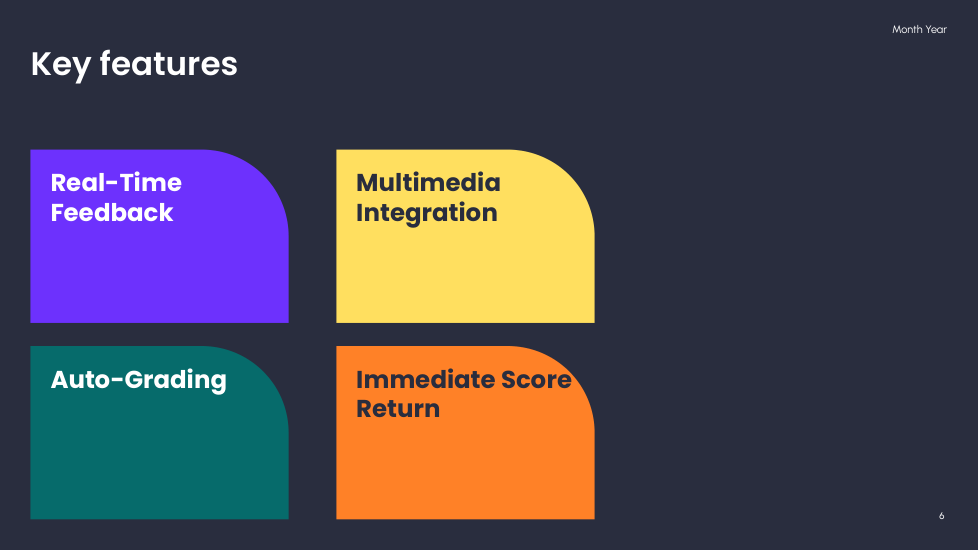
Name one feature you think is crucial in Formative.
Nombra una característica que consideres crucial en Formative.
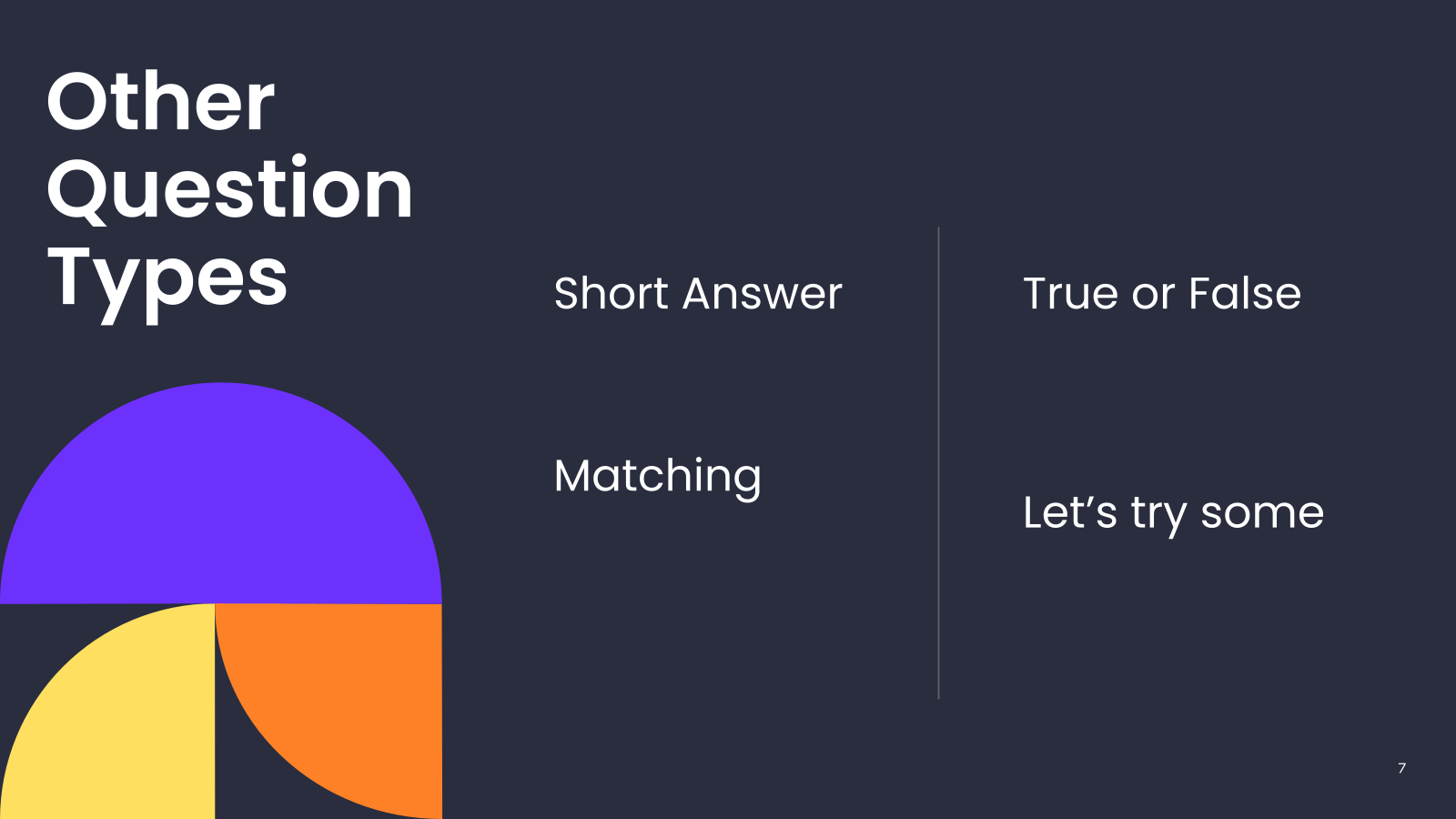
Match the Formative feature with its benefit.
Empareja la característica de Formative con su beneficio.
| Draggable item | arrow_right_alt | Corresponding Item |
|---|---|---|
Auto-grading (Calificación automática) | arrow_right_alt | Immediate understanding (Comprensión inmediata) |
Real-time feedback (Retroalimentación en tiempo real) | arrow_right_alt | Enhanced engagement (Mayor participación) |
Multimedia integration (Integración multimedia) | arrow_right_alt | Saves time (Ahorra tiempo) |
Formative allows real-time feedback.
Formative permite retroalimentación en tiempo real.
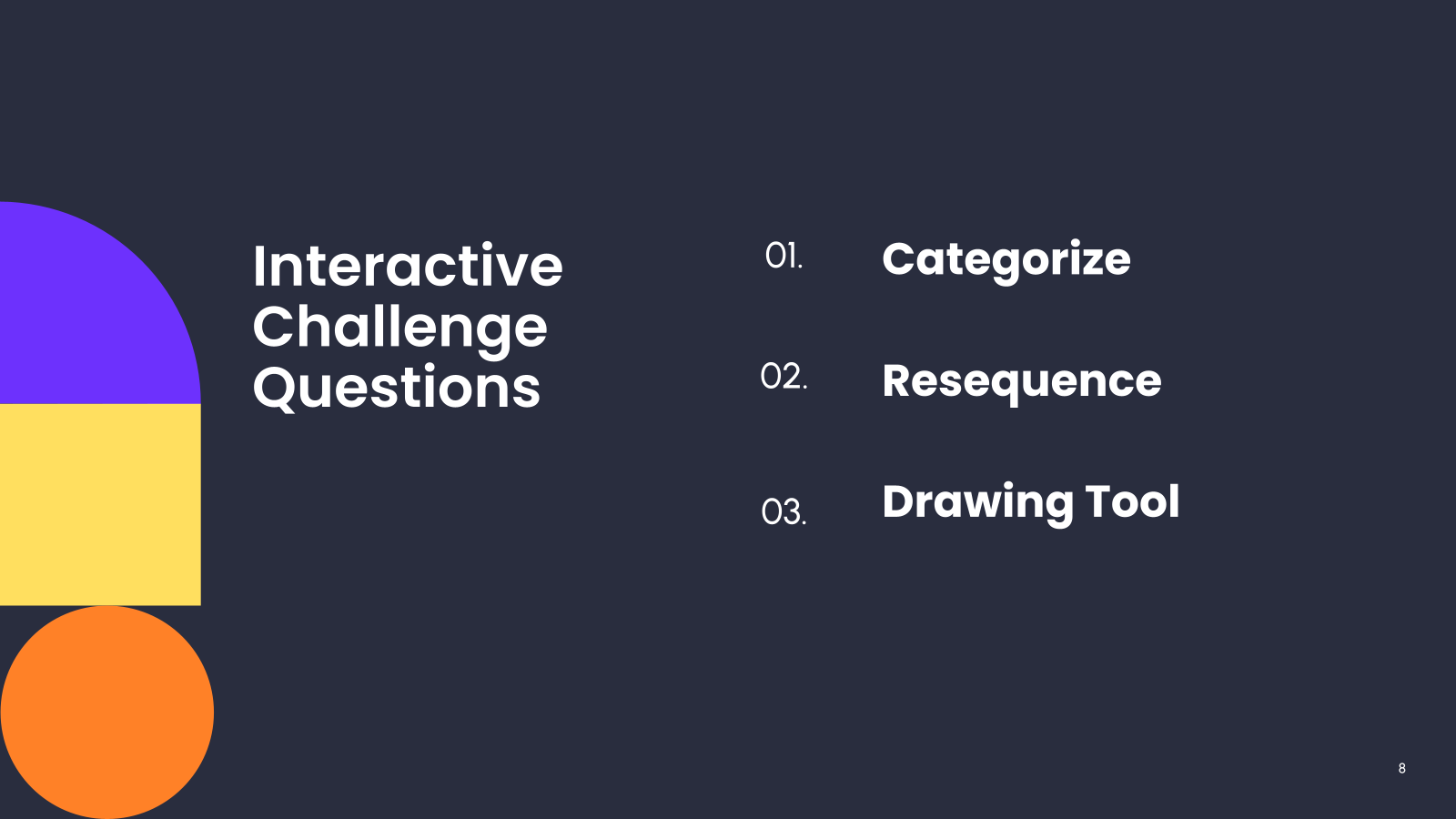
Categorize the following features into "Assessment" and "Engagement."
Categoriza las siguientes características en "Evaluación" y "Participación."
Auto-grading (Calificación automática)
Real-time editing (Edición en tiempo real)
Videos
Images (Imágenes)
Assessment (Evaluación)
Engagement (Participación)
Resequence the steps for taking a Formative quiz.
Reordena los pasos para realizar un cuestionario Formative.
Answer questions (Responder preguntas)
Submit quiz (Enviar cuestionario)
Log in (Iniciar sesión)
Use the drawing tool to draw the provided image - just do your best.
Utiliza la herramienta de dibujo para dibujar la imagen proporcionada; simplemente haz tu mejor esfuerzo.
Would you rather...
¿Preferirías...
Would you rather...
¿Preferirías...
Would you rather...
¿Preferirías...
Would you rather...
¿Preferirías...
Would you rather...
¿Preferirías...
Would you rather...
¿Preferirías...
Would you rather...
¿Preferirías...
Would you rather...
¿Preferirías...
Would you rather...
¿Preferirías...
Would you rather...
¿Preferirías...