Awesome Assessment Tools
star
star
star
star
star
Last updated over 8 years ago
3 Nsɛmmisa
Hyɛ no nsow a efi ɔkyerɛwfo no hɔ:
Professional Development training on technology assessment tools.

1


1
Professional Development training on technology assessment tools.
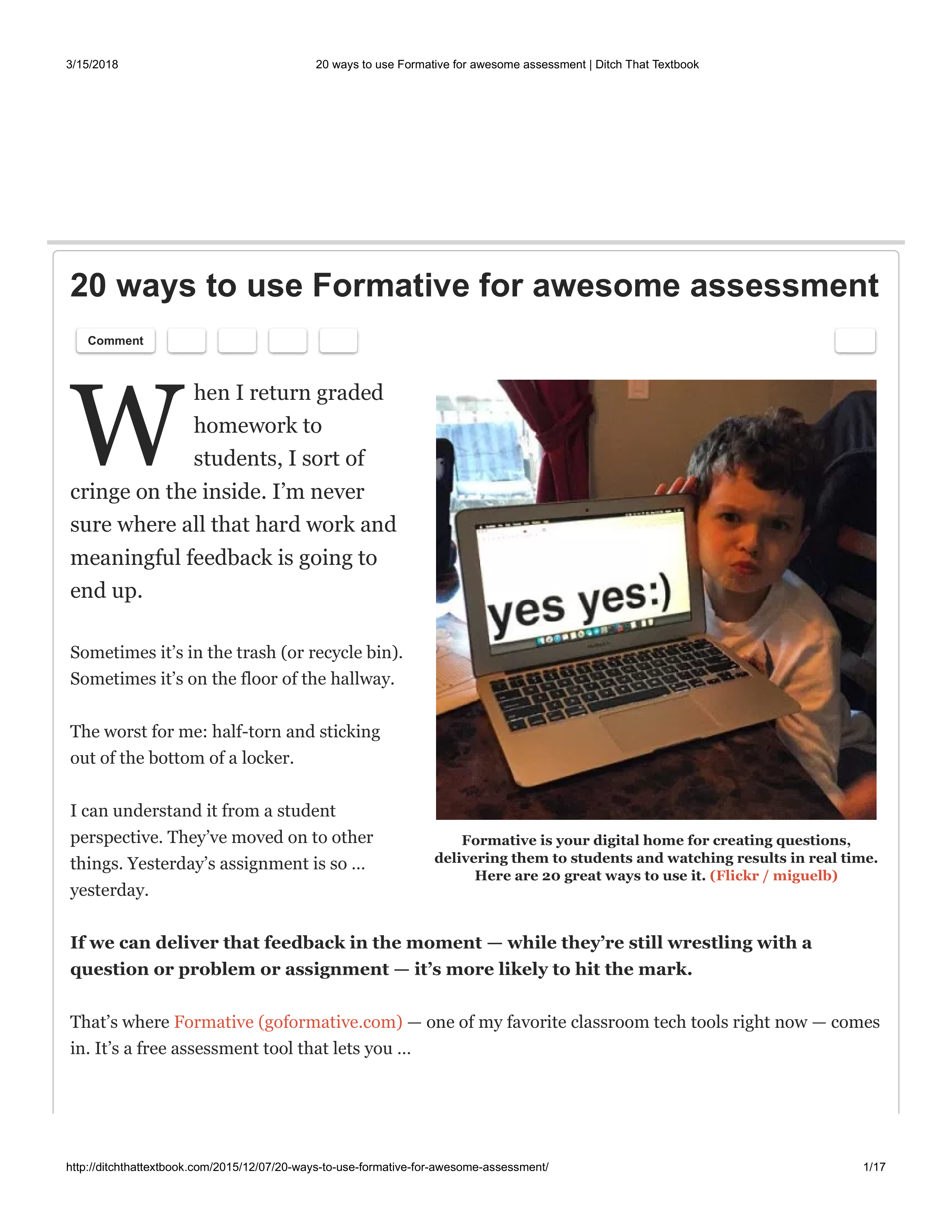
Think about a lesson you have been thinking about doing or have already done. How might you use EdPuzzle in that lesson?
List at least three reasons to use Actively Learn in your instruction.
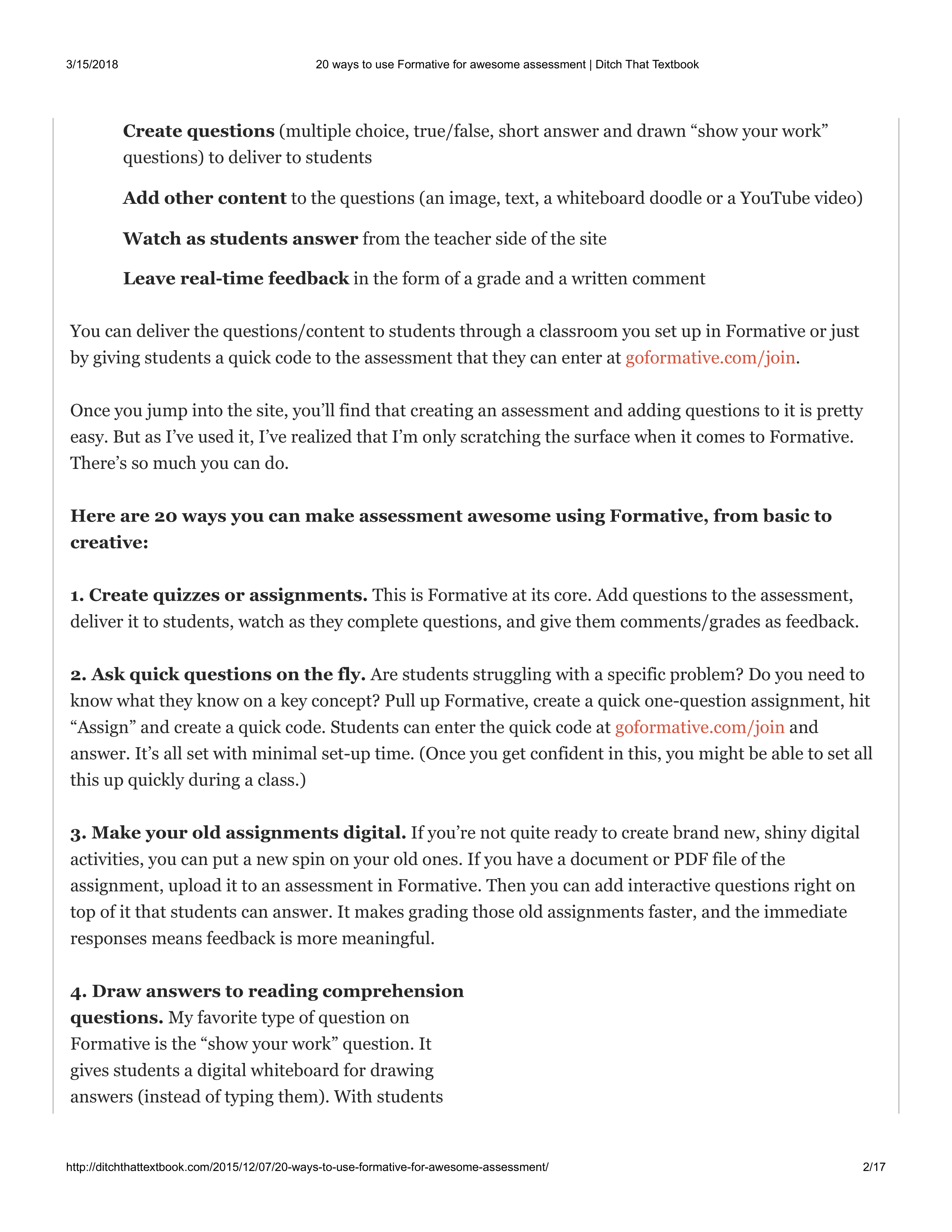
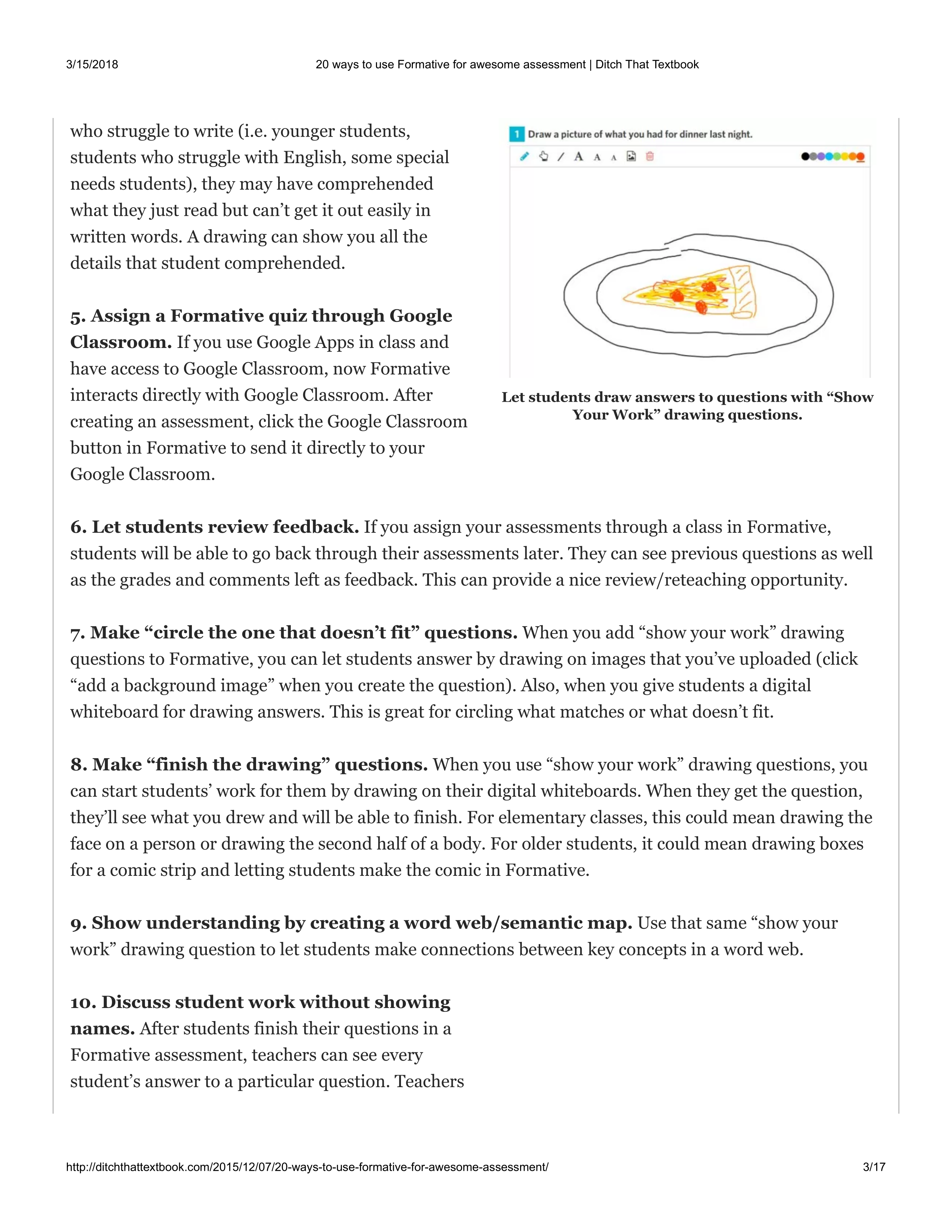
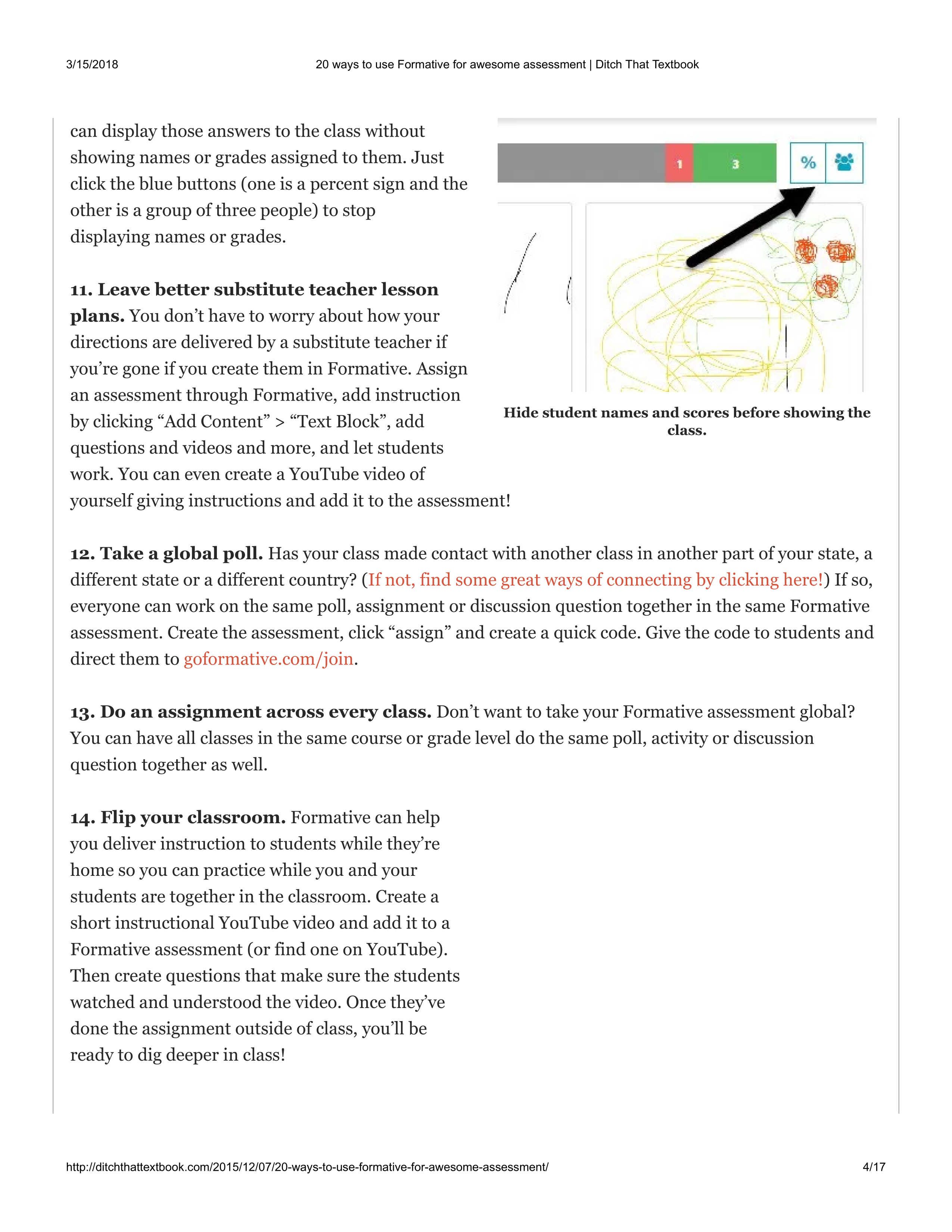
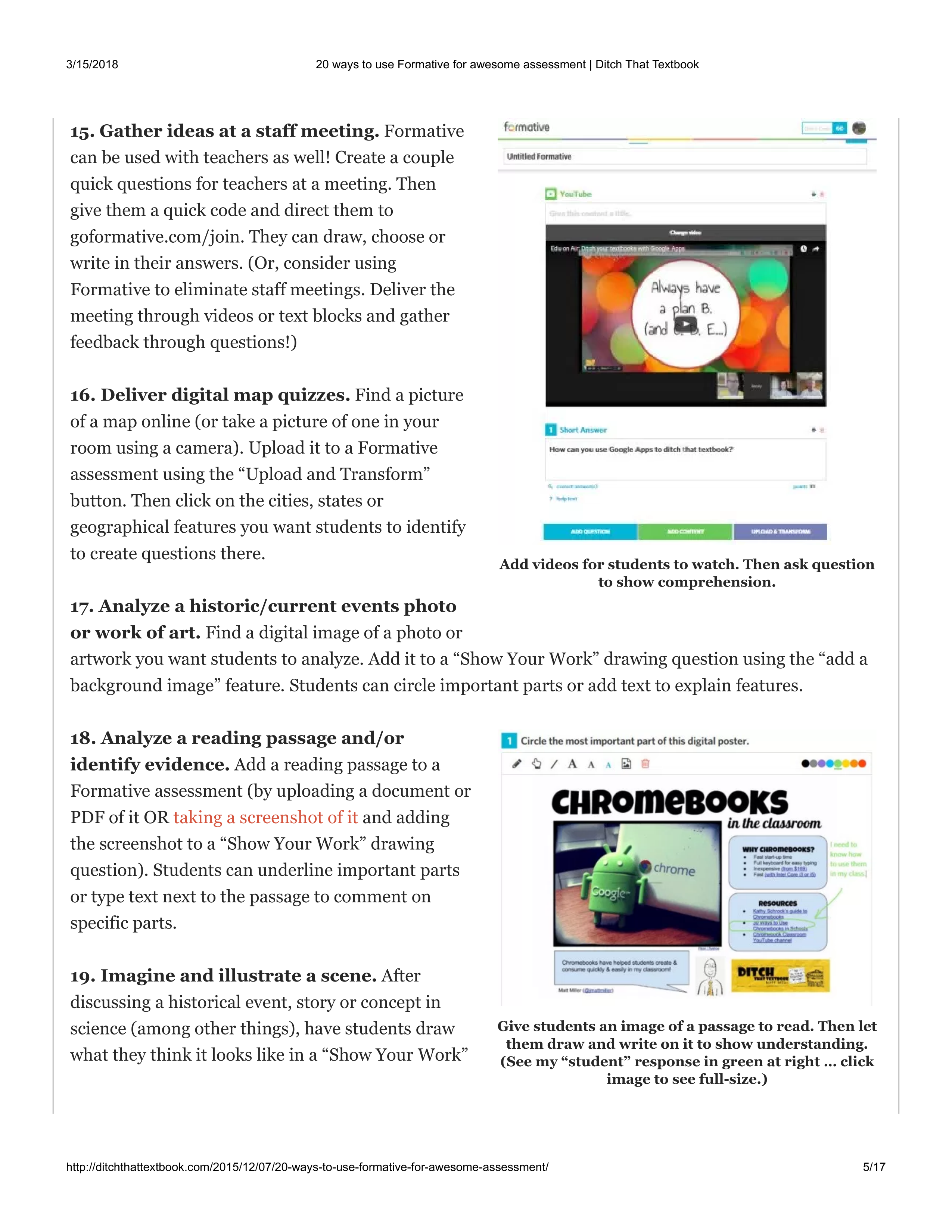
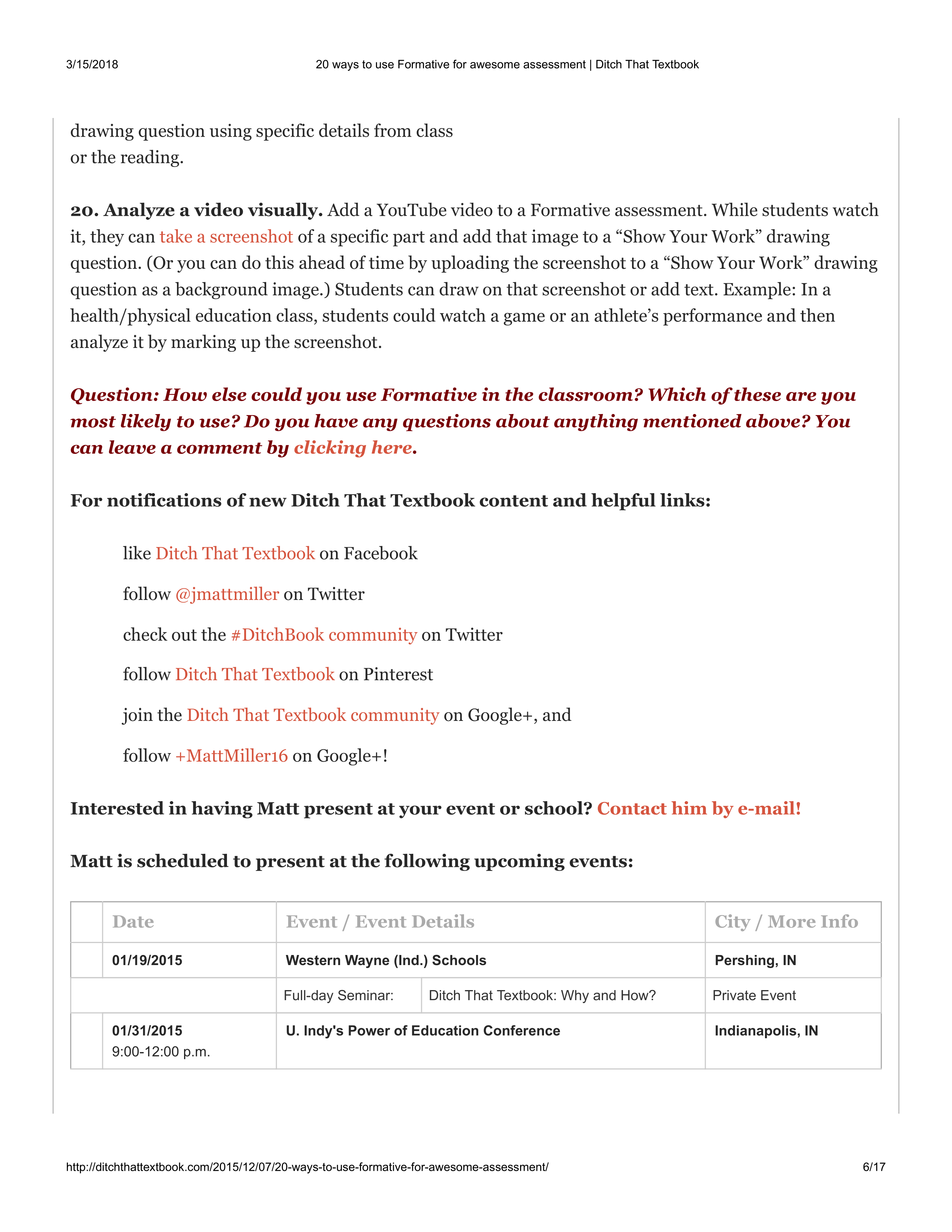
Read the article about "20 reasons to use Formative for awesome assessment", then answer question 3. If you have problems viewing the article below, you can go to the link instead.
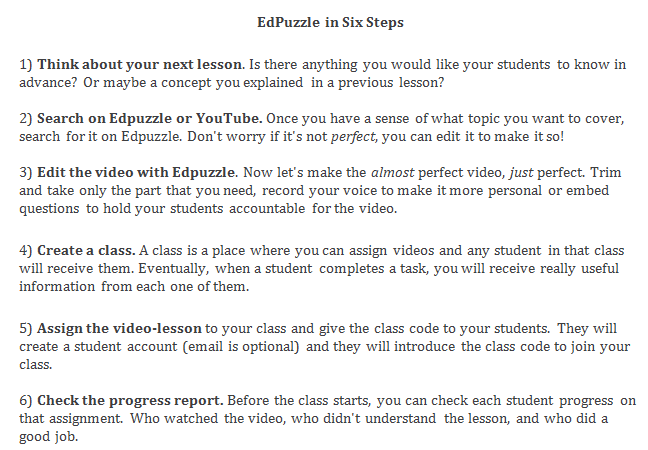
Use the "plus" sign and share which assessment tool you want to try on the Padlet. If you have tried all of the ones included on this Formative, you are welcome to find or try one not listed that you are interested in trying. Here is a list of some possible assessment tools:
1. EdPuzzle: https://edpuzzle.com
2. Actively Learn: https://www.activelylearn.com/
3. Formative: https://goformative.com/
4. Flipgrid: https://info.flipgrid.com/
5. Padlet: https://padlet.com/
6. Quizizz: https://quizizz.com
7. Kahoot! : https://create.kahoot.it
8. Go Conqr: https://www.goconqr.com/en/
9. Google Classroom: https://classroom.google.com/h
Check the five most likely ways you would use Formative.